Client check-out
3
9
Other
3.1
Printing a telephone bill
• The bill indicates:
- the client’s name,
- the room no,
- the global total of the client’s deposit (metering credit),
- the number of communications made,
- the total cost of communications.
3.2
Pre check-out
• This enables the client, before an early morning departure for example, to settle his telephone
bill the day before (no more external calls possible) whilst still keeping all the features
programmed on his terminal (wake-up alarm, messages, DDI no., DND, etc.):
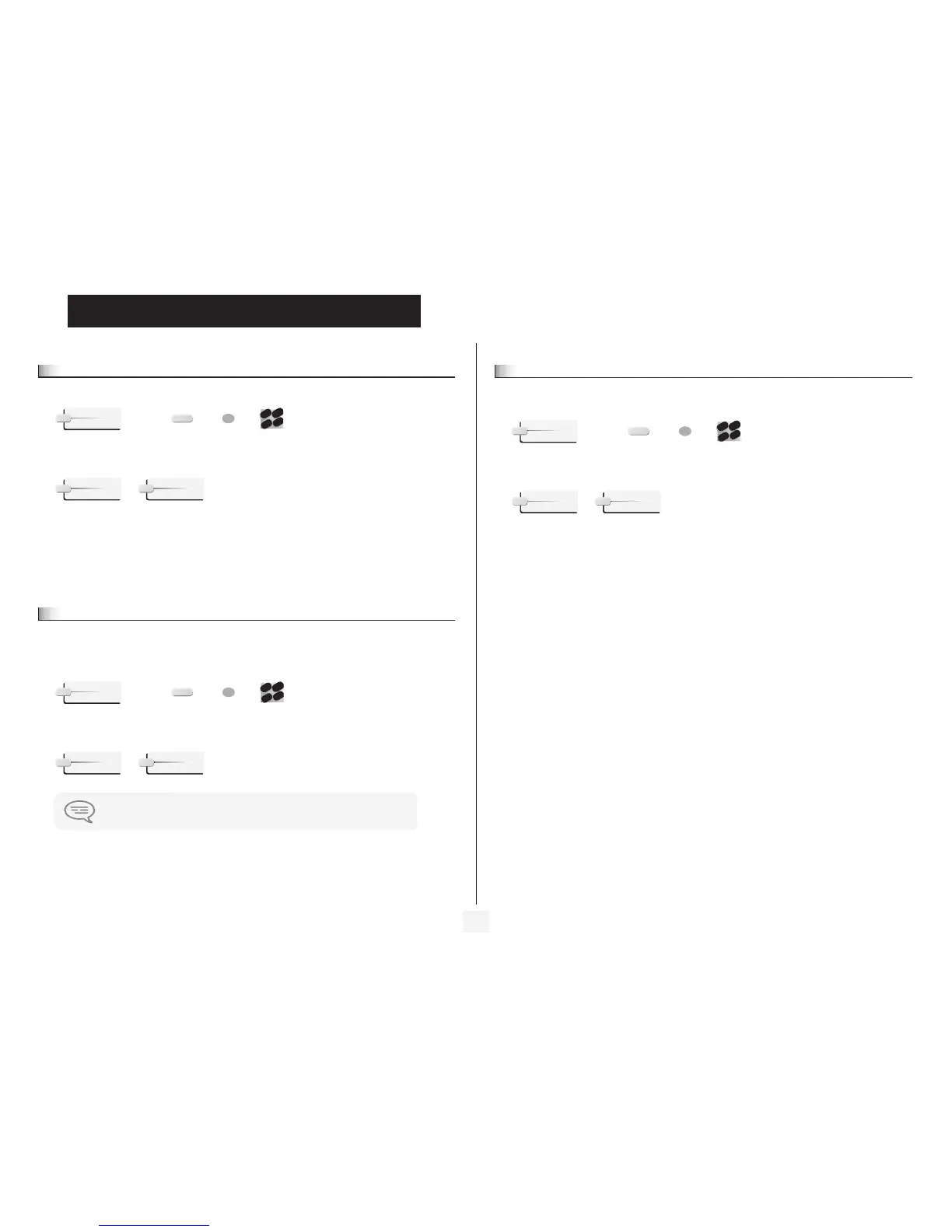
“Hotel” programmed
key
key corresponding
to room
directory no. of
room
Hotel
OR
2
6
5
3
ab c
def
jkl
m
no
CheOut
Print
“Hotel” programmed
key
key corresponding
to room
directory no. of
room
The pre check-out erases the client’s “remainder to pay”
Hotel
OR
2
6
5
3
ab c
def
jkl
m
no
CheOut
PreOut
3.3
Check-out
• This enables reception to free the room:
The room parameters are rebooted.
The telephone bill is printed automatically.
• The result of a pre check-out/check-out on room parameters are:
“Hotel” programmed
key
key corresponding
to room
directory no. of
room
PRE CHECK-OUT
Wake-up / Cancelled
message / Kept for 1 hour
DND: / Cancelled
divert / Cancelled
DDI allocation / Number assigned to operator
Barring No external call No external call
Room status / Free/ Not cleaned
personal code / Cancelled
Name / Room number
Remainder to pay Deleted Deleted
Hotel
OR
2
6
5
3
ab c
def
jkl
m
no
CheOut
CheOut


 To Next Page
 Loading...