21 22
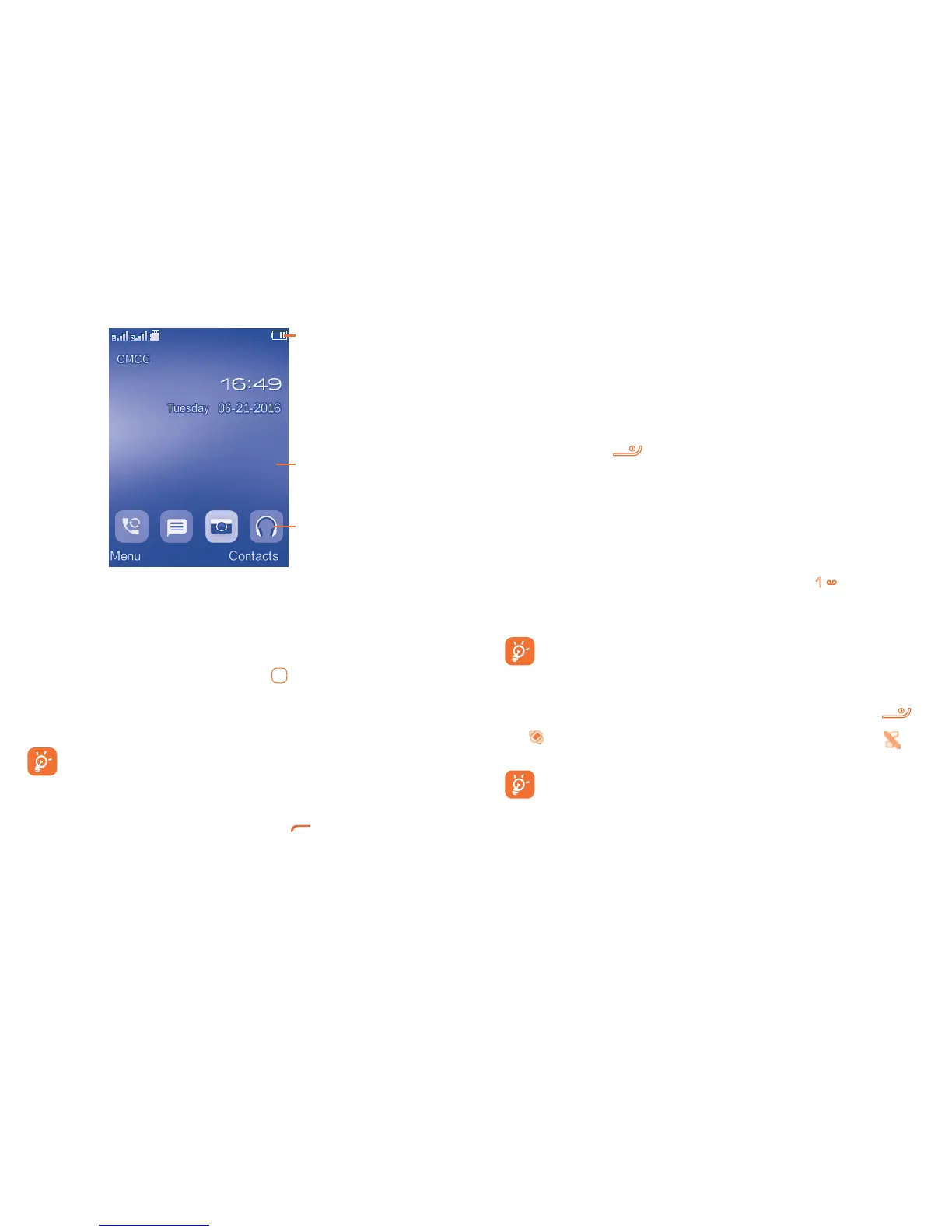
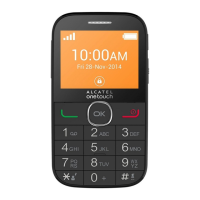
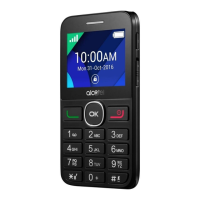
2.3 Home screen
Status bar
Wallpaper
Widget bar
2.3.1 Widget bar
Widgets are convenient shortcuts for quick access from the Home screen.
You can edit the widget bar by going to: "Settings/Phone settings/Widget bar".
To add/remove a widget, select "Edit widgets" and use the key to choose a widget, and then press
the Right softkey to confirm.
To reorder widgets, select "Reorder widget" and choose one item, scroll up or down to the required
position, place it, and then confirm by pressing the Right softkey key.
You aren't allowed to add more than four widgets to the bar. Two widgets can't be
removed: Messages, All calls.
2.3.2 Change wallpaper
You can select a folder to choose an image as a favourite wallpaper by selecting "Options/Set as/
Wallpaper" in My files or open the picture in Image and press to choose Set as wallpaper.
3
Making a call ............................................
3.1 Placing a call
Dial the desired number then press the send key to place the call. The number you entered can be
saved to Contacts by selecting "Options\Add to Contacts". If you make a mistake, you can press the
Right softkey to delete the incorrect digits.
To end the call, press the key.
Making an emergency call
If your phone has network coverage, dial the emergency number and press the send key to make an
emergency call. This works even without a SIM card and without typing the PIN code.
3.2 Calling your voicemail
(1)
Your voicemail is provided by your network to avoid missing calls. It works like an answering machine
that you can consult at any time. To access your voicemail, hold down the key.
If the access number for your operator’s voicemail service does not work, dial the number that you
were given. To change this number at a later date, see "Voicemail" (see page 27).
To use your voicemail service from abroad, contact your network operator before leaving.
3.3 Receiving a call
When you receive an incoming call, press the send
key to talk and then hang up using the key.
If the icon is displayed, the vibration mode is activated and there is no ringtone. If the icon is
displayed, the phone neither rings nor vibrates.
The caller’s number is displayed if it is transmitted by the network (contact your network
operator to check service availability).
Muting the ringtone
To mute the ringtone of current incoming calls, press the Navigation key once.
(1)
Contact your network operator to check service availability.


 To Next Page