2221
3.3 Receiving a call
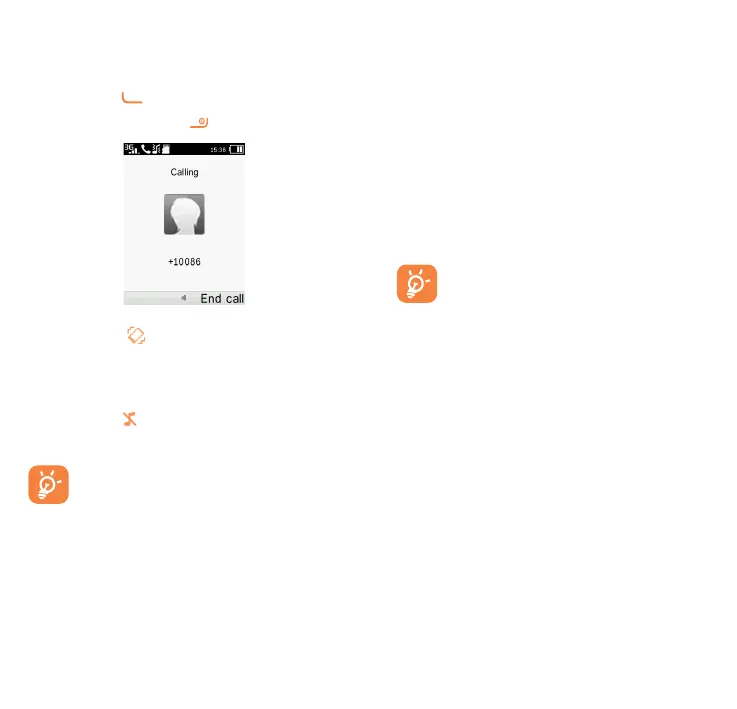
When you receive an incoming call,
press the key to talk and then
hang up using the
key.
If the icon is displayed, vibration
is activated and no ringtone will
play.
If the icon is displayed, the phone
neither rings nor vibrates.
The caller’s number is displayed
if it is transmitted by the
network (contact your network
operator to check service
availability).
3.4 During a call
(1)
During a call, following options are
available:
•
Handfree (Options\Handfree)
•
HAC (Hearing Aid Compatibility)
You can adjust the sound level
during a call by using the up/down
or side key.
Move the handset away from
your ear while using the
"H-free" option because the
amplified volume might cause
hearing damage.
Handling two calls
•
Answering a second call (ensure
that "Call waiting" is activated.
(1)
Contact your network operator to check
service availability.



 To Next Page