3635
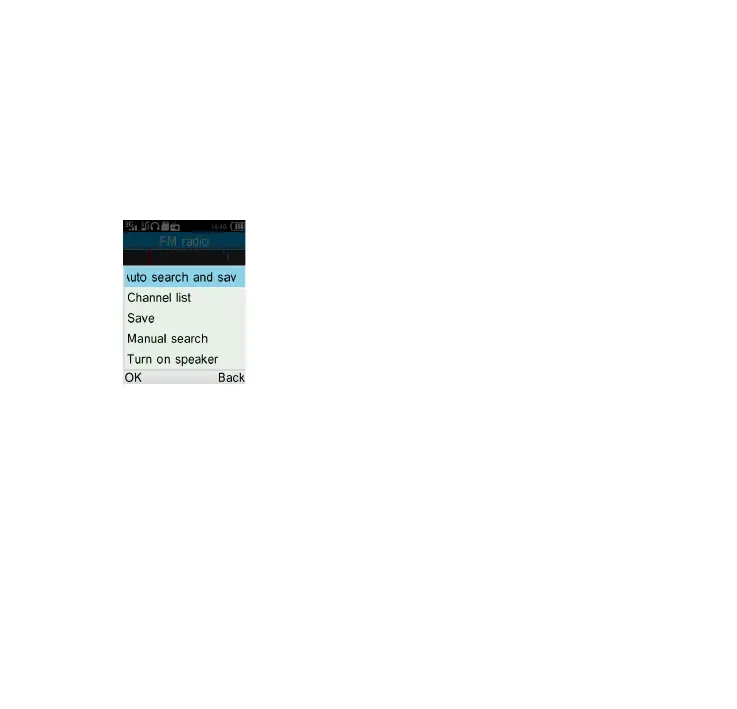
How to add a new channel:
Select Options\Channel list\
<Empty>\Edit after entering FM
Radio, and edit the Channel name
and Frequency, then select Save.
Finally, to turn off the radio, please
select "Options\Turn off".
Available options:
Turn off
Turn off the FM radio
Channel list
Open the list of saved stations.
Save channel
Save the current tuned station to
the "Channel list".
Auto search
Start auto search and stations will
be automatically saved to "Channel
list".
Enter frequency
Enter the frequency manually.



 To Next Page