73 74
4
1
2
3
5
1
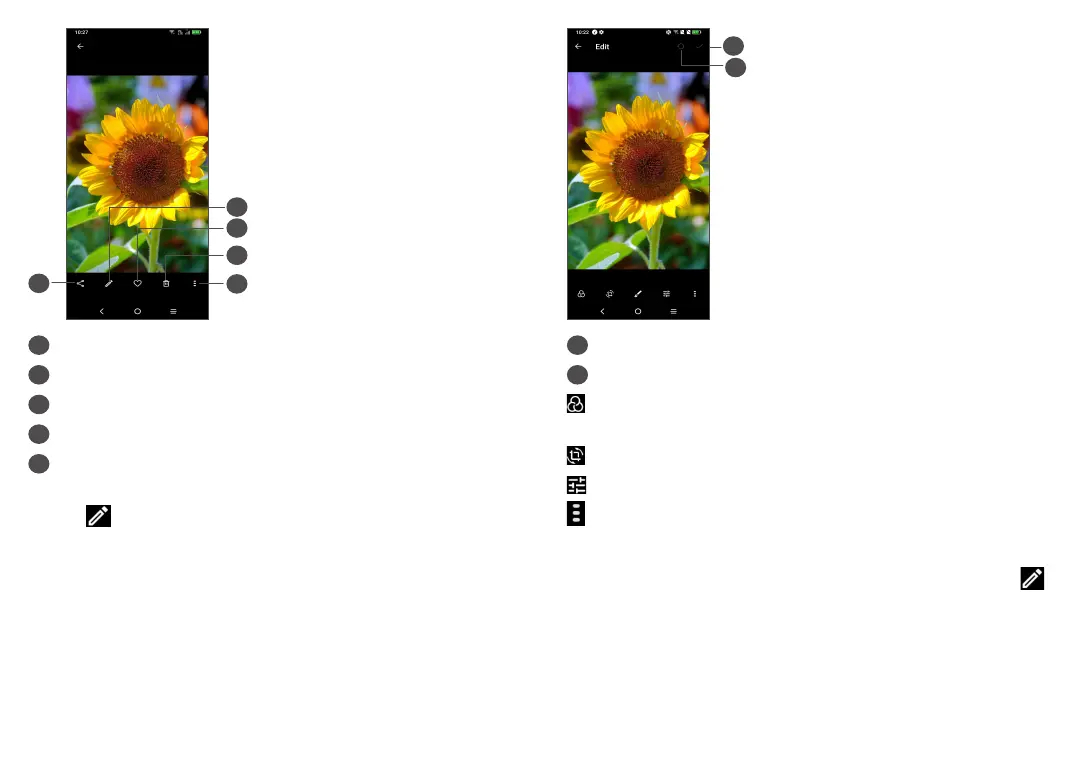
Share
2
Edit
3
Favourites
4
Delete
5
More options, such as Slideshow, Set as, Details,
Print, etc.
Touch to edit.
1
2
1
Reset
2
Save changes
Select a filter such as Auto, Vivid, Modern, Cool,
Classic, etc.
Crop, Straighten, Rotate, Mirror or Draw the picture.
Adjust the picture colour.
Advanced features, set as None or Dehaze.
• To edit a video
Touch the video in the full-screen view and touch .



 To Next Page