63
To shoot a video
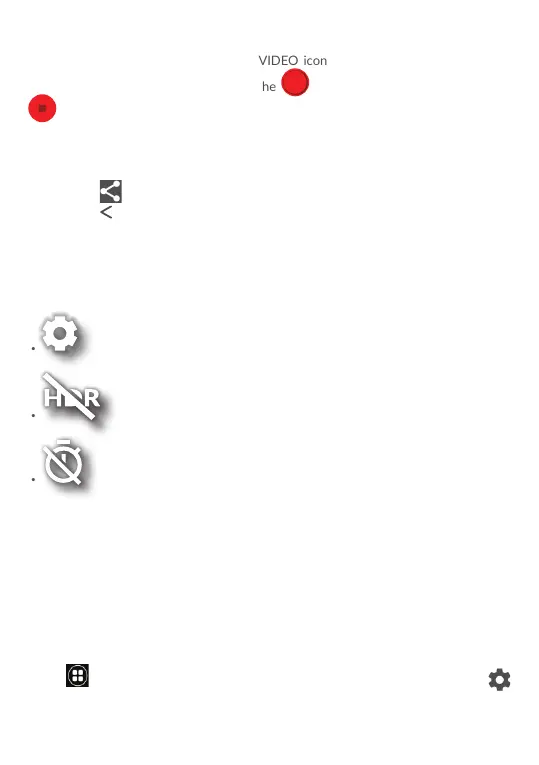
Switch to the video mode by touching VIDEO icon besides, position the object or
landscape in the viewfinder and touch the icon to start recording. Touch the
icon to stop recording. The video will be automatically saved.
Further operations when viewing a picture/video you have taken
• Touch the circle in the lower left part to view the photos or videos you have taken.
• Touch the
icon then Gmail, Bluetooth, MMS, etc to share the photo or video.
• Touch the
back icon to return to Camera.
7.1.1 Modes and settings
Back camera shooting mode
•
Touch to access camera settings.
•
Take a picture in the HDR mode.
•
Set the countdown before taking a photo.
• PANO
Touch to turn on panorama function. Touch the shutter
button to start taking panoramic photo and move the tablet
towards your capture direction and make sure the white
circle frame the orange circle. Once all of the gray points
turn white, the photo will be automatically saved. If not all
of the points turn white, touch the shutter button again to
save the photo.
Settings
Touch
to choose different mode for Auto, Pano, Social, and enter for setting
to set under options:



 To Next Page