66
Batch operation
The Photos provides a multi-select function, so that you can work with pictures/
videos in batches.
Open the main Photo window, long press one picture, touch the
icon to move
the selected files to trash. Touch
to share selected files,touch >Delete from
device to delete.
7.3 Parental Center
Parental Center provide you a kid-friendly and parent-friendly mode.
Parent can set usage time and select which apps are available to use for kids,
authorise or not for kid accessing to the web.
Kid can also enjoy the pre-approved apps and pre-loaded popluar games, and
personialize their own interface and take picture to change avatar.
Touch Parental Center icon
in the home screen to view it.
7.3.1 Parental Password
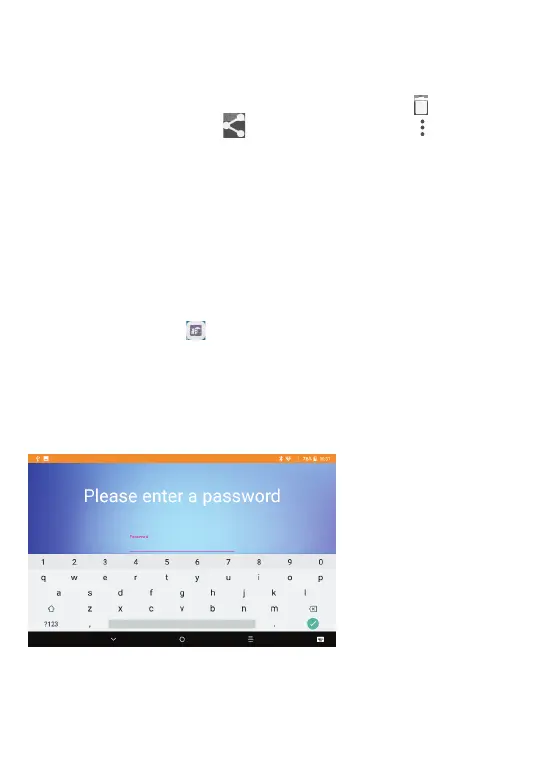
When openning the app for the first time the parent is prompted to enter the
password.
Parent can change his PSW from the Main Interface of Parental Center
As soon as password is set the parent will land on the page of Main Interface of
Parental Center



 To Next Page