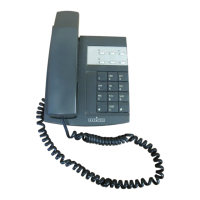
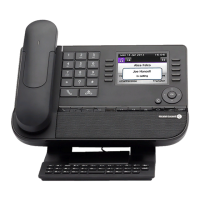
System Features
To use Touch Tones Dial 69 before you choose your options
To activate Call Back Dial the Extension Number and press #
To cancel Call Back Press #
Redial Dial 40
To have a Conference Call During your call dial the person you wish
to include and when they answer dial 50
Group pick-up Dial 14
Individual call pick-up Dial 13 and the relevant Extension Number
To park a call Dial 12
(Store a call on an extension)
To retrieve a parked call Dial 12 then the Extension Number that the call is
parked on



 To Next Page