4
Left softkey
Send key
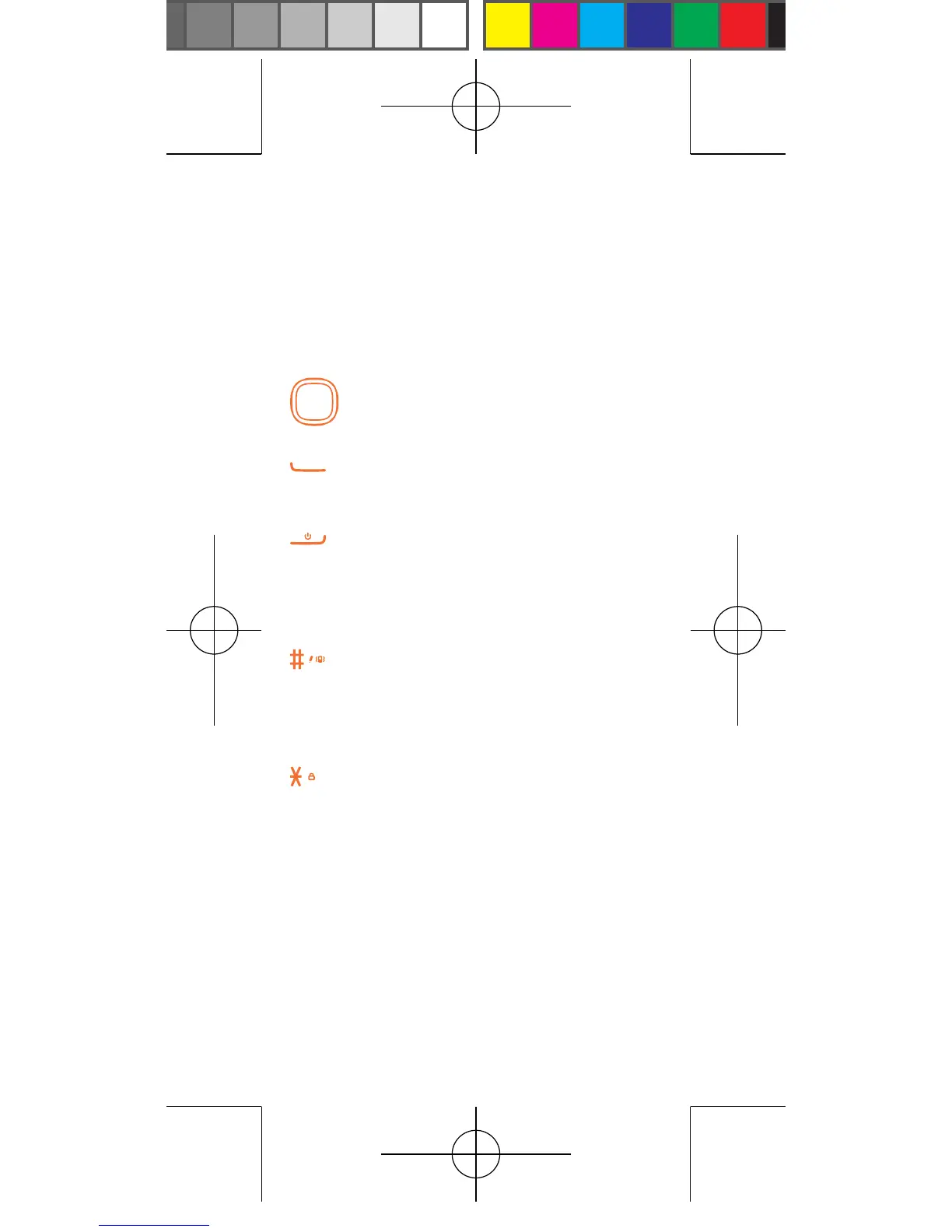
Navigation key/OK key
Right softkey
End key
Space key
Reset hole
micro-USB connector
• Press to go up/down/left/right
• Press to confirm
• Pick up/Send a call
• Press: End a call
Return to Home screen
Light on/off the screen
• Press and hold: Power on/off
• Press: Input #
• Press and hold: Switch between
general and silent
mode
• Press: Input *
• Press and hold: Lock the screen
1.2 Change wallpaper
You can set wallpaper by pressing Settings\
Phone settings\Wallpaper.



 To Next Page