5
2
Getting started
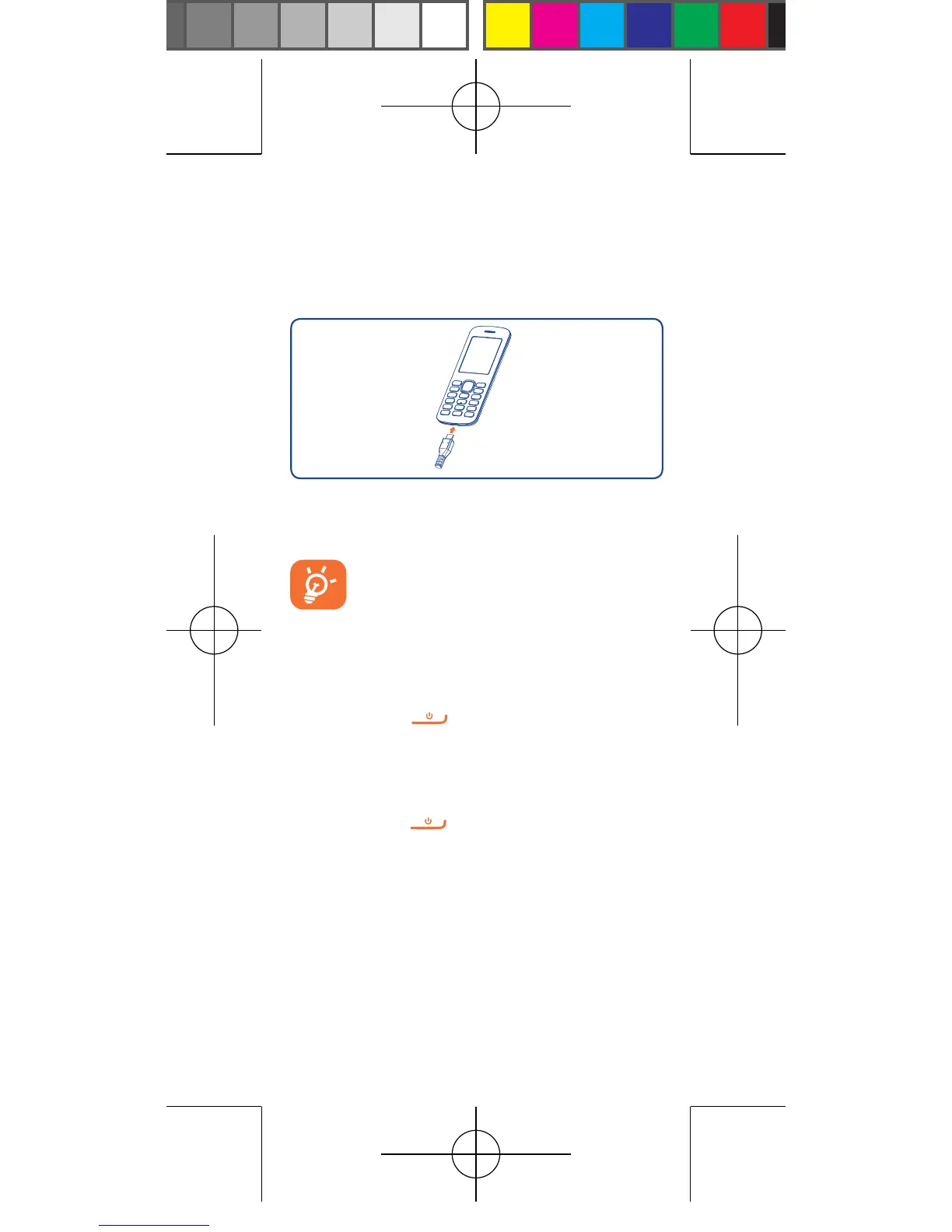
2.1 Charging the battery
Connect the battery charger to your phone and
outlet respectively.
To reduce power consumption and
energy waste when battery charger is
fully charged, disconnect your charger
from the plug.
2.2 Power on your phone
Hold down the key until the phone powers
on.
2.3 Power off your phone
Hold down the key from the Home screen.



 To Next Page