EasyManua.ls Logo

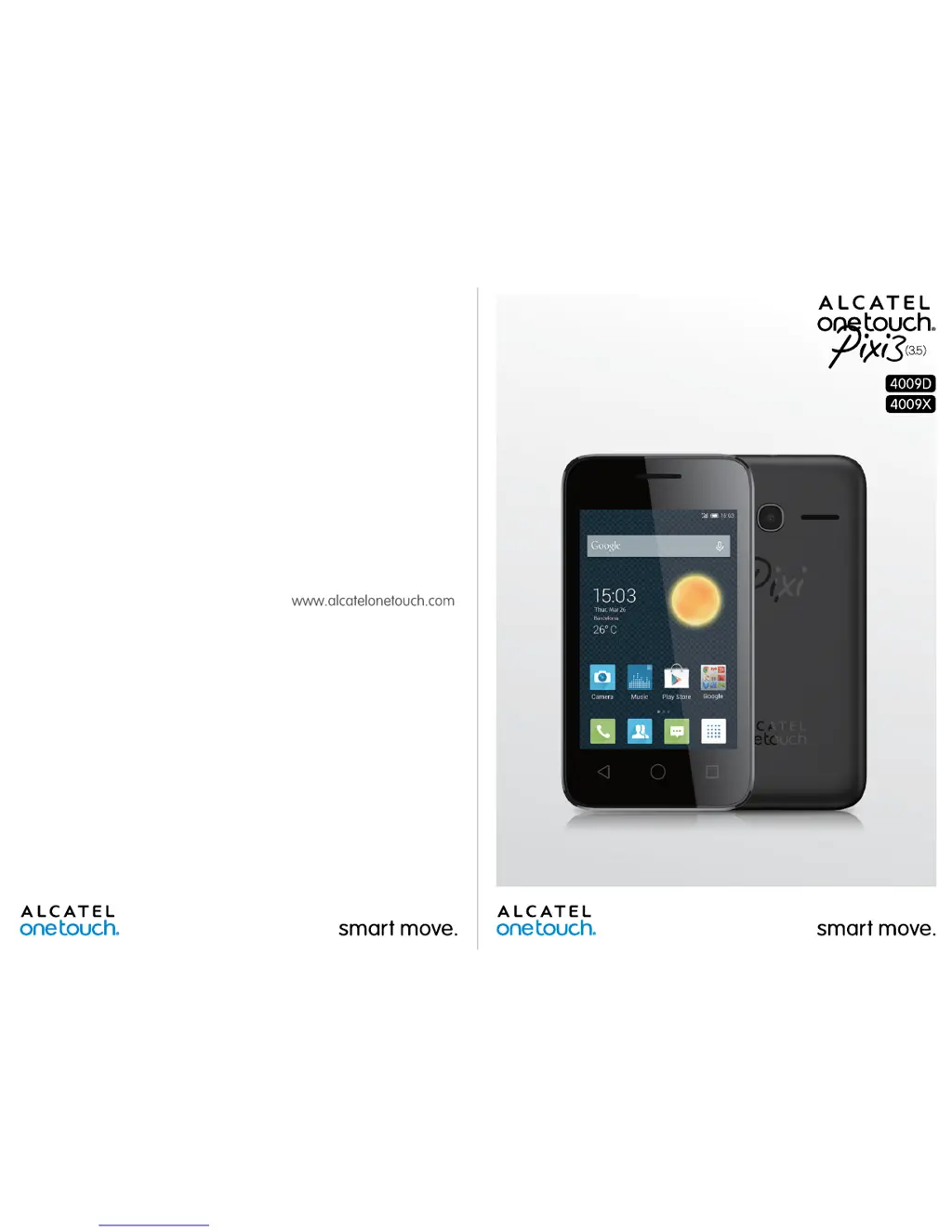
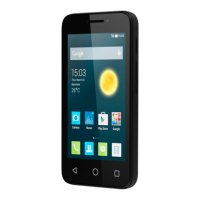
Alcatel Pixi3 4009D - User Manual

Alcatel Pixi3 4009D
74 pages
Print Icon
To Next Page IconTo Next Page
Loading...

Table of Contents

Questions and Answers

  • F
    frank06Sep 23, 2025
    Why does Alcatel Pixi3 4009D become warm following prolonged calls, game playing, internet surfing or running other complex applications?
    • T
      Thomas FarrellSep 23, 2025
      The heating is a normal consequence of the CPU handling excessive data when your Alcatel Cell Phone becomes warm following prolonged calls, game playing, internet surfing or running other complex applications.
  • C
    Caitlyn QuinnAug 23, 2025
    What to do if my Alcatel Pixi3 4009D Cell Phone has not responded for several minutes?
    • J
      Judith CollierAug 25, 2025
      If your Alcatel Cell Phone has not responded for several minutes, restart it by pressing and holding the Power key. If that doesn't work, remove and re-insert the battery, then restart. Alternatively, use Factory data reset or FOTA/Mobile Upgrade to reset or upgrade the software.
  • T
    tabitha26Aug 25, 2025
    How to make Alcatel Pixi3 4009D Cell Phone battery last longer?
    • G
      gallagherglenAug 26, 2025
      To extend your Alcatel Cell Phone battery life, ensure you charge it fully for at least 2.5 hours. Adjust screen brightness, extend email auto-check intervals, and manually update news/weather or increase their auto-check interval. Close unused background apps and turn off Bluetooth and Wi-Fi when not needed.
  • C
    ctaylorAug 27, 2025
    Why does my Alcatel Pixi3 4009D Cell Phone turn off by itself?
    • D
      Dakota PowersAug 27, 2025
      If your Alcatel Cell Phone is turning off by itself, first check that your screen is locked when not in use. Next, check the battery charge level. If the issue persists, reset the phone using Factory data reset or upgrade the software via FOTA/Mobile Upgrade.
  • D
    Donna RodriguezAug 27, 2025
    What to do if my Alcatel Pixi3 4009D can't charge properly?
    • C
      Christopher MeyersAug 27, 2025
      If your Alcatel Cell Phone can't charge properly, ensure you're using an ALCATEL ONE TOUCH battery and the charger from the box. Verify the battery is correctly inserted and clean the battery contacts if dirty. Also, make sure the battery isn't completely discharged and that charging occurs under normal conditions (0°C to +40°C). When abroad, check voltage input compatibility.
  • J
    Jackie KeySep 15, 2025
    What to do if my Alcatel Cell Phone says SIM card PIN locked?
    • J
      Joshua SaundersSep 15, 2025
      If your Alcatel Cell Phone displays "SIM card PIN locked", contact your network operator to obtain the PUK code (Personal Unblocking Key).
  • D
    Dillon MillerSep 12, 2025
    What to do if I can't open my voicemail on my Alcatel Pixi3 4009D Cell Phone?
    • J
      James FletcherSep 13, 2025
      To open your voicemail on your Alcatel Cell Phone, make sure your operator’s voicemail number is correctly entered in "Voicemail number". If the network is busy, try again later.
  • J
    jason73Sep 14, 2025
    Why am I unable to send and receive MMS on my Alcatel Pixi3 4009D?
    • K
      Kelly BatesSep 14, 2025
      If you are unable to send and receive MMS on your Alcatel Cell Phone, check your phone memory availability, as it might be full. Contact your network operator to check service availability and MMS parameters. Verify the server centre number or your MMS profile with your operator. If the server centre is busy, try again later.
  • T
    teresa55Sep 5, 2025
    What to do if I can't find my contacts on my Alcatel Pixi3 4009D?
    • R
      Rachel AriasSep 5, 2025
      If you can't find your contacts on your Alcatel Cell Phone, make sure your SIM card is not broken and is inserted properly. Also, import all contacts stored on the SIM card to your phone.
  • A
    Adam ShepherdSep 2, 2025
    Why am I unable to receive incoming calls on my Alcatel Pixi3 4009D Cell Phone?
    • J
      Jesse CarrSep 3, 2025
      If you are unable to receive incoming calls on your Alcatel Cell Phone, make sure your phone is switched on and connected to a network. Check your subscription status with your operator (credit, SIM card valid, etc.). Ensure you have not forwarded incoming calls or barred certain calls. Also, make sure your phone is not in airplane mode.

Summary

Safety and use

TRAFFIC SAFETY

Safety precautions for using the phone while driving and potential interference with vehicle systems.

CONDITIONS OF USE

Recommendations for optimal phone performance and safety in various environments.

Getting started

Set up

Initial phone setup steps, including language, input, and accounts.

Inserting or removing the SIM card

Instructions for inserting and removing SIM cards, emphasizing the correct type.

Home screen

Using the touchscreen

Guide to basic touchscreen interactions like touch, long press, drag, and swipe.

Phone call, Call log and Contacts

Phone

Making calls, using the dial pad, and hanging up.

Call log

Viewing call history, including incoming, outgoing, and missed calls.

People

Managing contacts, including adding, editing, and synchronizing.

Messaging, Email

Messaging

Creating, sending, and managing SMS and MMS messages.

Gmail;Email

Setting up and using the Gmail account for email.

Settings

Wireless & networks

Configuring Wi-Fi, Bluetooth, mobile networks, and data usage.

Device

Adjusting device settings like sound, display, gestures, and lock screen.

Personal

Managing location, security, language, and input settings.

Troubleshooting

My phone cant be switched on or is frozen

Steps to resolve issues when the phone is unresponsive or won't turn on.

My phone cant charge properly

Troubleshooting tips for charging problems with the phone's battery.

Invalid SIM card

Solutions for issues related to the SIM card not being recognized or functioning.

Specifications

Processor

Details about the phone's processor.

Network

Information on supported network bands and frequencies.

Connectivity

Details on Bluetooth, Wi-Fi, and other connectivity options.

Alcatel Pixi3 4009D Specifications

General IconGeneral
Resolution480 x 800 pixels
RAM512 MB
Internal Storage4 GB
Main Camera2 MP
Battery Capacity1300 mAh
Expandable StoragemicroSD, up to 32 GB
Dimensions121.6 x 64.4 x 11.6 mm (4.79 x 2.54 x 0.46 in)
Display Size4.0 inches
SIMDual SIM (Mini-SIM)
Weight110 g
Operating SystemAndroid 4.4.2 (KitKat)

Related product manuals