EasyManua.ls Logo

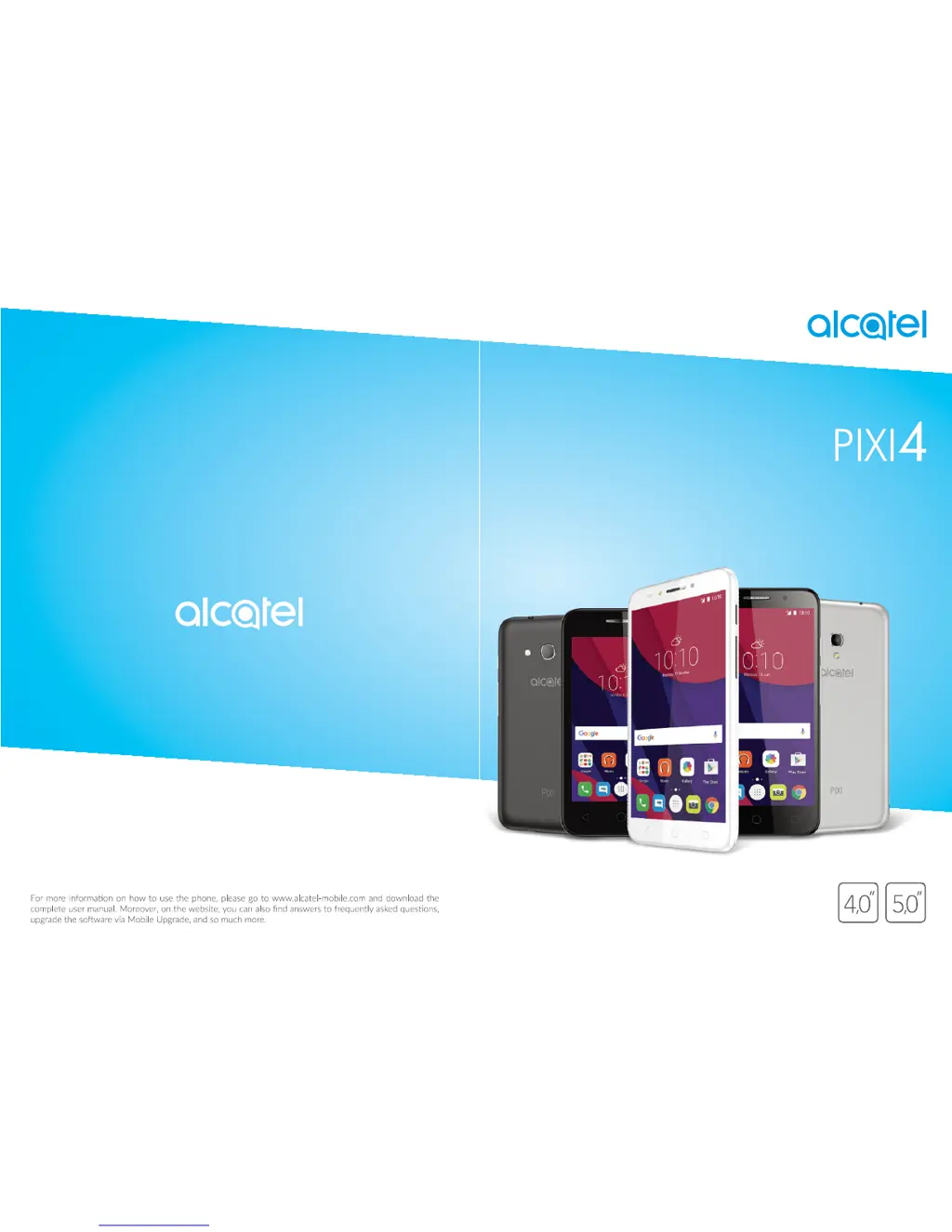
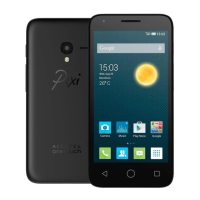
Alcatel Pixi4 - User Manual

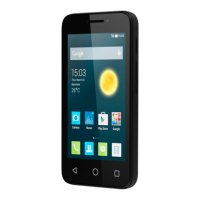
Alcatel Pixi4
61 pages
Print Icon
To Next Page IconTo Next Page
Loading...

Other manuals for Alcatel Pixi4

Questions and Answers

  • L
    Lynn PerkinsSep 23, 2025
    What to do if my Alcatel Cell Phone asks me to enter some password/code/key that I don’t remember?
    • C
      Christopher SchultzSep 23, 2025
      Password/code/key request could be caused by same security feature activated on this device. You can try to perform Factory data reset, but remember that if it doesn’t help you need to apply authorised repair center and it will not be regarded as warranty case.
  • C
    cynthiafergusonAug 23, 2025
    What to do if my Alcatel Cell Phone has not responded for several minutes?
    • C
      Charles GarzaAug 23, 2025
      If your Alcatel Cell Phone has not responded for several minutes, restart it by pressing and holding the Power key for more than 10 seconds.
  • M
    mayashleyAug 25, 2025
    What to do if my Alcatel Pixi4 Cell Phone cannot charge properly?
    • S
      Shelia MillerAug 26, 2025
      If your Alcatel Cell Phone is not charging properly, ensure you're using the Alcatel charger that came with the phone. Also, verify that the battery isn't completely discharged by plugging in the charger for a few minutes and checking for the battery indicator on the screen. Charging should be done under normal conditions (0°C to +40°C). If you are abroad, confirm that the voltage input is compatible.
  • B
    Benjamin LandryAug 27, 2025
    What to do if my Alcatel Pixi4 Cell Phone cannot connect to a network or 'No service' is displayed?
    • J
      Jessica GutierrezAug 27, 2025
      If your Alcatel Cell Phone can't connect to a network or displays 'No service', try connecting from a different location. Contact your operator to verify network coverage and confirm that your SIM card is valid. You can also try manually selecting available networks. If the network is overloaded, try connecting again later.
  • L
    Lauren WeaverAug 27, 2025
    Why is my Alcatel Pixi4 Cell Phone unable to make outgoing calls?
    • C
      Cynthia WhiteAug 27, 2025
      If your Alcatel Cell Phone is unable to make outgoing calls, make sure you've dialed a valid number and pressed the call button. For international calls, verify the country and area codes. Ensure your phone is connected to a network that isn't overloaded or unavailable. Check your subscription status with your operator, ensuring your credit and SIM card are valid. Also, confirm that you haven't barred outgoing calls and that your phone isn't in flight mode.
  • M
    madisonmoodySep 14, 2025
    What to do if I am unable to connect my Alcatel Cell Phone to my computer?
    • A
      Angela RamosSep 14, 2025
      To connect your Alcatel Cell Phone to your computer, install Smart Suite. Check that your USB driver is installed properly. Open the Notification panel to see if the Smart Suite Agent has been activated. Verify that your computer meets the installation requirements for Smart Suite and that you’re using the cable included in the box.
  • R
    Rebecca BlackburnSep 12, 2025
    What to do if I cannot access my voicemail on my Alcatel Pixi4 Cell Phone?
    • L
      lewisstaceySep 12, 2025
      To resolve issues accessing your voicemail on your Alcatel Cell Phone, make sure your operator’s voicemail number is correctly entered in 'Voicemail number'. If the issue persists, try again later if the network is busy.
  • H
    Hannah OlsonSep 13, 2025
    What to do if my Alcatel Pixi4 Cell Phone SIM card is PIN locked?
    • W
      William ButlerSep 13, 2025
      To obtain the PUK code (Personal Unblocking Key) for your Alcatel Cell Phone, contact your network operator.
  • M
    Maureen AdamsSep 5, 2025
    Why doesn't the caller’s name/number appear when I receive a call on my Alcatel Cell Phone?
    • C
      Corey JohnsonSep 5, 2025
      If the caller’s name/number does not appear when a call is received on your Alcatel Cell Phone, check that you have subscribed to this service with your operator. The caller may have also concealed their name or number.
  • A
    Angela RobertsSep 2, 2025
    Why am I unable to receive incoming calls on my Alcatel Pixi4?
    • H
      heatherelliottSep 2, 2025
      If your Alcatel Cell Phone is unable to receive incoming calls, make sure it is switched on and connected to a network, checking for overloaded or unavailable network. Check your subscription status with your operator (credit, SIM card valid, etc.). Ensure you haven't forwarded incoming calls or barred certain calls, and that your phone is not in flight mode.

Summary

Safety and Use

Traffic Safety

Refrain from using the mobile phone while driving.

Conditions of Use

Advice on switching off the phone and using it in specific environments.

Protect Your Hearing

Precautions to prevent hearing damage from high volume usage.

Privacy

Respect laws regarding taking photographs and recording sounds.

Battery Precautions

Guidelines for safe battery use and disposal.

Radio Waves Exposure

Information on the phone's compliance with radio wave exposure guidelines.

Licences

Regulatory Information

General Information

Internet Address and Contact

Provides contact details and website for support and information.

Protection Against Theft

Your Mobile

Keys and Connectors

Identifies the physical buttons and ports on the phone.

Getting Started

Initial setup steps including SIM card insertion and charging.

Home Screen Navigation

Navigating and personalizing the main phone interface.

Status Bar and Search

Displays system status, notifications, and search functionality.

Screen Lock and Personalization

Securing the phone and customizing the home screen.

Text Input

Onscreen Keyboard Usage

Settings and orientation for the virtual keyboard.

Text Editing Functions

Options for cutting, copying, pasting, and inserting text.

Call, Call Log and Contacts

Phone Call Operations

Making, answering, and managing phone calls.

Managing Multiple Calls

Handling conference calls and multiple active calls.

Call Settings and Log

Configuring call forwarding, barring, and viewing call history.

Contact Management

Managing phone contacts, adding, editing, and synchronizing.

Messaging

Writing and Sending Messages

Composing and sending SMS and MMS messages.

Managing and Adjusting Messages

Viewing received messages and configuring message settings.

Calendar, Alarm Clock & Calculator

Calendar Features

Tracking meetings, appointments, and events.

Alarm and Timer Functions

Setting and managing alarms, countdowns, and timers.

Calculator Usage

Performing basic and scientific calculations.

Getting Connected

Internet Connectivity

Accessing the internet via mobile data and Wi-Fi.

Wi-Fi Network Connection

Connecting to wireless networks for internet access.

Bluetooth Device Pairing

Pairing and connecting with Bluetooth-enabled devices.

USB and Data Sharing

Transferring files via USB and sharing mobile data.

Virtual Private Networks

Accessing secure local network resources remotely.

Multimedia Applications

Camera Operations

Capturing photos and shooting videos with the phone's camera.

Camera Settings and Modes

Adjusting camera parameters and exploring different modes.

Gallery for Media Viewing

Viewing and organizing photos and videos.

Picture Editing and Management

Editing, sharing, and setting pictures as wallpaper or contact photos.

Music

Playing Music Files

Listening to music files stored on the phone or microSD card.

Others

File Manager

Managing files and applications on the phone's storage.

Sound Recorder

Recording voice memos or sounds.

Radio Functionality

Listening to FM radio stations.

User Centre Access

Accessing support services and user manuals.

Google Applications

Play Store and Chrome

App store and web browser functionalities.

Gmail, Maps, and YouTube

Email, navigation, and video sharing applications.

Drive, Play Music, and Movies

Cloud storage, music streaming, and video playback services.

Hangouts, Photos, Keep, Translate

Communication, photo management, notes, and translation tools.

Settings

Wireless & Networks

Managing Wi-Fi, Bluetooth, SIM cards, and mobile networks.

Data Usage and Aeroplane Mode

Monitoring data consumption and disabling wireless connections.

Device Settings

Phone settings including Func, Gestures, Display, and Notification light.

Sound & Notification

Configuring ringtones, volumes, and notification preferences.

Personal Settings

Managing location, security, accounts, and privacy settings.

Language & Input

Setting phone language, keyboard, and voice input.

Backup & Reset

Backing up data and resetting the phone to factory settings.

Accessibility Features

Adjusting settings for enhanced usability and user assistance.

Update Your Phones Software

Mobile Upgrade Tool

Updating phone software using a PC-based tool.

FOTA Upgrade

Updating phone software wirelessly over-the-air.

Accessories

Warranty Information

Troubleshooting

Phone Not Responding or Frozen

Steps to resolve issues with a non-responsive or frozen phone.

Power and Charging Issues

Solutions for problems related to phone power and charging.

Network and Connectivity Problems

Troubleshooting issues with network connection and internet access.

SIM Card and Call Issues

Resolving SIM card recognition, outgoing/incoming call problems.

Data, Bluetooth, and Battery Issues

Addressing data transfer, Bluetooth detection, and battery life optimization.

Specifications

Alcatel Pixi4 Specifications

General IconGeneral
BrandAlcatel
ModelPixi4
CategoryCell Phone
LanguageEnglish

Related product manuals