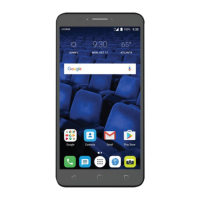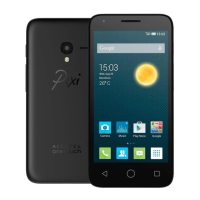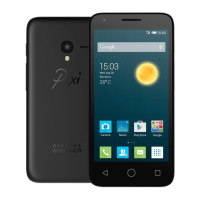
EasyManua.ls Logo

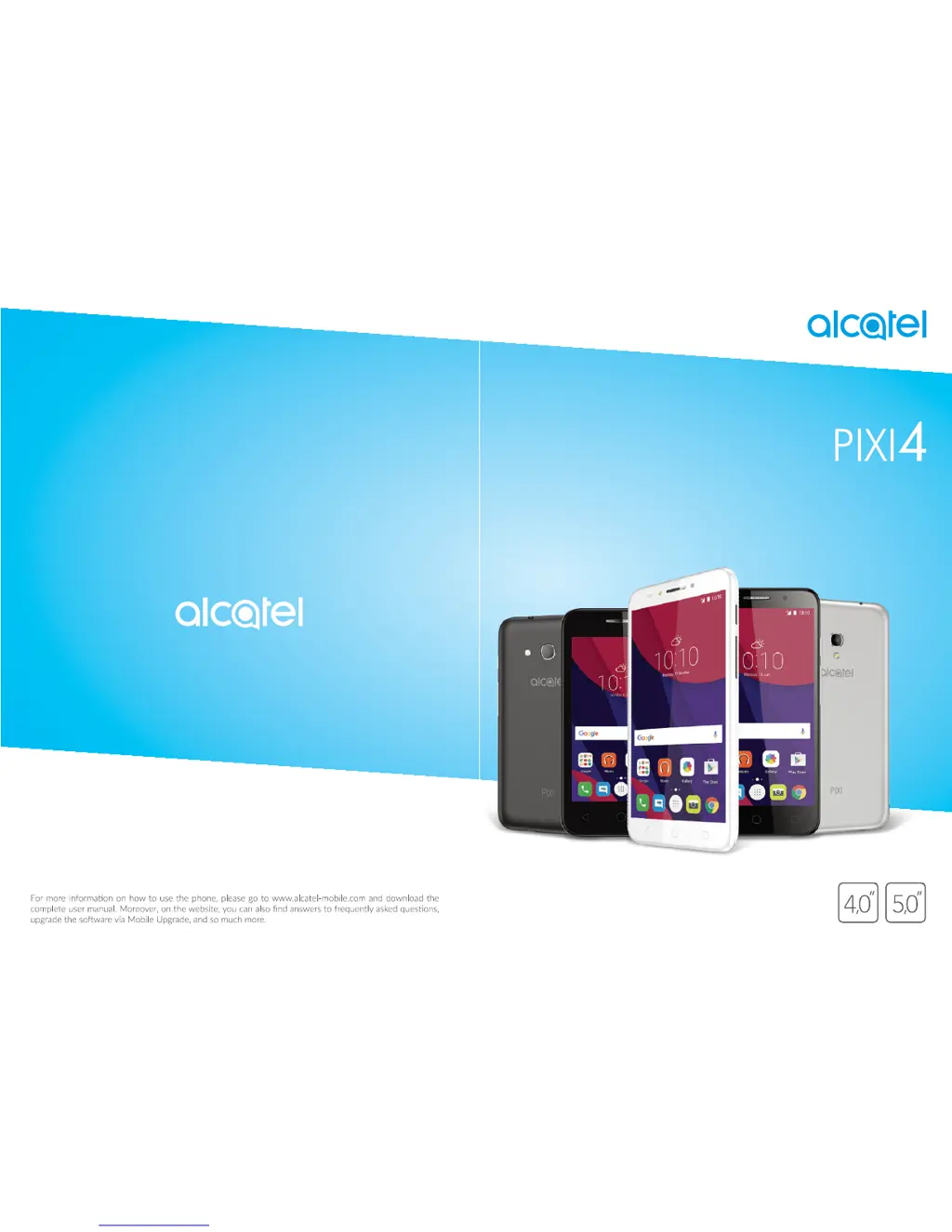
Alcatel Pixi4 - User Manual

Alcatel Pixi4
61 pages
Print Icon
To Next Page IconTo Next Page
Loading...

Other manuals for Alcatel Pixi4

Questions and Answers

  • R
    Russell MartinSep 9, 2025
    What to do if I am unable to add a contact in my contacts on my Alcatel Pixi4 Cell Phone?
    • J
      Jordan RileySep 9, 2025
      If you are unable to add a contact to your Alcatel Cell Phone, ensure that your SIM card contacts are not full. Delete some files or save the files in the phone contacts.
  • H
    hartmanjosephSep 8, 2025
    What to do if, when I select a number from my contacts, the number cannot be dialed on my Alcatel Pixi4 Cell Phone?
    • C
      Craig RobbinsSep 8, 2025
      If, when you select a number from your contacts on your Alcatel Cell Phone, the number cannot be dialed, make sure that you have correctly recorded the number in your file. Also, ensure that you have selected the country prefix when calling a foreign country.
  • R
    Robin RossSep 7, 2025
    Why am I unable to use the features described in the manual on my Alcatel Pixi4 Cell Phone?
    • F
      Frank WilsonSep 7, 2025
      If you are unable to use the features described in the manual for your Alcatel Cell Phone, check with your operator to ensure your subscription includes the service. Also, verify that the feature doesn't require an Alcatel accessory.
  • G
    greenmonicaAug 22, 2025
    How to fix Alcatel Pixi4 Cell Phone that cannot be switched on or is frozen?
    • R
      Robyn WilliamsAug 22, 2025
      If your Alcatel Cell Phone cannot be switched on or is frozen, try pressing and holding the Volume down key to enter Safe Mode. Alternatively, reset the phone by holding the Power key and the Volume up key together.
  • M
    Maureen AdamsSep 5, 2025
    Why doesn't the caller’s name/number appear when I receive a call on my Alcatel Cell Phone?
    • C
      Corey JohnsonSep 5, 2025
      If the caller’s name/number does not appear when a call is received on your Alcatel Cell Phone, check that you have subscribed to this service with your operator. The caller may have also concealed their name or number.
  • A
    Andrew HernandezSep 3, 2025
    How to improve the sound quality of calls on my Alcatel Pixi4 Cell Phone?
    • P
      Pamela ShannonSep 3, 2025
      If the sound quality of calls on your Alcatel Cell Phone is poor, adjust the volume during a call using the Volume Up/Down key. Check the network signal strength. Also, ensure that the receiver, connector, or speaker on your phone is clean.
  • A
    Angela RobertsSep 2, 2025
    Why am I unable to receive incoming calls on my Alcatel Pixi4?
    • H
      heatherelliottSep 2, 2025
      If your Alcatel Cell Phone is unable to receive incoming calls, make sure it is switched on and connected to a network, checking for overloaded or unavailable network. Check your subscription status with your operator (credit, SIM card valid, etc.). Ensure you haven't forwarded incoming calls or barred certain calls, and that your phone is not in flight mode.
  • A
    Amanda YoungSep 1, 2025
    What does it mean if my Alcatel Cell Phone says Invalid SIM card?
    • T
      Terrence WheelerSep 1, 2025
      If your Alcatel Cell Phone displays an invalid SIM card error, ensure the SIM card is correctly inserted and that the chip isn't damaged or scratched. Also, verify that the SIM card service is active.
  • J
    John BarberAug 31, 2025
    What to do if my Alcatel Pixi4 is unable to send and receive MMS?
    • S
      Shawn ColemanAug 31, 2025
      If you are unable to send and receive MMS on your Alcatel Cell Phone, check if your phone memory is full. Contact your network operator to check service availability and MMS parameters. Verify the server centre number or your MMS profile with your operator. If the server centre is busy, try again later.
  • J
    James CarterAug 30, 2025
    Why does my Alcatel Pixi4 Cell Phone turn off by itself?
    • R
      Richard RamosAug 30, 2025
      If your Alcatel Cell Phone turns off by itself, make sure your screen is locked when not in use and that the Power key isn't accidentally pressed due to an unlocked screen. Also, check the battery charge level.

Summary

Safety and Use

Traffic Safety

Refrain from using the mobile phone while driving.

Conditions of Use

Advice on switching off the phone and using it in specific environments.

Protect Your Hearing

Precautions to prevent hearing damage from high volume usage.

Privacy

Respect laws regarding taking photographs and recording sounds.

Battery Precautions

Guidelines for safe battery use and disposal.

Radio Waves Exposure

Information on the phone's compliance with radio wave exposure guidelines.

Licences

Regulatory Information

General Information

Internet Address and Contact

Provides contact details and website for support and information.

Protection Against Theft

Your Mobile

Keys and Connectors

Identifies the physical buttons and ports on the phone.

Getting Started

Initial setup steps including SIM card insertion and charging.

Home Screen Navigation

Navigating and personalizing the main phone interface.

Status Bar and Search

Displays system status, notifications, and search functionality.

Screen Lock and Personalization

Securing the phone and customizing the home screen.

Text Input

Onscreen Keyboard Usage

Settings and orientation for the virtual keyboard.

Text Editing Functions

Options for cutting, copying, pasting, and inserting text.

Call, Call Log and Contacts

Phone Call Operations

Making, answering, and managing phone calls.

Managing Multiple Calls

Handling conference calls and multiple active calls.

Call Settings and Log

Configuring call forwarding, barring, and viewing call history.

Contact Management

Managing phone contacts, adding, editing, and synchronizing.

Messaging

Writing and Sending Messages

Composing and sending SMS and MMS messages.

Managing and Adjusting Messages

Viewing received messages and configuring message settings.

Calendar, Alarm Clock & Calculator

Calendar Features

Tracking meetings, appointments, and events.

Alarm and Timer Functions

Setting and managing alarms, countdowns, and timers.

Calculator Usage

Performing basic and scientific calculations.

Getting Connected

Internet Connectivity

Accessing the internet via mobile data and Wi-Fi.

Wi-Fi Network Connection

Connecting to wireless networks for internet access.

Bluetooth Device Pairing

Pairing and connecting with Bluetooth-enabled devices.

USB and Data Sharing

Transferring files via USB and sharing mobile data.

Virtual Private Networks

Accessing secure local network resources remotely.

Multimedia Applications

Camera Operations

Capturing photos and shooting videos with the phone's camera.

Camera Settings and Modes

Adjusting camera parameters and exploring different modes.

Gallery for Media Viewing

Viewing and organizing photos and videos.

Picture Editing and Management

Editing, sharing, and setting pictures as wallpaper or contact photos.

Music

Playing Music Files

Listening to music files stored on the phone or microSD card.

Others

File Manager

Managing files and applications on the phone's storage.

Sound Recorder

Recording voice memos or sounds.

Radio Functionality

Listening to FM radio stations.

User Centre Access

Accessing support services and user manuals.

Google Applications

Play Store and Chrome

App store and web browser functionalities.

Gmail, Maps, and YouTube

Email, navigation, and video sharing applications.

Drive, Play Music, and Movies

Cloud storage, music streaming, and video playback services.

Hangouts, Photos, Keep, Translate

Communication, photo management, notes, and translation tools.

Settings

Wireless & Networks

Managing Wi-Fi, Bluetooth, SIM cards, and mobile networks.

Data Usage and Aeroplane Mode

Monitoring data consumption and disabling wireless connections.

Device Settings

Phone settings including Func, Gestures, Display, and Notification light.

Sound & Notification

Configuring ringtones, volumes, and notification preferences.

Personal Settings

Managing location, security, accounts, and privacy settings.

Language & Input

Setting phone language, keyboard, and voice input.

Backup & Reset

Backing up data and resetting the phone to factory settings.

Accessibility Features

Adjusting settings for enhanced usability and user assistance.

Update Your Phones Software

Mobile Upgrade Tool

Updating phone software using a PC-based tool.

FOTA Upgrade

Updating phone software wirelessly over-the-air.

Accessories

Warranty Information

Troubleshooting

Phone Not Responding or Frozen

Steps to resolve issues with a non-responsive or frozen phone.

Power and Charging Issues

Solutions for problems related to phone power and charging.

Network and Connectivity Problems

Troubleshooting issues with network connection and internet access.

SIM Card and Call Issues

Resolving SIM card recognition, outgoing/incoming call problems.

Data, Bluetooth, and Battery Issues

Addressing data transfer, Bluetooth detection, and battery life optimization.

Specifications

Alcatel Pixi4 Specifications

General IconGeneral
BrandAlcatel
ModelPixi4
CategoryCell Phone
LanguageEnglish

Related product manuals