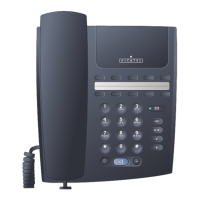
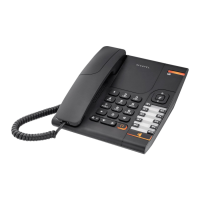
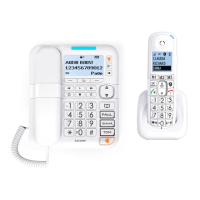
Programmable keys and LEDs
These keys are divided into line keys and function keys. Each key has a corresponding LED.
Call or function LEDs
LED flashing: Call being made
Fixed LED: Call in progress
Call on hold
Call on common hold.
Certain keys are preprogrammed (these keys differ according to the configuration of
your telephone (single-line or multi-line)).
to switch between two calls (single-line terminal only)
to cancel an enquiry call (single-line terminal only)
to divert calls to another terminal
to temporarily store a number
to access the various message services
to call using your personal directory
to consult the list of unanswered ISDN calls or to make an ISDN call
to transfer a call to another terminal (multi-line terminal only)
to automatically redial the last number dialled
5
Installing the label on the telephone
A printed label is supplied with the telephone to be placed under the programmable
keys.
! Insert a flat-tipped object into the slot.
" Raise the cover.
# Slide the printed label into position.
$ Lower the cover.


 To Next Page
 Loading...