14 15
Getting started1 ..................
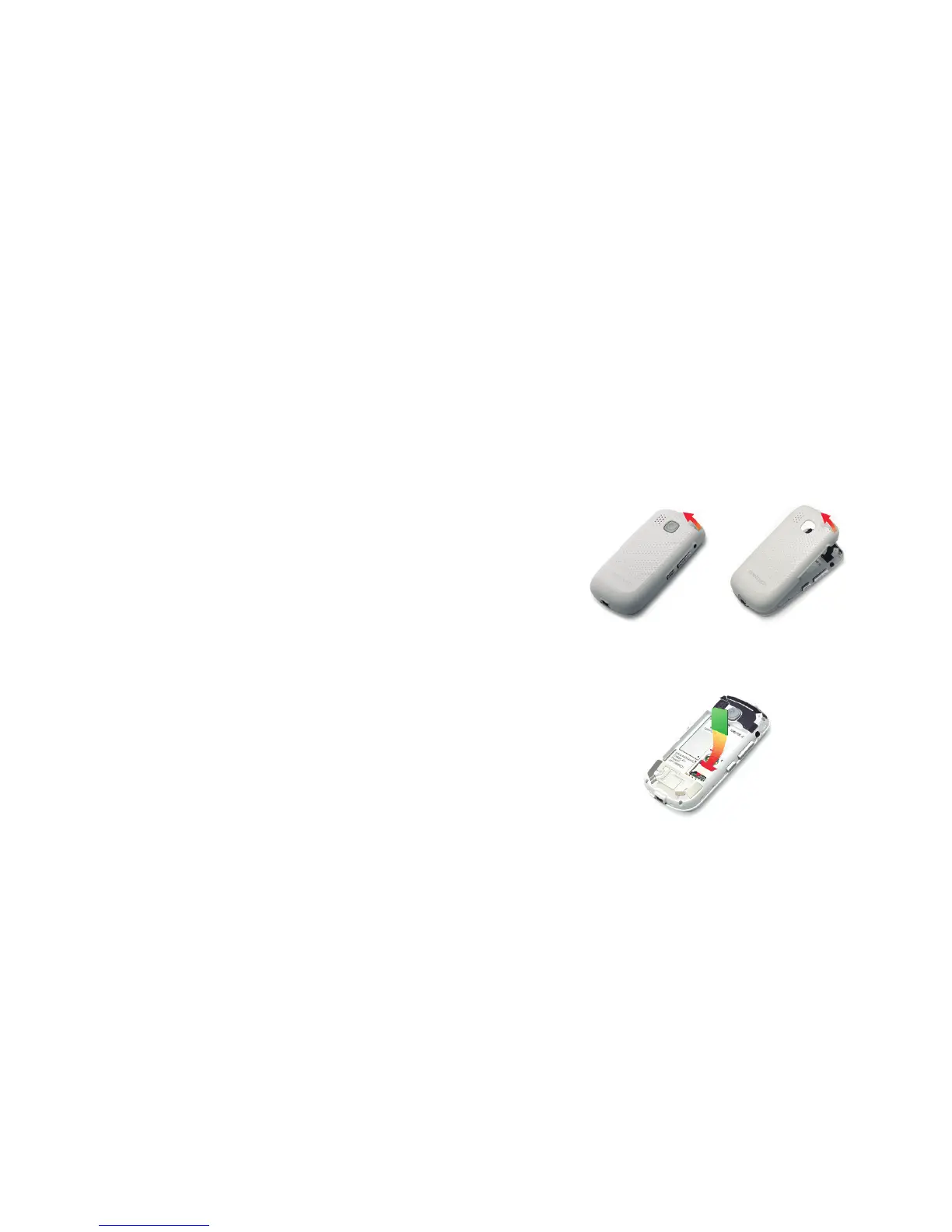
Set up your phone1.1
q Remove the back cover
w Insert the SIM Card
Disclaimer
There may be certain differences between the user manual description and the
phone’s operation, depending on the software release of your telephone or
specific operator services.
TCT Mobile shall not be held legally responsible for such differences, if any,
nor for their potential consequences, which responsibility shall be borne by the
operator exclusively.










 To Next Page