41 42
Settings in framing mode9.2.2
Before taking the photo, you can adjust a number of settings by using the
following shortcuts:
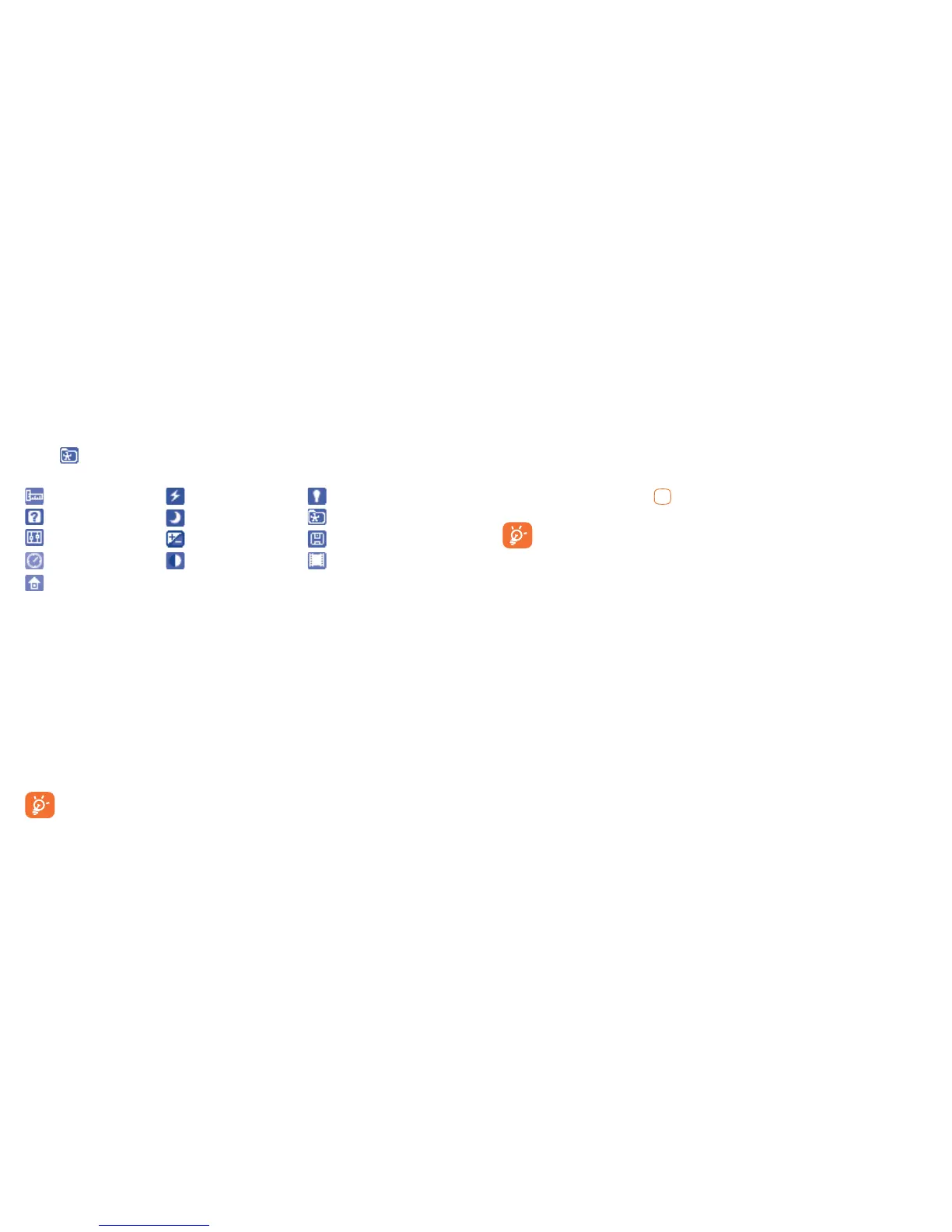
From the photo shot screen, press "Options" to access: "Image size",
"Capture mode", "Quality", "Timer", "Banding", "Night mode",
"Exposure Value(EV)", "White balance", "Color mode", "My
creations", "Storage", "Access video", "Restore default".
Press
to access My creations to view the photos you have taken.
Image size
Capture mode
Quality
Timer
Restore default
Banding
Night mode
Exposure Value
White balance
Color mode
My creations
Storage
Access video
Options available after taking the photo9.2.3
Once you have taken a photo, three icons appear on the photo so you
can choose to store it in My creations, send your photo by Bluetooth or
MMS.
Video9.3
You can record a video clip of unlimited length, as long as the battery
sustains and there is sufficient memory.
We strongly advise you to change the default folder to "Memory
card" to store your photos and videos.
Framing mode9.3.1
When you enter the "Video" function, you are in Framing mode. Use
the mobile screen as a viewfinder and press "Options" for the "White
balance", "Exposure Value(EV)", "Night mode", "Banding",
"Quality", "Record audio", "Color mode","My videos", "Storage",
"Access camera", "Restore default" settings, and to access "My files\
My videos".
Recording mode9.3.2
Once you have chosen your settings, you can launch the recording of your
video-clip by pressing the .
If you receive a call in recording mode, video recording will be
stopped and a pop up message will inquire if you want to save it
after the call ends.
Further operations after shooting a video9.3.3
After shooting a video, three icons will appear on the screen so you can
choose to send your video by MMS, Email or Bluetooth.
In the list of "My videos", press "Options" to play the video, set as Power
on/off, Rename, etc.







 To Next Page