EasyManua.ls Logo

Alcatel onetouch Pop C1 4015 - User Manual

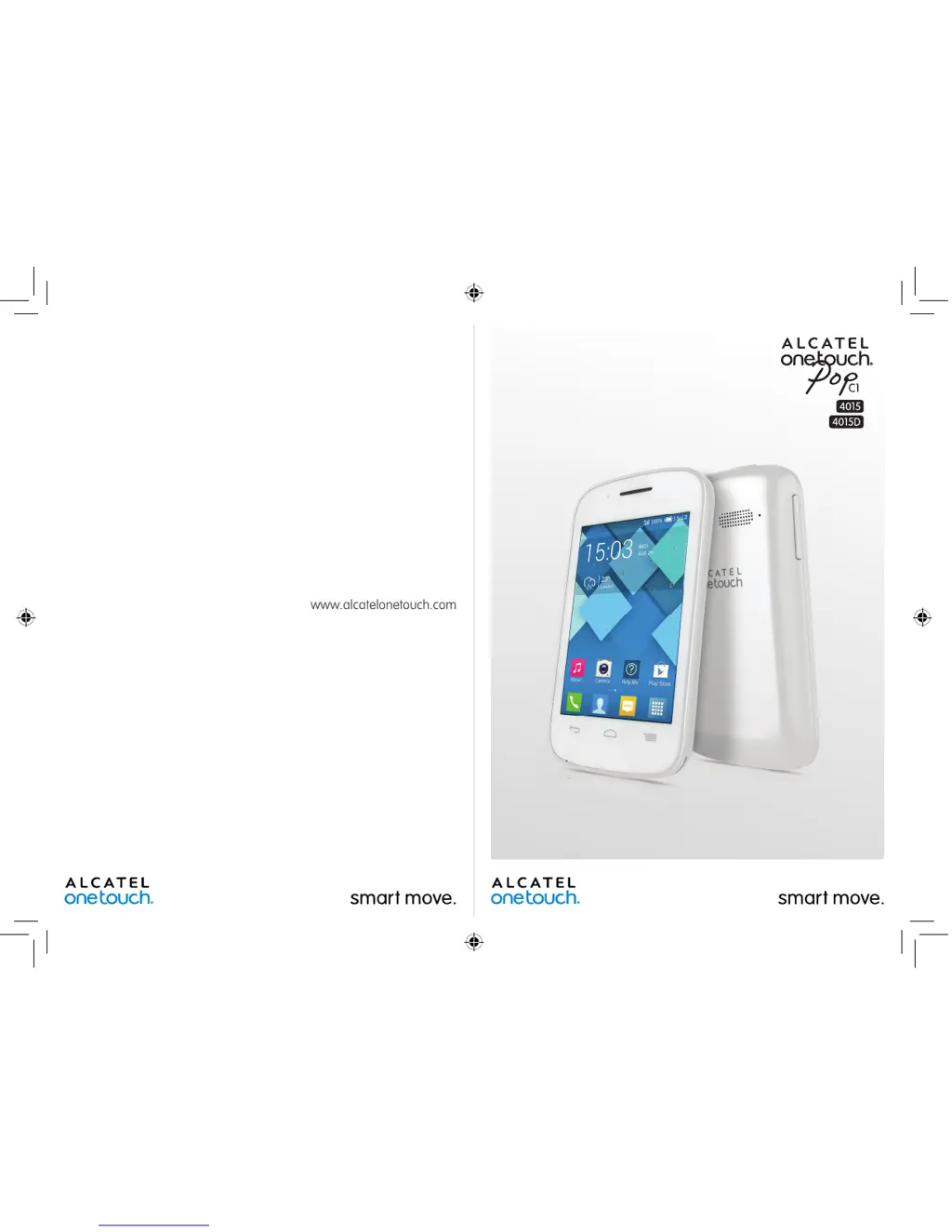
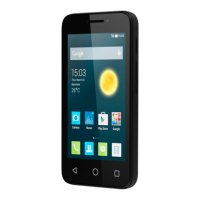
Alcatel onetouch Pop C1 4015
74 pages
Print Icon
To Next Page IconTo Next Page
Loading...
4015X_4015D_UM_GB_Eng_03_140904.indd 2-3 2014/9/4 14:57:49

Questions and Answers

  • T
    torozcoSep 23, 2025
    Why does Alcatel onetouch Pop C1 4015 become warm during prolonged use?
    • A
      Antonio KingSep 23, 2025
      The phone becoming warm during prolonged calls, gaming, internet use or complex applications is normal due to the CPU processing a lot of data. Ending these activities will allow your Alcatel Cell Phone to return to its normal temperature.
  • H
    hkimAug 23, 2025
    What to do if Alcatel Cell Phone has not responded for several minutes?
    • R
      Ryan HammondAug 23, 2025
      If your Alcatel Cell Phone has stopped responding, try these steps: 1. Restart your phone by pressing and holding the Power key. 2. If that doesn't work, remove the battery, re-insert it, and then restart the phone. 3. As a last resort, use Factory data reset to reset the phone or FOTA/Mobile Upgrade to upgrade the software.
  • T
    thomashaileyAug 25, 2025
    Why does my Alcatel onetouch Pop C1 4015 Cell Phone keep turning off by itself?
    • J
      Jeffrey LewisAug 26, 2025
      If your Alcatel Cell Phone turns off by itself, consider the following: * Ensure that your screen is locked when the phone is not in use and that the Power key isn't accidentally pressed due to an unlocked screen. * Check the battery charge level to make sure it's sufficient. * If the issue persists, try resetting the phone using Factory data reset or upgrading the software with FOTA/Mobile Upgrade.
  • A
    Anthony ScottAug 26, 2025
    What to do if Alcatel Cell Phone shows invalid SIM card?
    • J
      Julia PerezAug 27, 2025
      If your Alcatel Cell Phone displays an invalid SIM card error, take these steps: * Ensure that the SIM card is inserted correctly. * Check that the chip on your SIM card is not damaged or scratched. * Make sure the service for your SIM card is active and available.
  • A
    Ashley NguyenAug 27, 2025
    How to fix Alcatel onetouch Pop C1 4015 that cannot charge properly?
    • N
      nathan56Aug 27, 2025
      If your Alcatel Cell Phone is not charging properly, ensure the following: * Use an ALCATEL ONE TOUCH battery and the charger that came with the phone. * Verify that the battery is correctly inserted, and clean the battery contacts if they appear dirty. The battery must be inserted before plugging in the charger. * If the battery is completely discharged, it may take around 20 minutes for the charging indicator to appear on the screen. * Make sure charging is occurring under normal temperature conditions (0°C to +40°C). * If you are abroad, confirm that the voltage input is compatible.
  • M
    Misty JacksonSep 17, 2025
    Why the Alcatel onetouch Pop C1 4015 Cell Phone cannot be detected by others via Bluetooth?
    • A
      Alisha BurtonSep 18, 2025
      If your Alcatel Cell Phone cannot be detected by other devices via Bluetooth: * Make sure that Bluetooth is turned on and that your phone is set to be visible to other users. * Ensure that the two devices are within Bluetooth's detection range.
  • J
    Justin PrestonSep 14, 2025
    Why I am unable to connect my Alcatel onetouch Pop C1 4015 Cell Phone to my computer?
    • M
      Michael GarzaSep 14, 2025
      If you're unable to connect your Alcatel Cell Phone to your computer: * Install ONE TOUCH Center on your computer. * Ensure that your USB driver is correctly installed. * Open the Notification panel to check if the ONE TOUCH Center Agent has been activated. * Verify that you have enabled USB debugging in the settings. * Confirm that your computer meets the installation requirements for ONE TOUCH Center. * Use the correct USB cable that came with the phone.
  • A
    ashley76Sep 15, 2025
    Why I am unable to download new files on my Alcatel Cell Phone?
    • W
      Willie CarterSep 16, 2025
      If you are unable to download new files on your Alcatel Cell Phone: * Ensure that you have sufficient phone memory available for the download. * Select the microSD card as the storage location for downloaded files. * Check your subscription status with your operator.
  • S
    Samantha WilliamsSep 6, 2025
    Why is the sound quality of the calls poor on my Alcatel onetouch Pop C1 4015 Cell Phone?
    • J
      Jason HarrisSep 6, 2025
      If the sound quality of calls on your Alcatel Cell Phone is poor: * Adjust the volume during a call using the Volume Up/Down key. * Check the network signal strength. * Ensure the receiver, connector, or speaker on your phone is clean.
  • L
    Lisa ArnoldSep 3, 2025
    Why doesn’t the caller’s name/number appear when a call is received on my Alcatel onetouch Pop C1 4015 Cell Phone?
    • P
      Patrick WatkinsSep 3, 2025
      If the caller’s name or number does not appear when you receive a call on your Alcatel Cell Phone: * Check that you have subscribed to caller ID service with your operator. * Consider that the caller may have concealed their name or number.

Summary

Safety and use

Health and Environmental Precautions

Guidelines for safe handling, temperature, emergency calls, privacy, and battery care.

General Information

Protection Against Theft

How to protect your phone from theft using IMEI and blocking.

Your Mobile

Keys and Connectors

Identifies physical buttons, ports, and screen components of the phone.

Getting Started

Instructions for initial setup, including SIM card, battery, and powering on.

Home Screen

Explains the main screen layout, shortcuts, and widgets for quick access.

Lock;Unlock Your Screen

Guides on setting up screen lock patterns, PINs, or passwords for privacy.

Text Input

Using the Onscreen Keyboard

Details on using the virtual keyboard, its settings, and orientation.

Text Editing

How to edit text, including selection, cut, copy, and paste functions.

Phone Call, Call Log and Contacts

Phone

Instructions for making calls, accessing call history, and managing contacts.

Call Log

How to view incoming, outgoing, and missed calls with details.

People

Managing contacts, groups, and synchronizing with accounts.

Messaging, Email

Messaging

Creating, sending, and managing text and multimedia messages.

Gmail;Email

Setting up and using Gmail/Email accounts for sending and receiving emails.

Hangouts

Using Hangouts for chatting and connecting with friends.

Calendar & Alarm Clock & Calculator

Calendar

Managing events, appointments, and viewing calendar in different modes.

Time

Setting alarms, adjusting time, and managing alarm settings.

Calculator

Using the built-in calculator for mathematical operations.

Getting Connected

Connecting to the Internet

How to connect to the internet using GPRS, EDGE, 3G, or Wi-Fi networks.

Browser

Navigating the web, viewing pages, and managing links and history.

Connecting to Bluetooth devices

Pairing and connecting with Bluetooth devices for data exchange.

Connecting to a computer

Transferring files between the phone and a computer via USB.

Sharing your phones mobile data connection

Sharing internet connection via USB tethering or Wi-Fi hotspot.

Connecting to virtual private networks

Setting up and connecting to VPNs for secure network access.

Google Play Store

Locate the item you want to download and install

Finding applications and games within the Google Play Store.

Download and install

Steps to download, install, and manage applications from the Play Store.

Manage your downloads

Operations like viewing, uninstalling, and requesting refunds for downloaded apps.

Multimedia Applications

Camera

Using the camera to take photos and shoot videos, including settings.

Gallery

Viewing photos and videos, editing, and managing media files.

YouTube

Accessing and watching videos on the YouTube platform.

Music

Playing music files, managing playlists, and adjusting sound effects.

Video Player

Playing video files stored on the phone or microSD card.

Google Maps

Get My Location

Determining your current location using GPS or network services.

Search for a location

Searching for addresses, cities, or businesses on the map.

Save a location

Marking and saving specific locations on the map for later access.

Get driving, public transportation or walking directions

Obtaining route guidance for driving, public transport, or walking.

Others

File Manager

Managing files stored on the phone and microSD card.

Sound Recorder

Recording voice or sound memos using the phone's microphone.

Radio

Listening to FM radio stations using the phone's built-in tuner.

Setup Wizard

Assistance for configuring initial phone settings like language and accounts.

Settings

Wireless & networks

Managing Wi-Fi, Bluetooth, mobile data, and network connections.

Device

Configuring display, sound, gestures, and phone behavior settings.

Personal

Setting up screen lock, language, input methods, and security features.

Accounts

Adding and managing email and other supported accounts.

System

Configuring date, time, backup, reset, and system updates.

Making the most of your phone

Smart Suite

Using Smart Suite for backing up contacts, messages, photos, and videos.

Upgrade

Updating the phone's software using Mobile Upgrade or FOTA tools.

Telephone warranty

Accessories

Troubleshooting

Specifications

Alcatel onetouch Pop C1 4015 Specifications

General IconGeneral
Display Size3.5 inches
Operating SystemAndroid 4.2 (Jelly Bean)
RAM512 MB
Internal Storage4 GB
Expandable StoragemicroSD, up to 32 GB
Rear Camera2 MP
Battery1300 mAh
Front Camera0.3 MP
SIMMini-SIM

Related product manuals