30
4.2.1 Clock
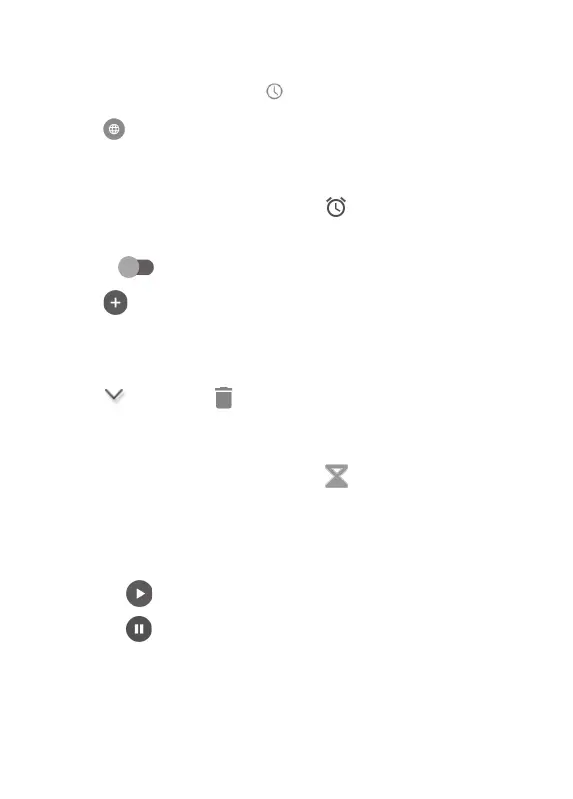
To view the clock, touch on the Clock screen.
Touch
to add a time zone.
4.2.2 Alarm
From the Clock screen, touch to enter the Alarm
screen.
Turn on
to enable the alarm.
Touch
to add a new alarm:
Touch a currently existing alarm to enter the alarm
editing screen.
Touch
and then to delete the selected alarm.
4.2.3 Timer
From the Clock screen, touch to enter the Timer
screen.
• Enter the time. The time should be typed in second,
minute and hour number sequence.
• Touch
to start the countdown.
• Touch
to pause the countdown.
• Touch Delete to delete current countdown label.












 To Next Page