5
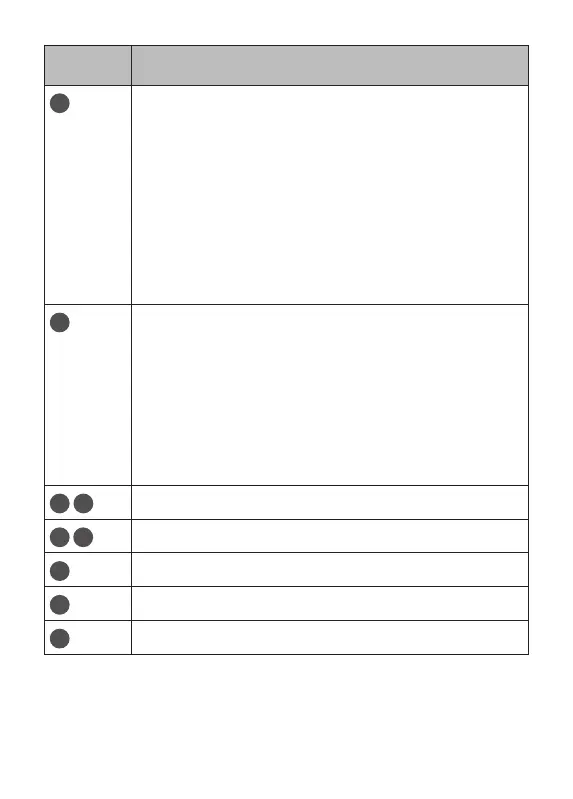
Number Function
1
Power key:
• Press: Lock the screen/Light up the screen.
• Press and hold: Show the popup menu to
select from Power off/Restart/Screenshot.
• Press and hold the Power key and Volume
down key to take a screenshot.
• Press and hold the Power key for at least
10 seconds to force reboot.
Volume key:
• In Music/Video/Streaming mode, adjusts
the media volume.
• In general mode, adjusts the ringtone
volume.
• In camera preview mode, press Volume
up or down key to take a photo.
4
Speaker
5
6
Microphone
7
USB port
8
Headset
9
SD slot














 To Next Page