42
4 USE
Don’t forget that this baby intercom is merely an extra piece of mind. The
device can never replace the physical and monitoring presence of a parent
or babysitter.
4.1 TOUCH-SCREEN OPERATION:
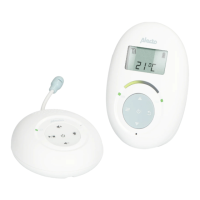
Both the parent unit and baby unit are operated using the touch-screen. To
prevent functions from being switched on/off by accident, the user function
of the touch-screen is disabled in standby mode. Briefly press the button
to enable the user function of the screens, indicated by the illumination of
the backlighting.
Keep in mind that certain buttons must be pressed briefly while others must
be pressed longer. Please refer to the instructions in this user manual.
4.2 TURNING ON/OFF:
Press and hold the button for 3 seconds to turn on the baby-
unit or parent-unit.
Press and hold the button again for 3 seconds to turn off the
baby-unit or parent-unit.
4.3 CONNECTION CHECK:
As soon as you switch on the parent-unit, it will start searching for the baby-
unit.
If the parent-unit still hasn’t located the baby-unit after 60 seconds (because
it’s still turned off or out of range), the display lighting will start flashing while
the text ‘OUT OF RANGE’ appears in the display.
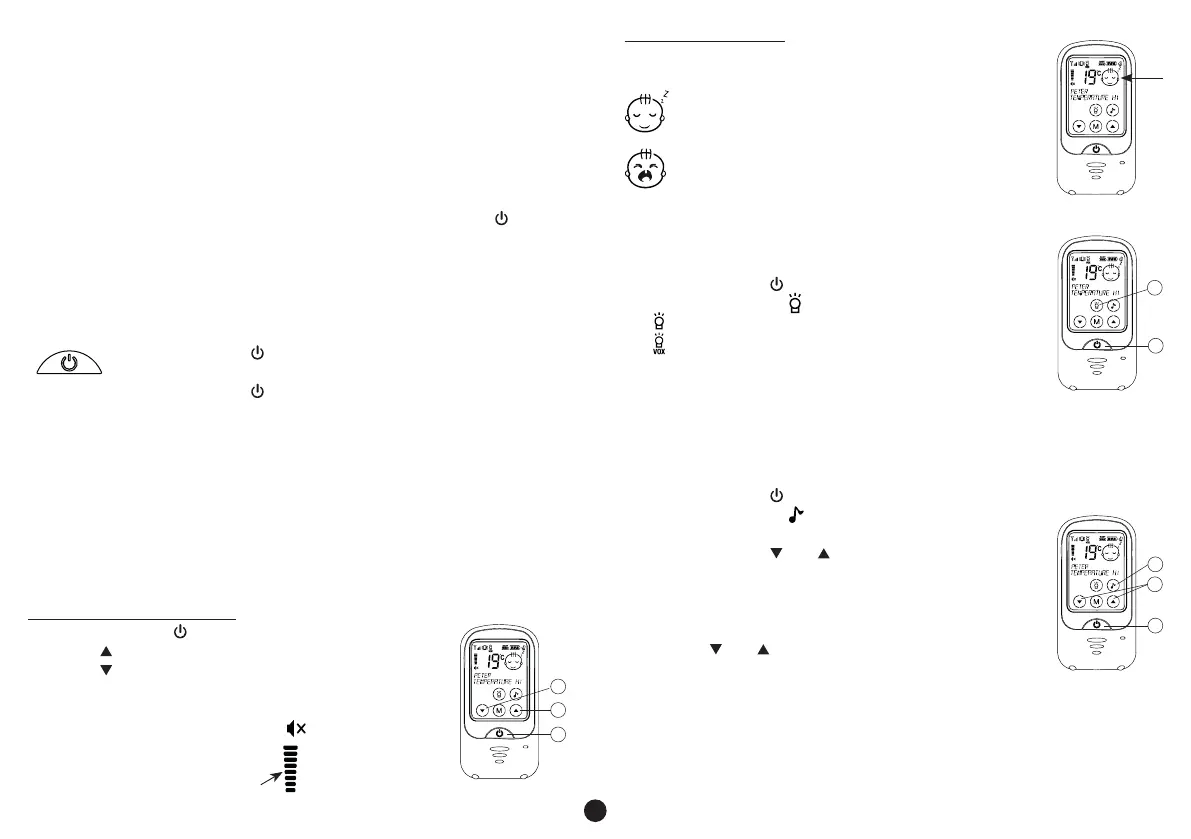
4.4 TO LISTEN:
Parent unit reception volume:
1. briefly press the button to activate the touch-screen
2. press to increase the volume
3. press to decrease the volume
• the DBX-68 has 8 volume levels and ‘sound off’
• an ‘x’ will appear behind the speaker symbol
when the volume is switched off
• the set volume level will be
shown of the display
Visual sound indicator:
The display indicates whether the baby is crying or not as
follows:
baby sleeping
baby crying
4.5 NIGHT LIGHT:
The baby-unit is provided with a built-in night light.
The light has the following possibilities:
1. briefly press the button to activate the touch-screen
2. press and hold the button for 1 second
• appears in the display = night light on
• appears in the display = night light in automatic mode
(on when the baby is crying, off when the baby is quiet)
• no light in the display = night light off
4.6 LULLABIES:
The DBX-68 is pre-programmed with 6 different lullabies and sounds that
you can set via the parent unit. After selecting your desired sound, it will be
played for up to 15 minutes.
1. briefly press the button to activate the touch-screen
2. press and hold the button for 1 second to start
playback
3. you can use the and buttons to select a different
song or sound
• playback will stop automatically after 15 minutes, you
can repeat instructions 1 and 2 above to stop playback
earlier
• use the and buttons on the baby unit to adjust the
volume
• the sound of the lullabies can be heard at the parent unit through the
microphone of the baby unit; you can decrease the volume of the parent
unit if this bothers you
1
2
3
1
2
1
2
3



 To Next Page