45
5.4 TEMPERATURE ALARM:
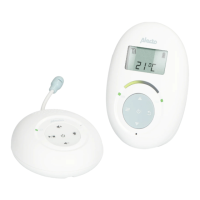
The display of the parent unit shows the temperature transmitted by
the baby unit. You can assign a minimum or maximum temperature to
this function and have the unit sound an alarm when these values are
exceeded:
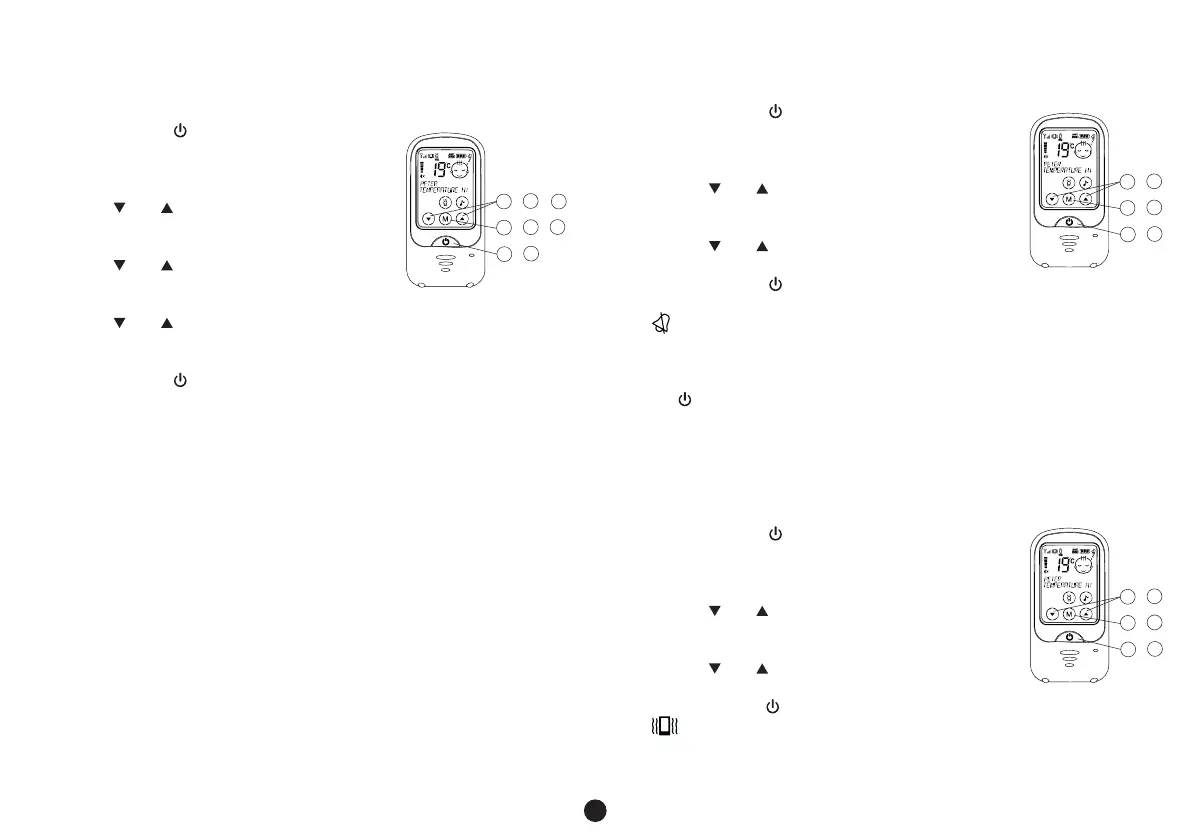
1. briefly press the button to activate the
touch-screen
2. press and hold the M button for 3 seconds to
open the menu
3. use the and buttons to select the option
TEMP ALARM
4. briefly press the M button
5. use the and buttons to select whether you
want to set or adjust the lower or the upper limit
6. briefly press the M button
7. use the and buttons to adjust the selected temperature limit and
briefly press the M button
8. repeat step 5-7 if you want to set the other temperature limit
9. briefly press the button to confirm the set temperature limits and to
leave the menu
• the upper limit can be set between -3°C and 50°C
• the lower limit can be set between -19°C and 3 degrees lower than the
upper limit
• select ‘‘OF” if you don’t want to set an upper or lower limit
• when the set temperature limit is exceeded, the temperature display will
start flashing while ‘TOO WARM’ or ‘TOO COLD’ is shown
• if the ALARM TONE function is activated, you’ll also hear short
notification tones
• don’t forget that the temperature display is only an indication, you’ll
have to take a tolerance of +/- 2°C into account
• at temperatures above 50°C and under -19°C, ‘- -‘ will appear in the
display
1
2
3
9
4
5
/
/
/
6
/
7
/
5.5 ALARM TONE:
You can set the unit to emit a clear alarm tone when temperature limits are
exceeded, when the battery is low or when the baby unit is out of range.
You can turn this function on or off as follows:
1. briefly press the button to activate the touch-
screen
2. press and hold the M button for 3 seconds to open
the menu
3. use the and buttons to select the option
ALARM TONE
4. briefly press the M button
5. use the and buttons to turn this function on
(ON) or off (OFF)
6. briefly press the button to confirm you selection and to leave
the menu
• will appear in the display when the alarm tone is switched off
• this setting only turns the alarm tone on or off; the alarm itself
is not changed
• when the alarm tone sounds, you can turn it off by briefly pressing
the button
5.6 VIBRATION FUNCTION:
In case of a little more background noise (e.g. noise while vacuum cleaning)
while there’s a chance that the sounds from the baby monitor cannot be
heard clearly, or in case the volume is switched off, you can enable the
vibration function:
1. briefly press the button to activate the
touch-screen
2. press and hold the M button for 3 seconds to open
the menu
3. use the and buttons to select the option
VIBRATION FUNCTION
4. briefly press the M button
5. use the and buttons to turn this function on
(ON) or off (OFF)
6. briefly press the button to confirm you selection and to leave the menu
• will appear in the display when the vibration function is switched on
1
2
3
6
4
5
/
/
/
1
2
3
6
4
5
/
/
/



 To Next Page