12
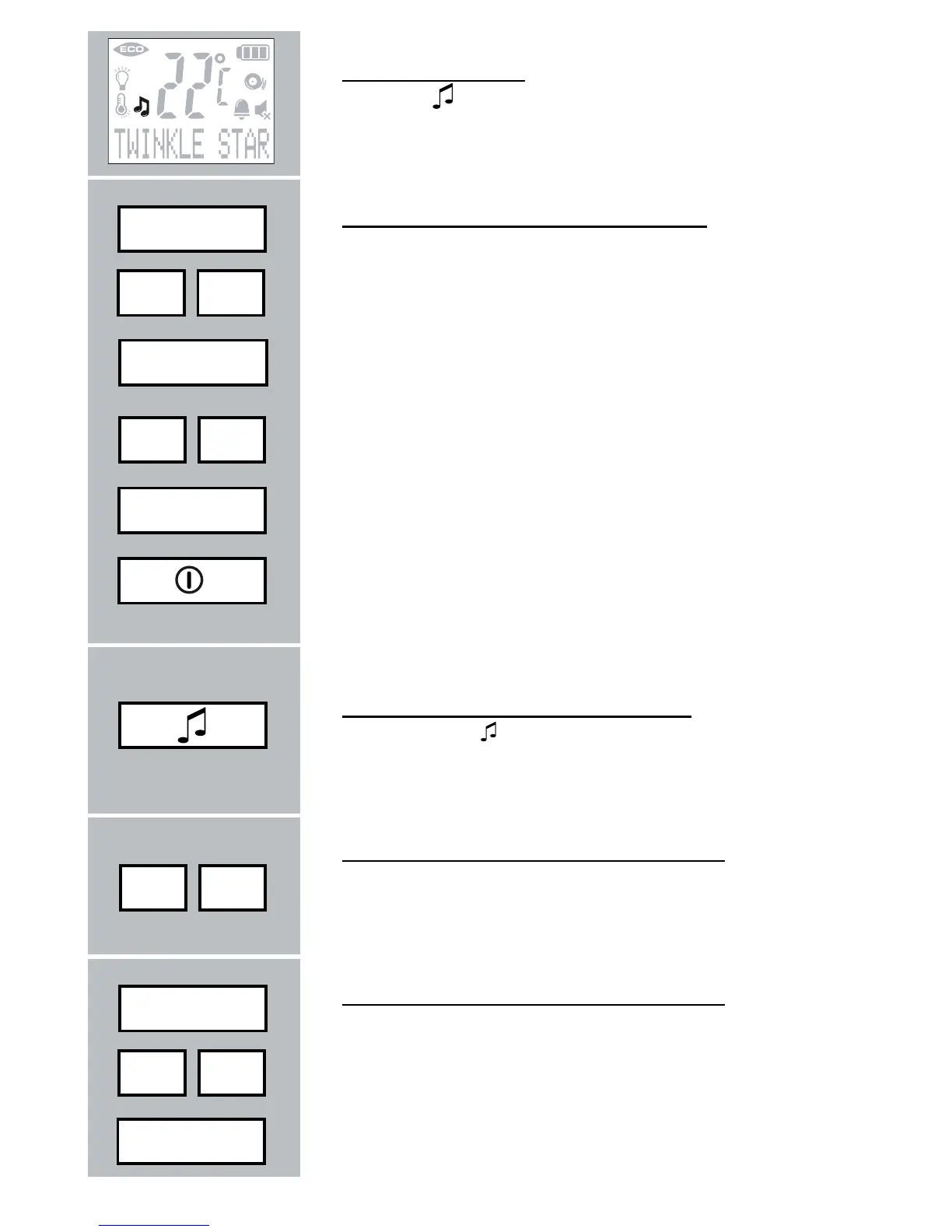
lullaby indication:
the icon
is on when the baby unit is playing
lullabies
select lullabies from the Parent unit:
press the MENU button
fi nd the option [ LULLABY ]
press the MENU button
look for the desired lullaby
( [ PLAY ALL ] = play all songs)
press the MENU button to confi rm and to store
the setting
briefl y press the POWER button to end the pro-
gramming mode
select lullabies from the Baby unit:
press button to select another lullaby
( [ PLAY ALL ] = play all songs)
control the volume on the Baby unit:
Press the - button to decrease the volume or the
+ button to increase the volume
control the volume on the Parent unit:
press the MENU button
fi nd the option [BABY VOLUME]
press the MENU button
Menu
- +
Menu
- +
Menu
Menu
- +
Menu
- +



 To Next Page