13
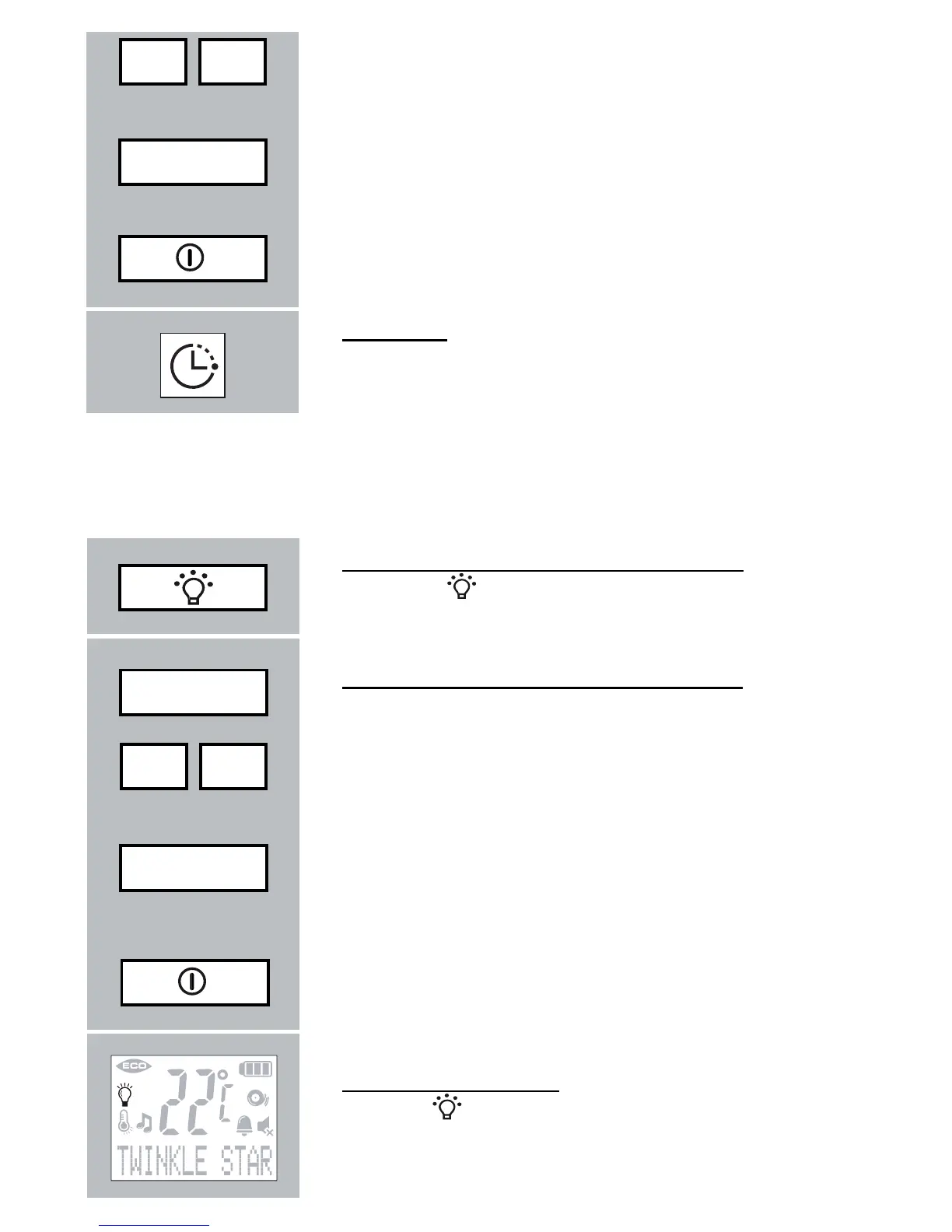
set the required volume (attention: the actual
volume does not change yet)
press the MENU button to confi rm and to store
the setting (only now the new volume setting will
be effective)
briefl y press the POWER button to end the pro-
gramming mode
Play time:
the maximum play time for one or for all lullabies
is 15 minutes
4.9 NIGHTLIGHT:
You can control the nightlight directly on the baby unit or remotely by the
parent unit.
control the nightlight on the Baby unit:
press the
button to switch-on/off the nightlight
control the nightlight on the Parent unit:
press the MENU button
fi nd the option [ NIGHTLIGHT ]
press the menu button 2x:
if the nightlight is currently off, it will now be set to
on; if the nightlight is currently on, it will now be
set to off
briefl y press the POWER button to end the pro-
gramming mode
night light indication:
the icon
is on when the night light is switched
on
- +
Menu
15min.
Menu
- +
Menu
2x



 To Next Page