73
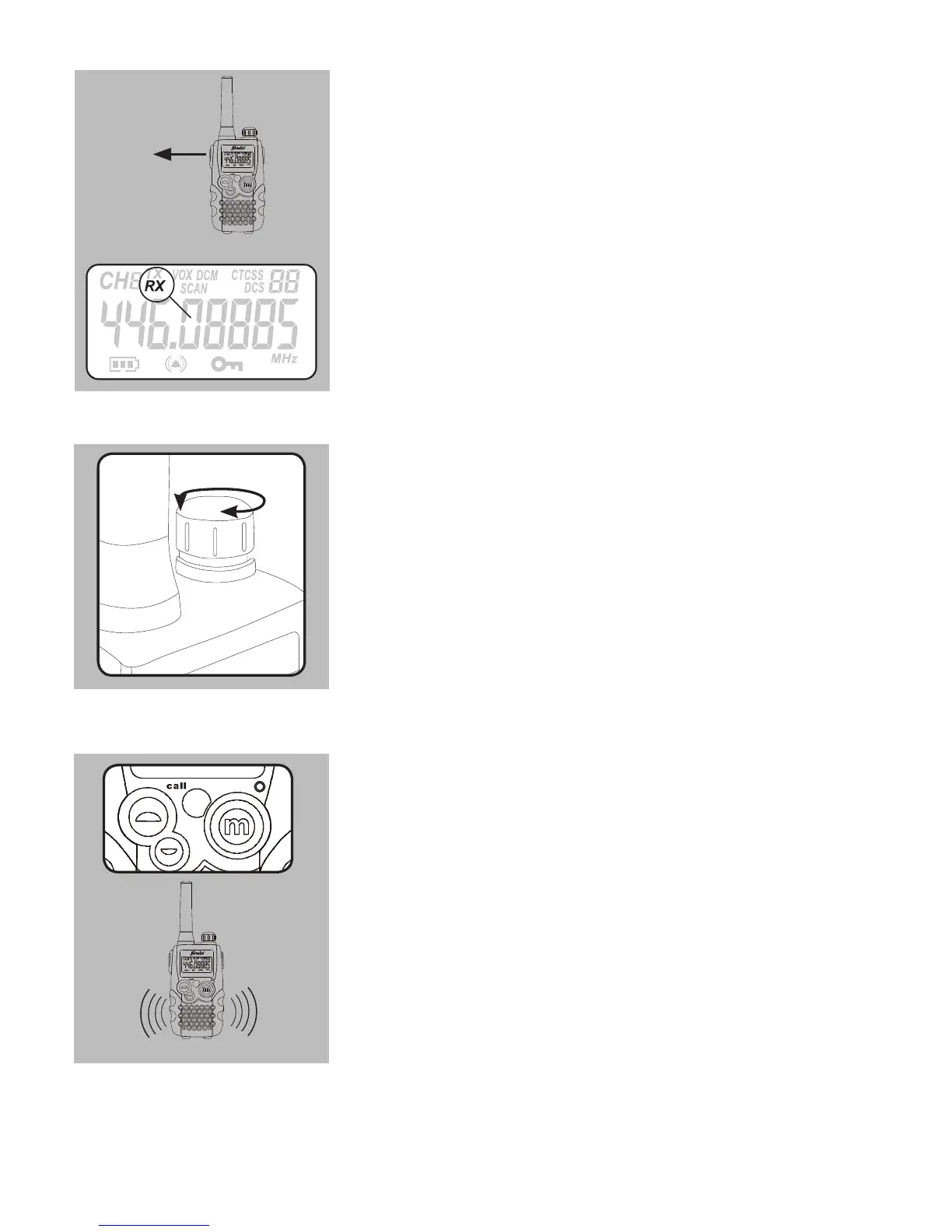
RECEIVING:
as soon as you release the PTT button, the
FR-58 will switch to receiving mode
when the FR-58 receives a signal, ‘RX’ will
appear in the display, the receiving indicator
LED will light up and the signal is reprodu-
ced
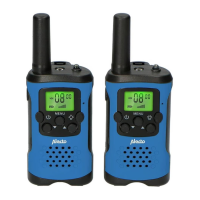
RECEIVING VOLUME:
rotate the volume button to adjust the
volume
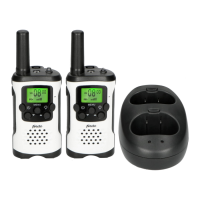
CALL TONE:
shortly press the call button to transmit a call
tone
the send indication will light up while trans-
mitting.
see page 80 on how you can turn the vibration function on or off and
page 81 if you like to change the sound of the call tone



 To Next Page