. .
28
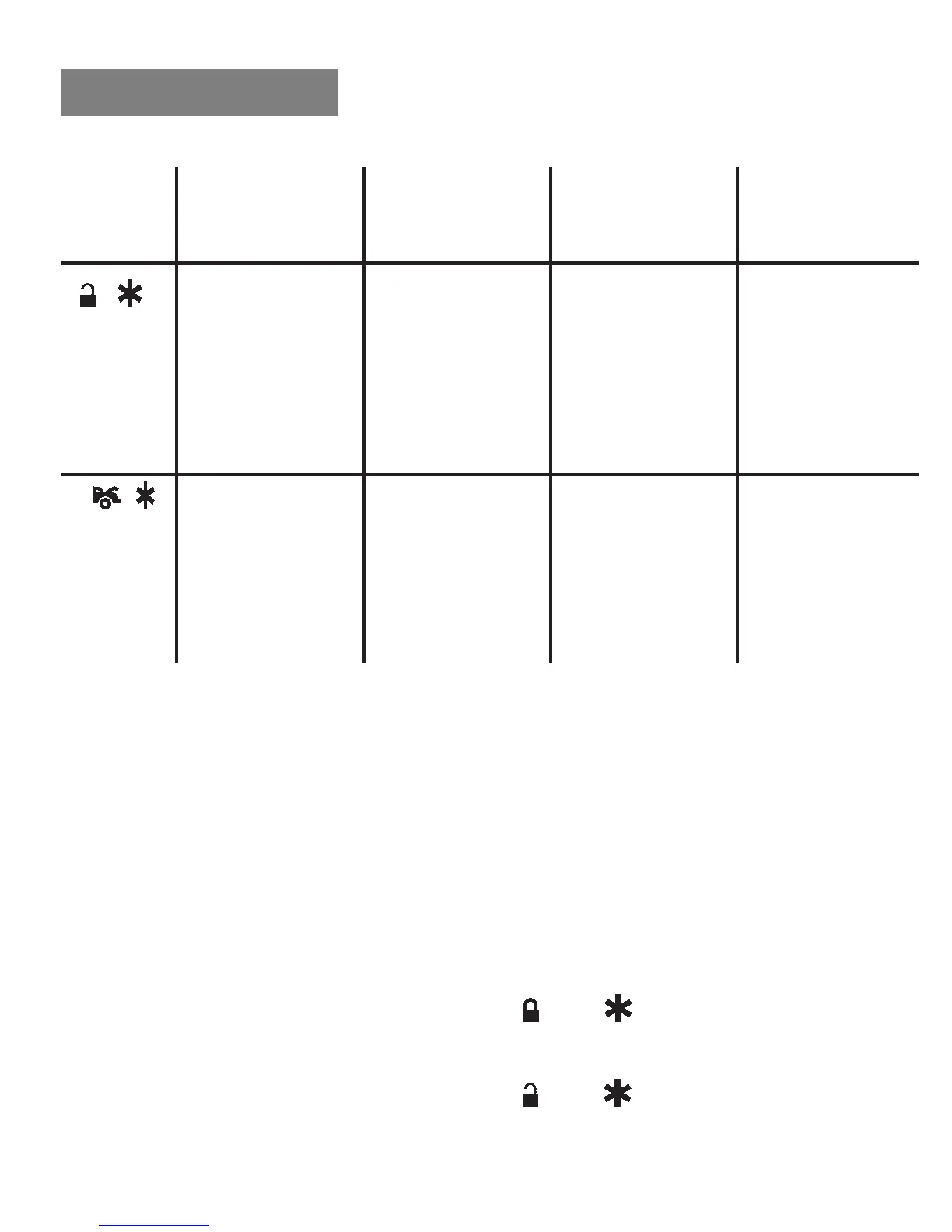
ALARM FEATURE #3 PROGRAMMING CHART
One Chirp with
Press One LED Pulse
Transmitter Factory Default Two Chirps with Three Chirps with Four Chirps with
Button Setting Two LED Pulses Three LED Pulses Four LED Pulses
6
+
H8/5 Black/Red H8/5 Black/Red H8/5 Black/Red H8/5 Black/Red
Wire Channel 5 Wire Channel 5 Wire Channel 5 Wire Channel 5
Output= Output=Latched Output=Latched Output=Timer
Momentary Output Output and Reset programming (set
Output with Ignition on
to any interval
between 1 sec-
ond and 2 min.)
7
+
H8/2 Black/Violet H8/2 Black/Violet H8/2 Black/Violet H8/2 Black/Violet
Wire Channel 6 Wire Channel 6 Wire Channel 6 Wire Channel 6
Output= Output=Latched Output=Latched Output=Timer
Momentary Output Output and Reset programming (set
Output with Ignition on
to any interval
between 1 sec-
ond and 2 min.)
Exit: Turn the ignition switch to the ON position, wait 15 seconds you
will get 3 long chirps and 3 parking light flashes, this will confirm the
programming has been exited.
Channels 4 (5/6) Timer Control Output Programming.
1. Turn the Ignition switch ON and OFF 3 times, then leave it in the
OFF position.
2. Press the valet/program switch 6 times and then hold it in on the
6
th
press until 3 chirps followed by 1 long chirp is heard and the LED
will turn on, release the valet/program switch. You are now in the
Alarm feature # 3
programming mode.
3-a. Press and release the transmitters
and
buttons together 4
times, [4] LED flashes and [4] siren or horn chirps will indicate
you are in CHANNEL 4 TIMER PROGRAMMING MODE.
3-b. Press and release the transmitters
and
buttons together 4
times, [4] LED flashes and [4] siren or horn chirps will indicate
you are in CHANNEL 5 TIMER PROGRAMMING MODE.
PROGRAMMING


 To Next Page
 Loading...