. .
34
PROGRAMMING
START TIMER PROGRAMMING: (TEST and ADJUST)
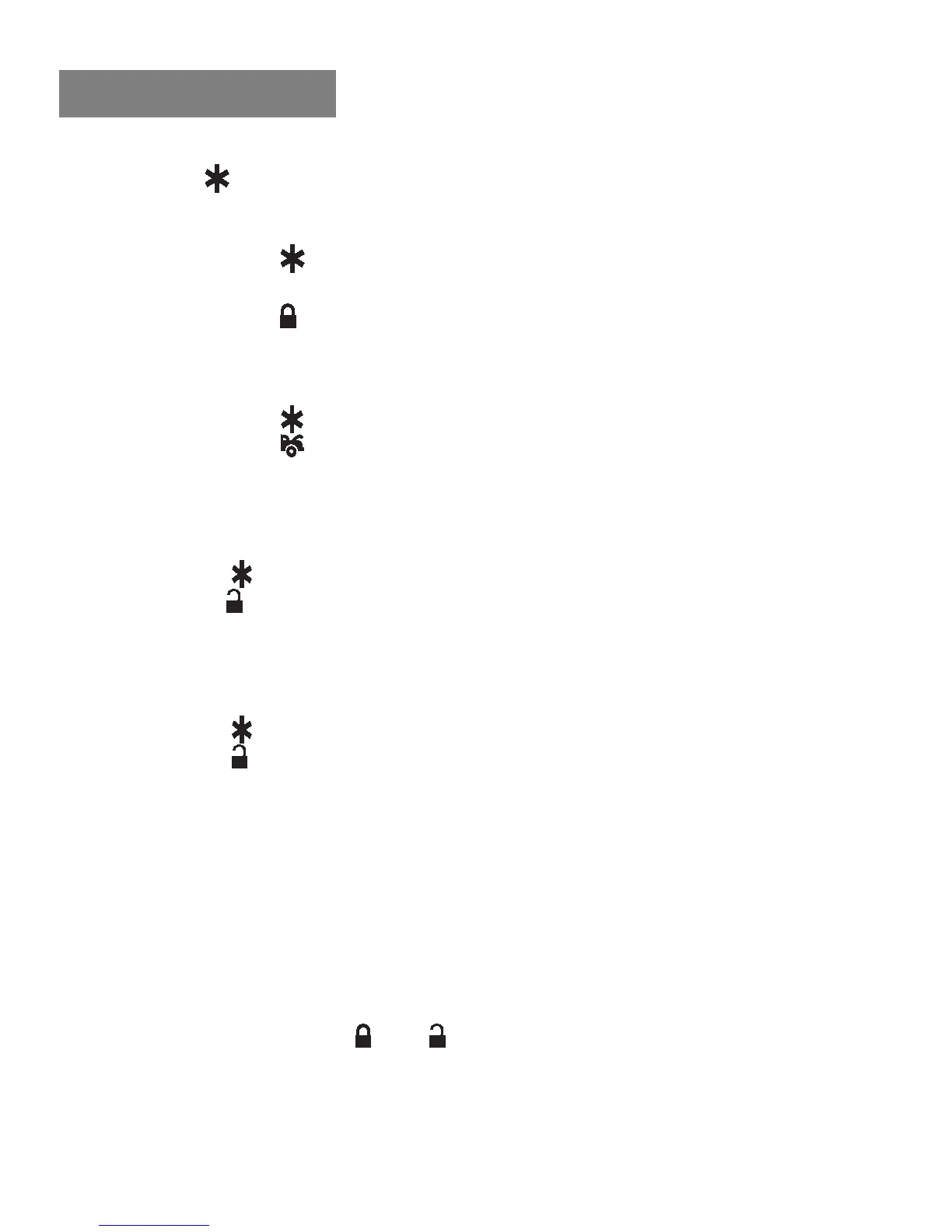
1. Press the
button twice on the transmitter to start the vehicle.
2. If the engine starts, Wait for 15 seconds:
a. If the engine is still running.
I. Press the
button twice on the transmitter to stop the engine.
You have completed this programming successfully.
II. Press the button on the transmitter to exit the program mode.
There will be 3 long chirps and 3 parking light flashes for
confirmation.
b. If the engine shuts down after the vehicle has been started.
I. Press the
button twice on the transmitter to stop the engine.
II. Press the
button on the transmitter to set Check Level to
LOW position. [1] LED flash, and [1] chirp to confirm this setting.
III. Repeat the step1 2.
3. If the crank time is too long, (Engine is running, while starter is still
cranking):
a. Press the
button twice on the transmitter to stop the engine.
b. Press the
button on the transmitter to set the proper Start Timer.
The 1 chirp and LED pause will confirm you have entered this
programming. (Decrease Start Timer is necessary.)
c. Repeat the step1 4.
4. If the crank time is too short, (Engine cranks but does not start):
a. Press the
button twice on the transmitter to stop.
b. Press the
button on the transmitter to set proper Start Timer.
The 1 chirp and LED pause will confirm you have entered this
programming. (Increase Start Timer is necessary.)
c. Repeat the step1 4.
ENGINE CHECKING OIL SENSOR
1. Turn the Ignition switchON and OFF 3 times and leave it in the
OFF position.
2. Press the valet/program switch 10 times and hold in on the 10
th
press until five chirps with 1 long chirp is heard, then release the
valet/program switch.
3. Press the transmitters
and buttons at the same time to set the
Engine Checking Oil Sensor. [3] / [4] LED flashes, [3] / [4]
chirps to confirm this setting.
Once you have completed step 3, you can adjust and test Start Timer
as follows:


 To Next Page
 Loading...