2
1
2
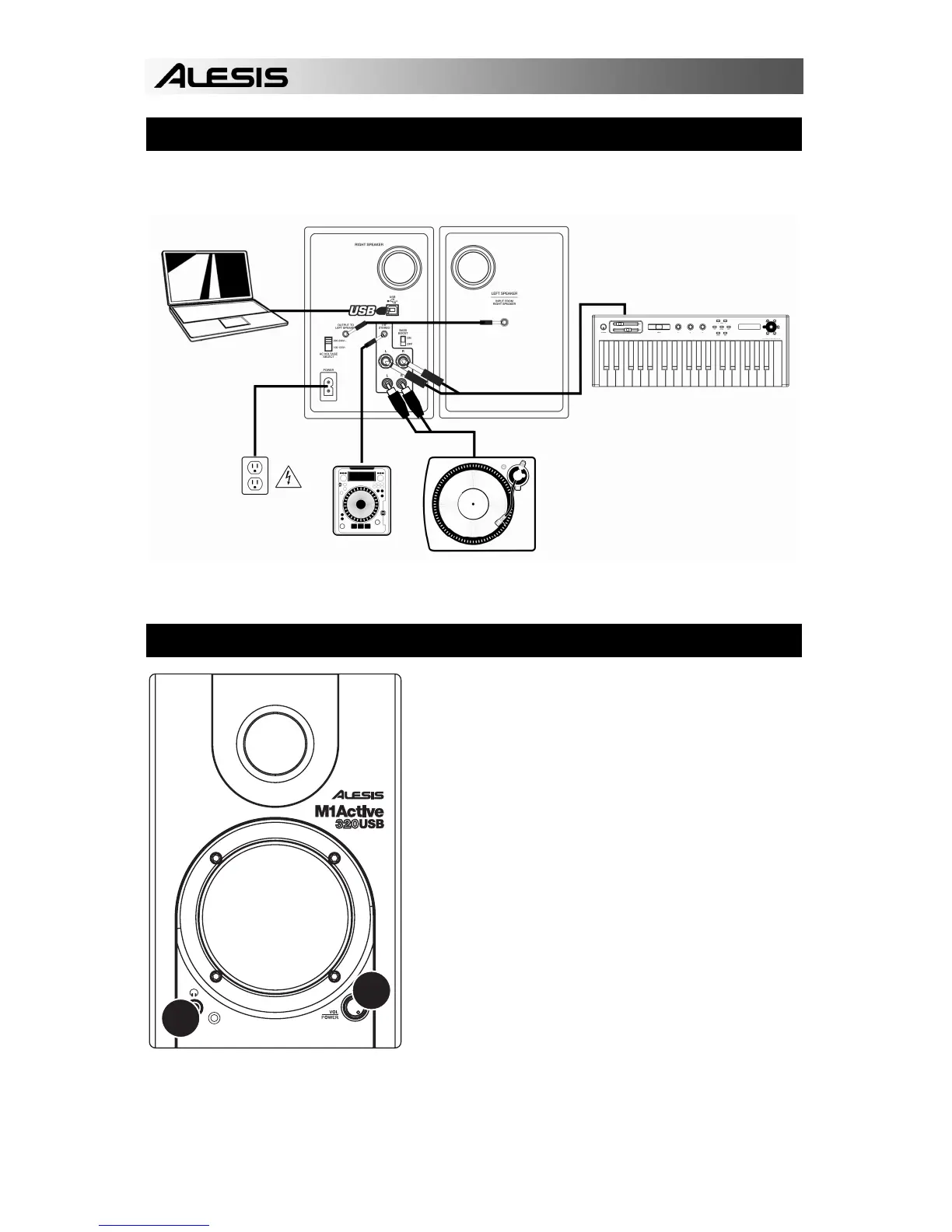
RIGHT SPEAKER
HOOKUP DIAGRAM
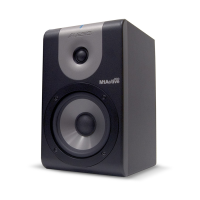
Refer to the possible connection scenario for hooking up the M1 Active 320 USB speakers.
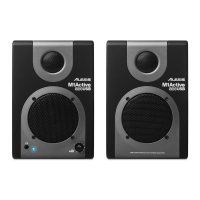
FRONT PANEL OVERVIEW
1. VOL/POWER – This knob is used to turn the
speakers on and adjust their volume. To turn
on, simply turn up the knob; you will feel a click
when the speakers turn on. A blue LED light on
the left side of the speaker will illuminate. To
turn off, simply turn the volume all the way
down; the blue LED will turn off to let you know
that the speakers are off.
2. HEADPHONES – Connect your 1/8”
headphones to this output to hear the mix
through your headphones. Note that while the
headphones are connected, you will not be able
to hear sound out of your speakers until the
headphones are disconnected.
LAPTOP
KEYBOARD OR SOUND MODULE
TURNTABLE OR
OTHER DEVICE
CD PLAYER OR
OTHER DEVICE
POWER
SOURCE






 To Next Page