Chapter 4 – Editing Programs
MidiVerb 4 Reference Manual 43
Naming A Program
The process of naming a Program is integrated into the Store function. Whenever you
store a Program, you have the opportunity to change its name. This is done by using
the [A], [B], [C] and [D] buttons while in Store mode.
To change a Program’s name:
➀ Press [STORE].
The [STORE] button will flash, and the display will read:
Store as
X
XX (nnnnnnnn)?
…whereas XXX is a Program location number from 00—127 in the User bank, and
nnnnnnnn is the Program’s name.
➁ Press the [A/NAME] button.
The cursor will move to the first character of the Program’s name.
➂ Use the [C/<] and [D/>] buttons to move the cursor left and right, respectively,
through the 8 character fields in the Program’s name.
➃ Use the [VALUE] knob to change the selected character field.
➄ If you wish to select a different Program location to store to, press [B/ESC] to
move the cursor back under the Program location number field in the display,
then use [VALUE] to select the Program location you want to store to.
➅ Press [STORE] again.
The [STORE] button’s LED will momentarily flash quickly, while the display reads:
Program nnnnnnnn Stored!
…whereby nnnnnnnn is the Program’s name. The [STORE] button will turn off and the
display will revert to wherever it was before [STORE] was pressed for the first time.
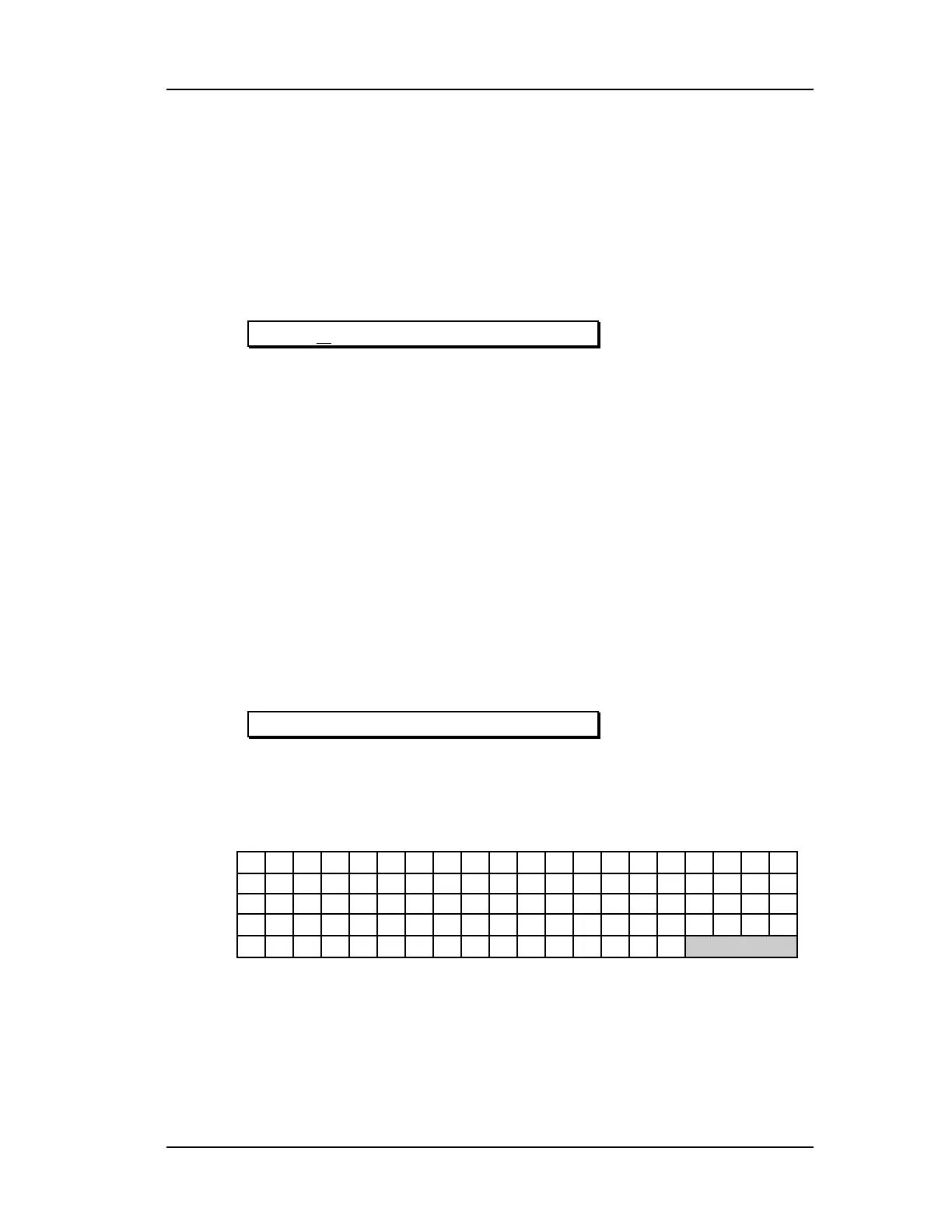
Here is a chart of available characters:
! " # $ % &
’
( ) * + , - . / 0 1 2 3
4 5 6 7 8 9 : ; < = > ? @ A B C D E F G
H I J K L M N O P Q R S T U V W X Y Z [
¥
]
^ _ `
a b c d e f g h i j k l m n o
p q r s t u v w x y z
{ | }
} {
If you decide you want to select a different Program, you can always get back to
Program mode by pressing [PROG] again. However, if you select another Program
after making changes and without storing the Program back into memory, the
changes you have made will be lost.
To make your changes to the Program permanent, you must store the Program
somewhere in the User bank. If the Program is already in the Preset bank and you
store it, you will automatically be taken into the User bank.













 To Next Page