5
Speaker Orientation
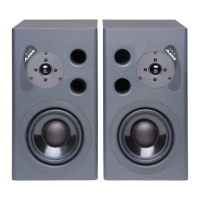
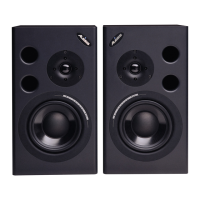
If possible, place the Elevate 4 monitors in
their upright position and avoid laying the
speakers on their sides. The Elevate 4
woofer and tweeter are vertically aligned
and will provide the best performance
when the speakers are placed upright.
Placing them on their sides may create
strong reflections from nearby surfaces
resulting in spectrally unbalanced sound.
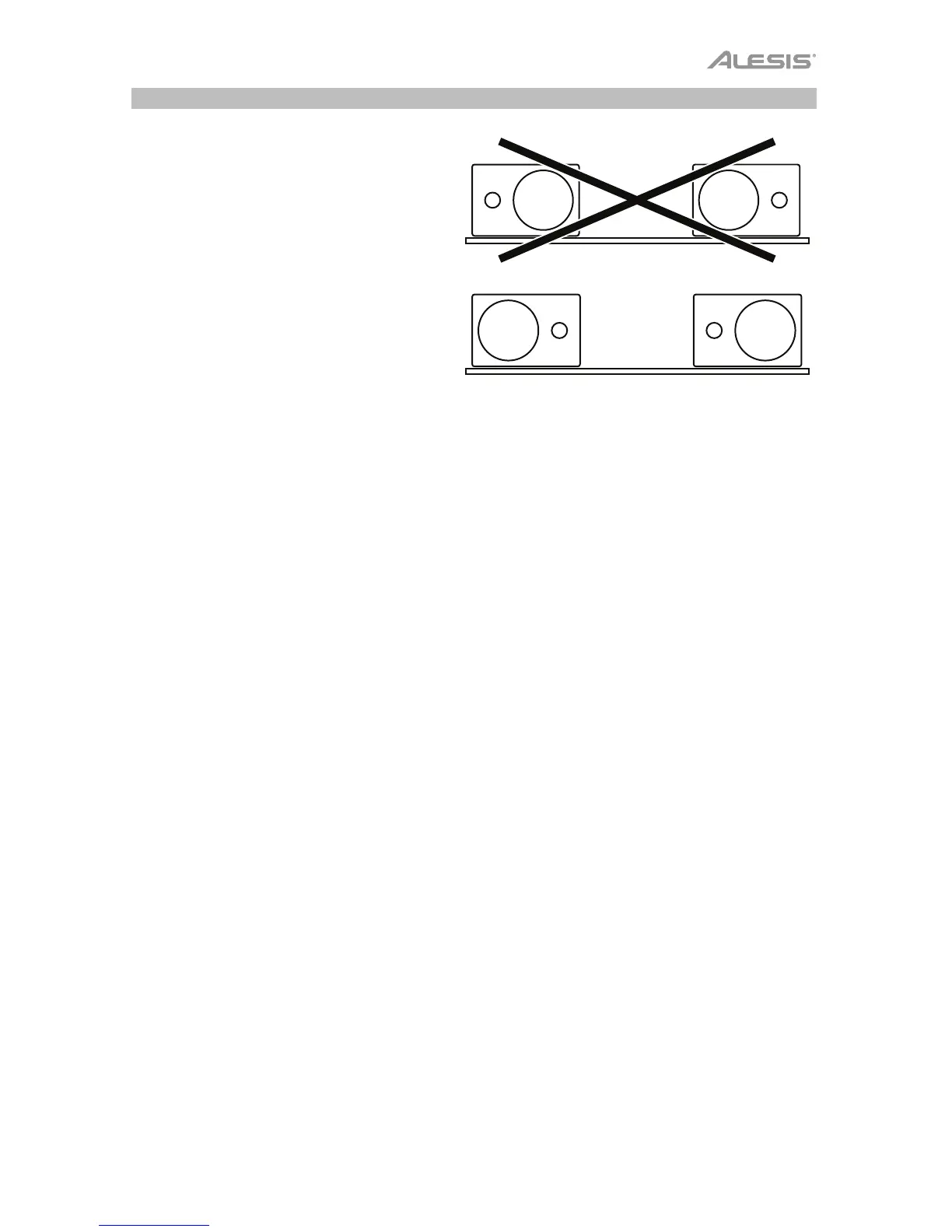
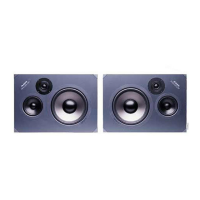
If your Elevate 4 monitors must be
oriented horizontally due to space or line-
of-sight considerations, place the
speakers so that their tweeter is on the
"inside" to improve imaging.





 To Next Page