10
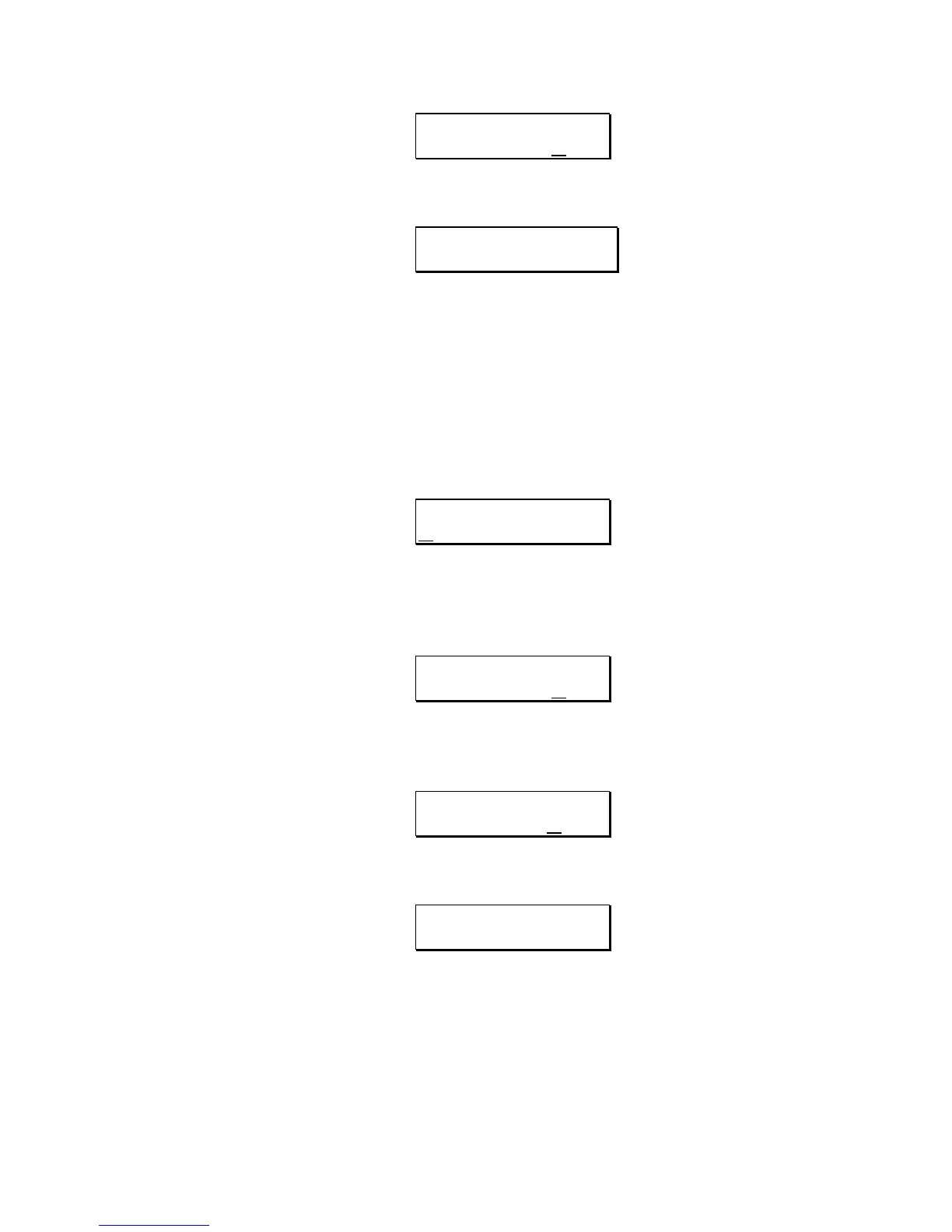
AUDIO TRIGGER
SAMPLING: ON
4) Now press the BYPASS button. The display will read:
WAITING FOR AUDIO
THRESHOLD
5) Send a signal to the QuadraVerb Plus. When the first LED (-18dB) lights,
the input signal has passed the audio threshold and recording has begun.
For the best recorded signal, raise the input level control so that the -6dB
LED lights. The signal will be distorted if the red "Clip" LED lights.
RECORDING FROM THE FRONT PANEL
1) Press the DELAY button. The display will read:
SAMPLE PLAYBACK:
ONE SHOT
This page is primarily for playback and can be bypassed for now.
2) Press the
PAGE up button three times. The display will then read:
AUDIO TRIGGER
SAMPLING: ON
3) Press the VALUE button to select the Audio Trigger Off mode. The display will
read:
AUDIO TRIGGER
SAMPLING: OFF
4) Now, when ready to sample, press the BYPASS button. The display will read:
SAMPLING.................
..
For the best recorded signal, raise the input level control so that the -6dB
LED lights. The signal will be distorted if the red "Clip" LED lights.



 To Next Page