9
CONFIGURATION:
SAMPLING
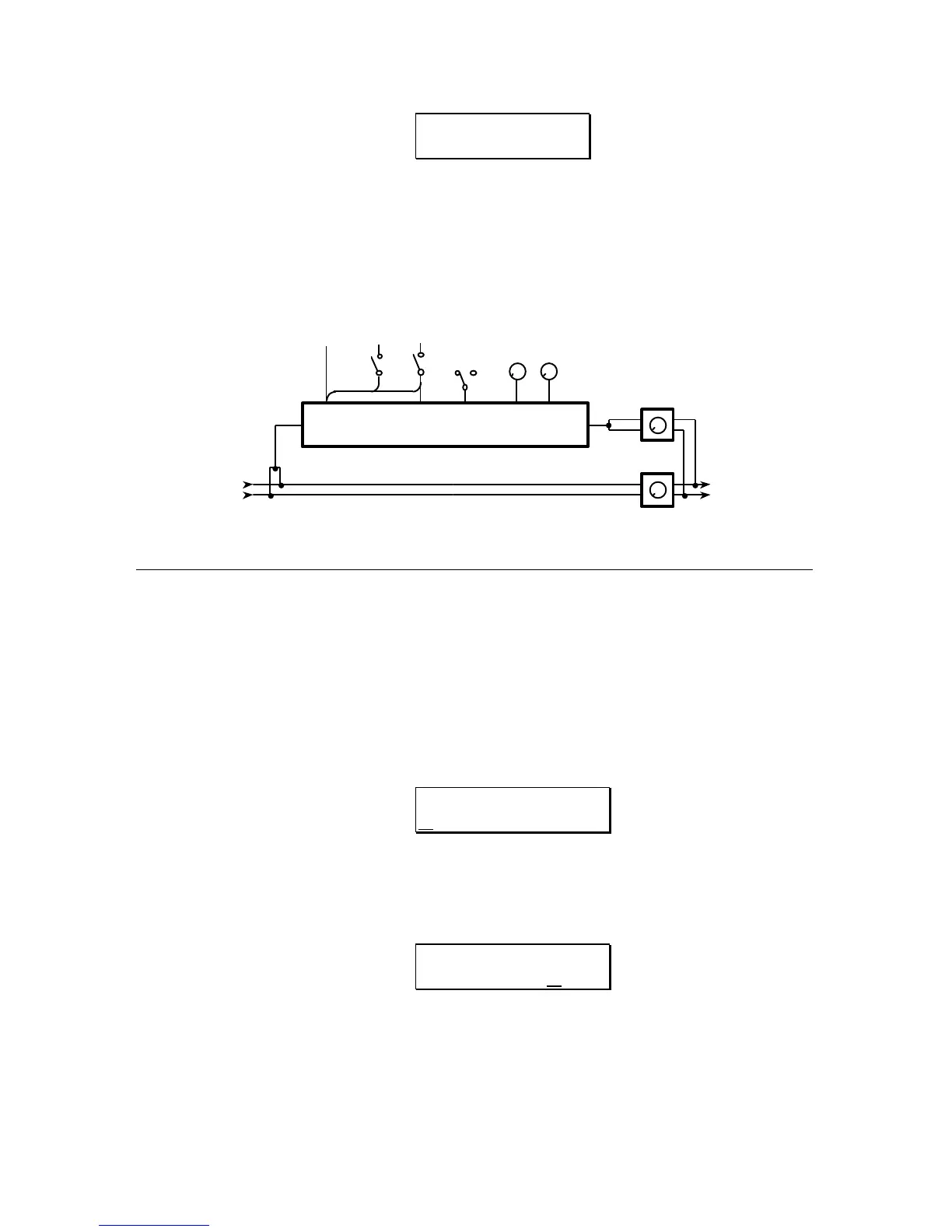
The block diagram of this configuration is as follows:
FIGURE 4
CONFIGURATION 8
SAMPLING
SAMPLING
SAMPLING OUTPUT
L
R
DIRECT OUTPUT
L
R
TRIGGER
LengthLooping
OnOff
Start
MIDI
NOTE
PITCHTRIGGER
AUDIO
TRIGGER
RECORDING A SAMPLE
There are two ways to record a sample. In the first (the easiest to get a good
sample), the QuadraVerb Plus waits for the incoming audio to trigger recording.
The second method requires the user to initiate recording by pressing the
BYPASS switch on the front panel.
RECORDING BY AUDIO TRIGGER
1) Press the DELAY button. The display will read:
SAMPLE PLAYBACK:
ONE SHOT
This page is primarily for playback and can be bypassed for now.
2) Press the
PAGE up button three times. The display will then read:
AUDIO TRIGGER
SAMPLING: OFF
3) Press the VALUE button to select the Audio Trigger On mode. The display will
read:



 To Next Page