Chapter 6: Editing Programs
PITCH LFO
The Pitch LFO function (press [7]) is most often used to apply vibrato to a sound.
J
The following Pitch LFO variables will make a difference in the sound only if the
PITCH LFO DEPTH (on Page 6 of the PITCH function) is set to a value other than 0,
or, if the Pitch LFO is a source in the MOD function.
Wave (8 choices) Page 1
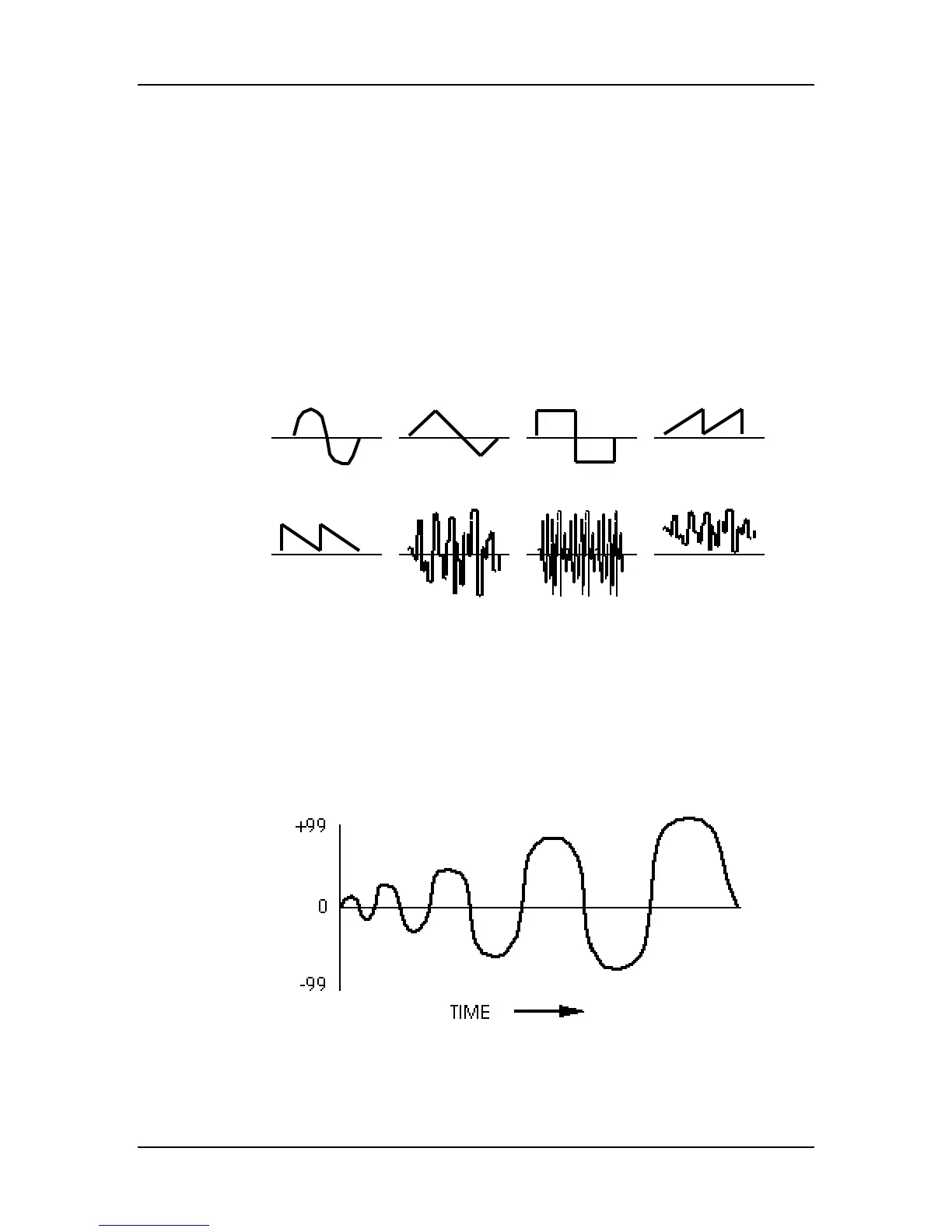
The waveform determines the shape of the LFO. Select either Sine, Triangle, Square,
Up Saw, Down Saw, Random+-, Noise or Random+. Note that the two Sawtooth
waves and the Random+ wave are unipolar and the rest are bipolar:
SINE TRIANGLE SQUARE UP SA W
DOWN SA W RANDOM+- NOISE RANDOM+
Speed (00 to 99) Page 2
Controls the speed or rate of the LFO. For fast modulation, increase this value. For
slower modulation, decrease this value.
Delay (00 to 99) Page 3
This is the amount of time that is to occur before the LFO fades in. Sometimes, it is
desirable to have modulation come in a moment or two after a note has been played,
rather than starting instantly. The higher the value, the slower the LFO fades in.
76 QS7/QS8 Reference Manual



 To Next Page