Editing Programs: Chapter 6
to “Pitch” and the Tracking Generator’s input is an LFO using an “Up Sawtooth” as its
waveform.
TIP:
The Tracking Generator can be used to turn a variable control, such as the Mod
Wheel or velocity, into a switch by setting all of the points to 0 except for point 10.
Only near the maximum input will anything other than 0 come out of the Tracking
generator. You can patch the Mod Wheel somewhere else in addition to the Tracking
Generator, giving you gradual control of one function with the full range of the Mod
Wheel, while switching on a second function only at the top of the wheel.
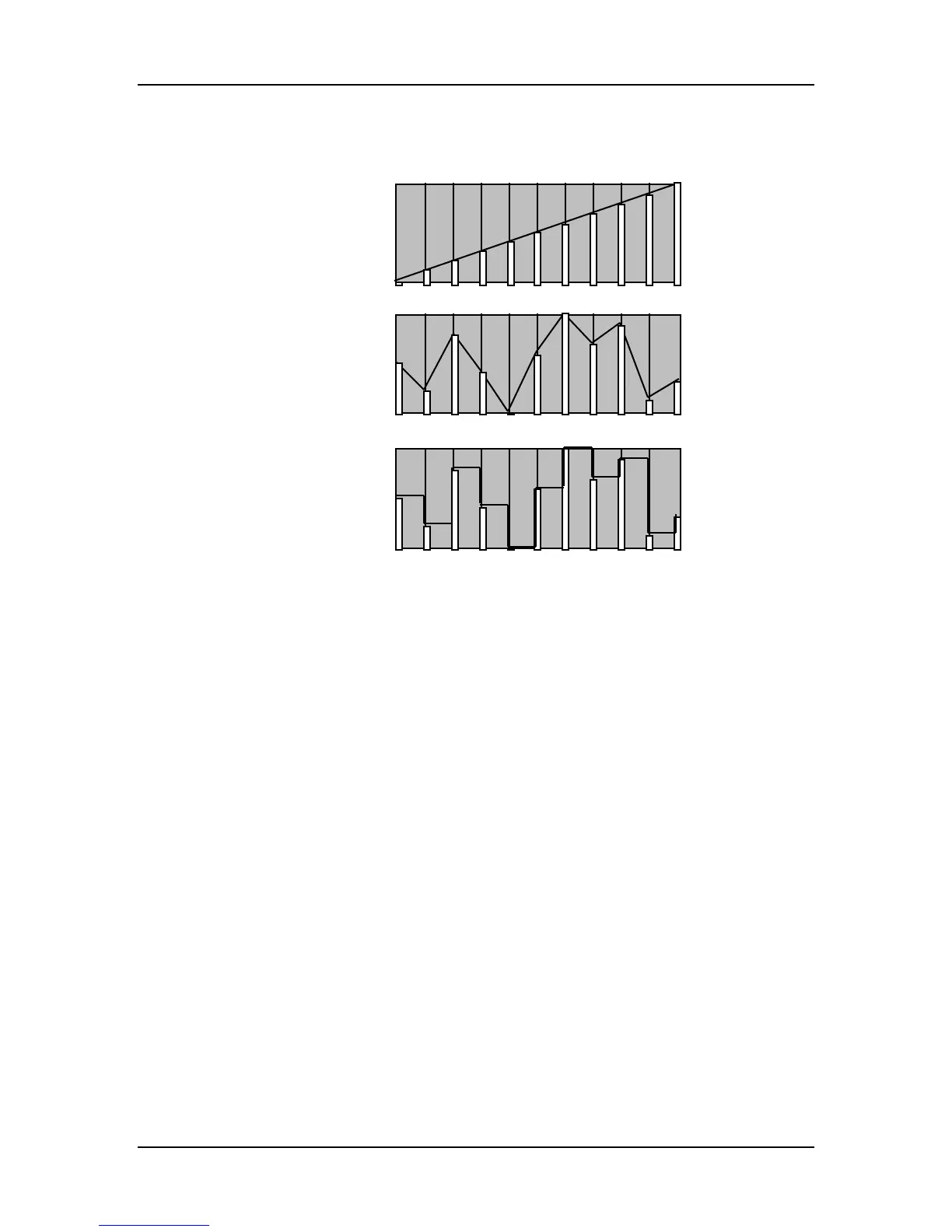
However, the Tracking Generator interpolates between steps; this is sort of like
playing “connect the dots.” In other words, the Tracking Generator does not step
directly from one point to the next, but ramps from point to point.
Tracking Input Page 1
Select the input of the Tracking Generator from the following sources:
• Note Number • Velocity • Release Velocity • Aftertouch
• Poly Pressure • Mod Wheel • Pitch Wheel • MIDI Volume
• Sustain Pedal • Pedal 1 • Pedal 2 • Pitch LFO
• Filter LFO • Amp LFO • Pitch Envelope • Filter Envelope
• Amp Envelope • Random • Trig Rate • Controllers A–D
For detailed descriptions of each of these sources, see the section “Modulation
Source” in the Mod section on pages 73–75.
Tracking Points 0 – 10 (00–100) Pages 2–12
The remaining pages of the TRACK function control the levels of points 0–10.
QS7/QS8 Reference Manual 81



 To Next Page