ALFA Network Inc.
3.
Wireless Network Configuration
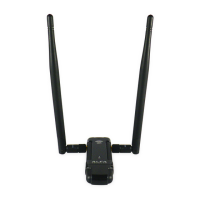
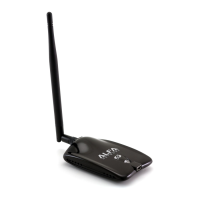
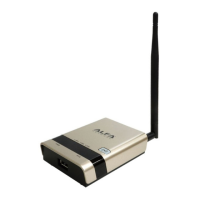
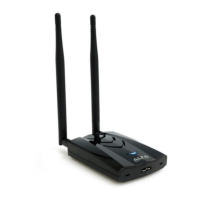
The management software is provided for the wireless adapter.
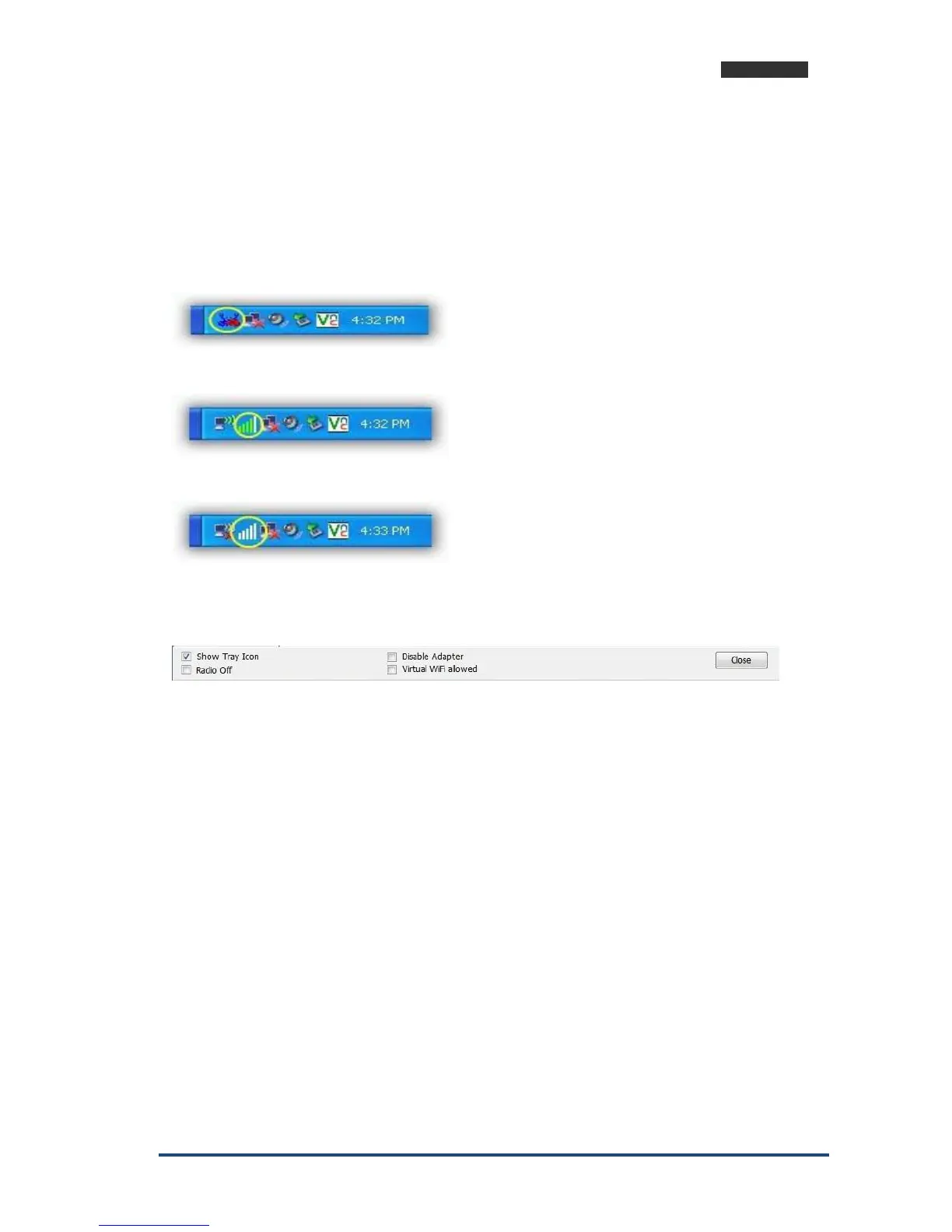
When you insert the WLAN Adapter into your laptop or desktop, an icon should appear in the
Windows System Tray automatically.
3.1 Utility Icon
Client mode utility running but no WLAN Adapter plugged.
Client mode utility running and WLAN Adapter scan available network.
Client mode utility running and WLAN Adapter can not scan any AP.
3.2 Client Mode
3.2.1 Wireless Device Control
Show Tray Icon – Show icon or not show icon in stray.
Radio Off – Stop wireless signal.
Disable Adapter – Stop wireless device.
Virtual WiFi allowed Windows operating system control switch



 To Next Page