16
Version 1.01
Decoding/Encoding files received from your Users
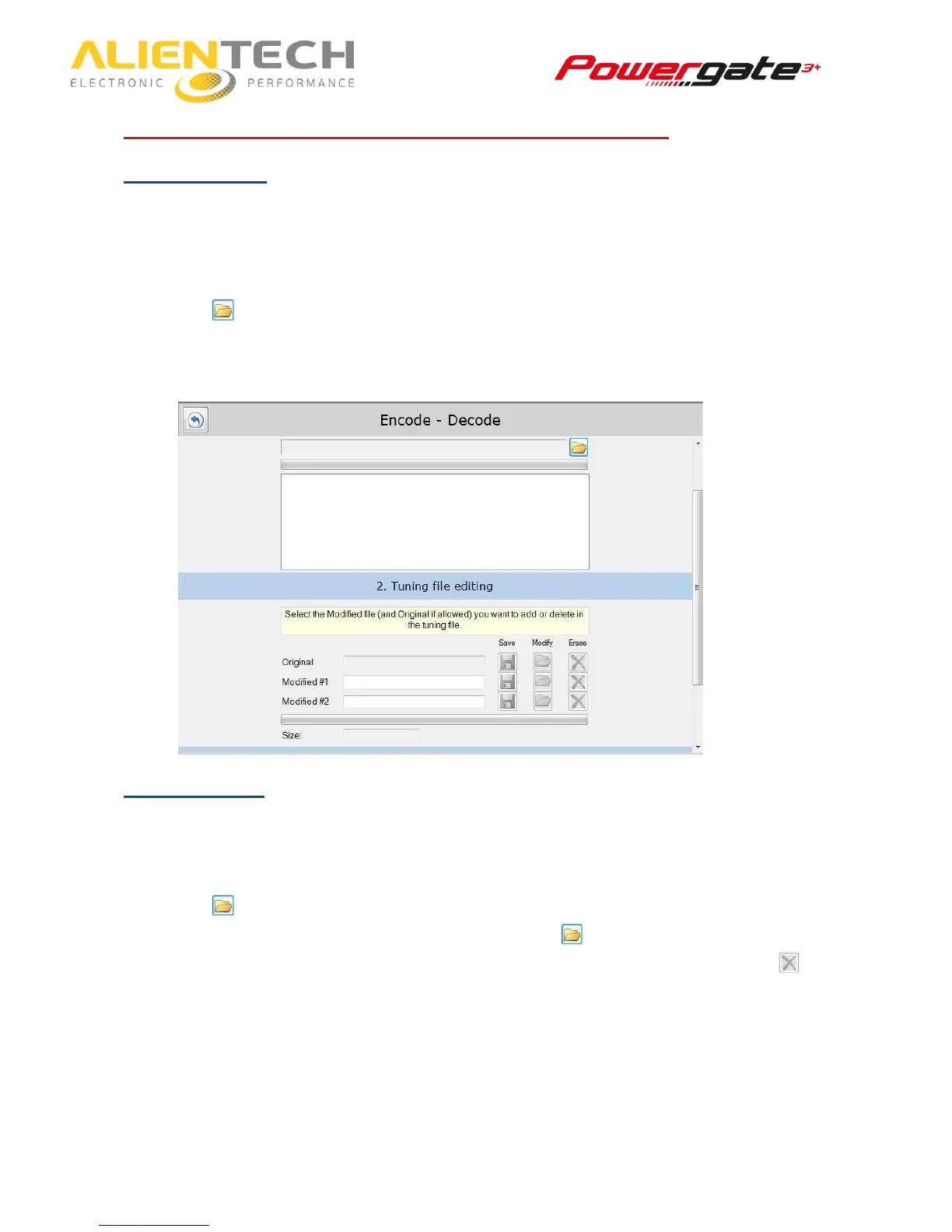
Decoding a file
1. Click on Decode - Encode.
2. Click on Continue.
3. Select the folder where you saved the encoded file received from your User by clicking the
icon .
4. Save the original file in a folder of your computer so that you can edit it using a chiptuning
software.
Encoding a file
1. Click on Decode - Encode.
2. Click on Continue.
3. Browse the folder where you saved the original file received from your User by clicking the
icon and select the original file.
4. Select up to two modified files by clicking on the icon in the Modify column. If case you
want to remove a modified file already associated to that original, just click the icon .
5. Click on start to create the encoded file to send your costumer.



 To Next Page