17
Version 1.01
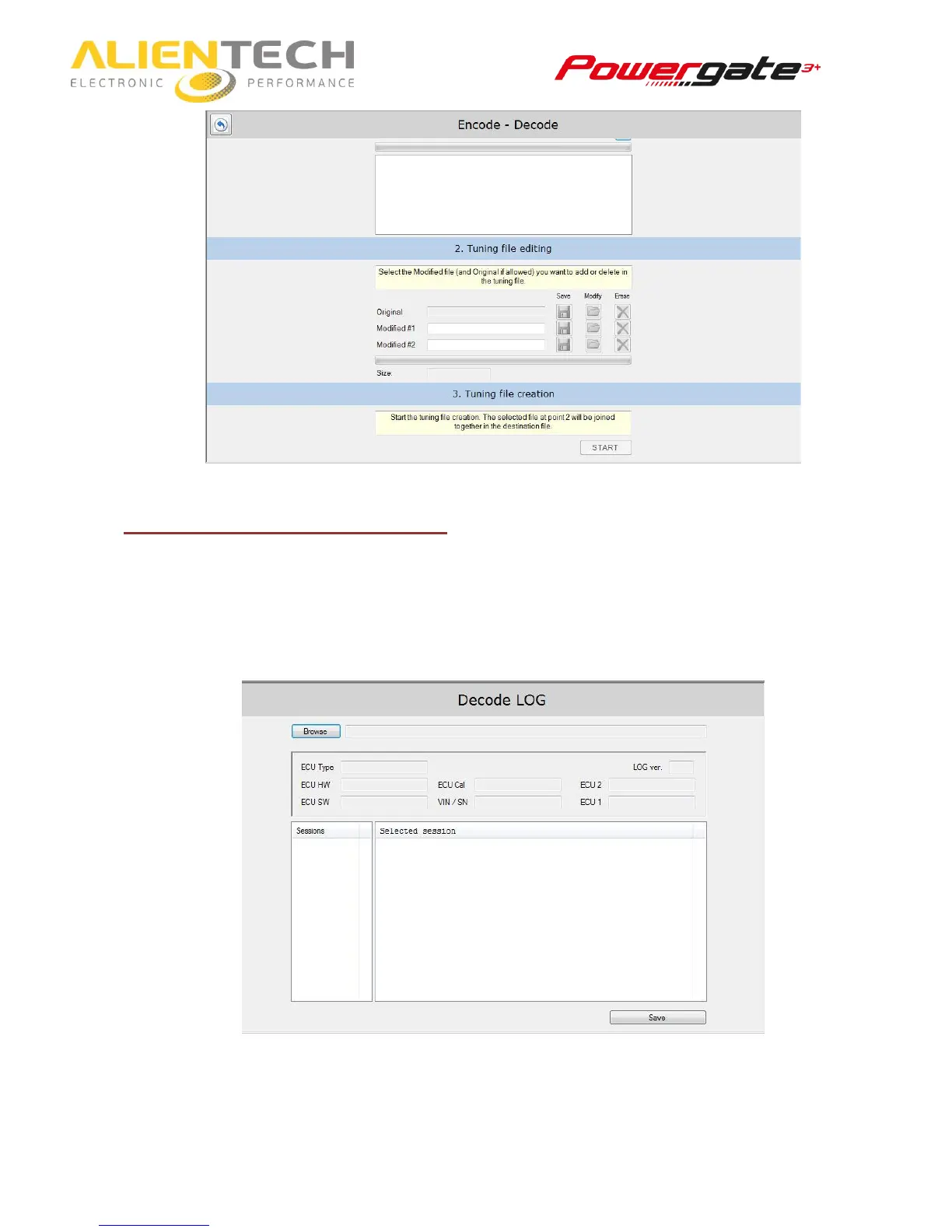
Decoding your User’s LOG file
1. Click on Decode User LOG.
2. Click on Browse to select the LOG file received from your customer.
3. In Session box, chose the session that gave your customer issues.
4. In the Selected section box, you can see all the operations done by the device.



 To Next Page