Alienware Area-51 m5750 Technical Reference
15
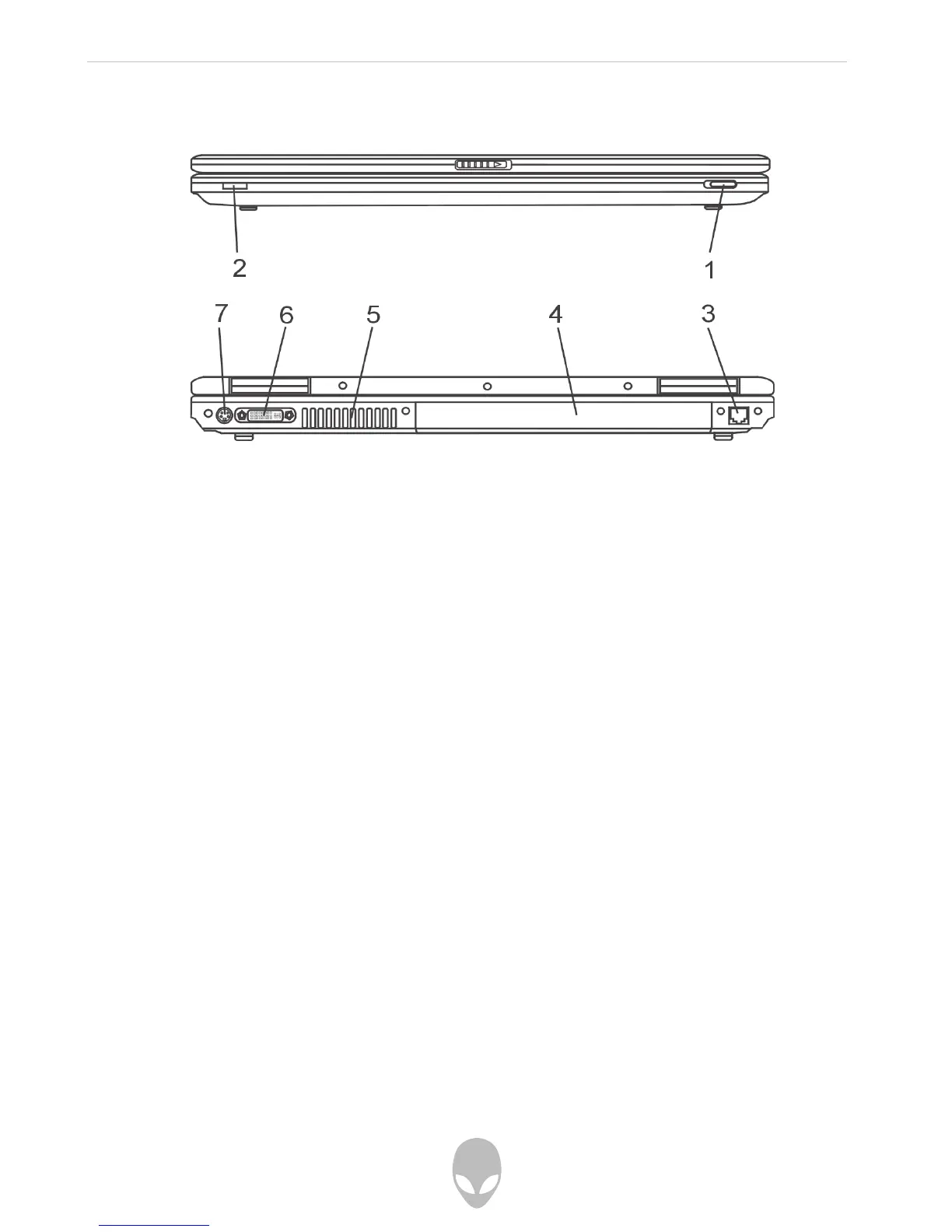
Front and Rear Views
Warning: Do not place any heavy objects on the top of the notebook. This may damage
the display
1. Wireless On/Off Switch
Use the Switch to disable or enable the Wireless function.
2. Consumer IR Receiver
This is where the input from the 18-key Remote Control is received.
3. Modem Port
This is where you plug the phone jack (RJ-11) for fax/modem functions.
4. Battery Pack
The battery pack is a built-in power source for the notebook.















 To Next Page