7 │ Setting up your gaming keyboard
Setting up your gaming keyboard
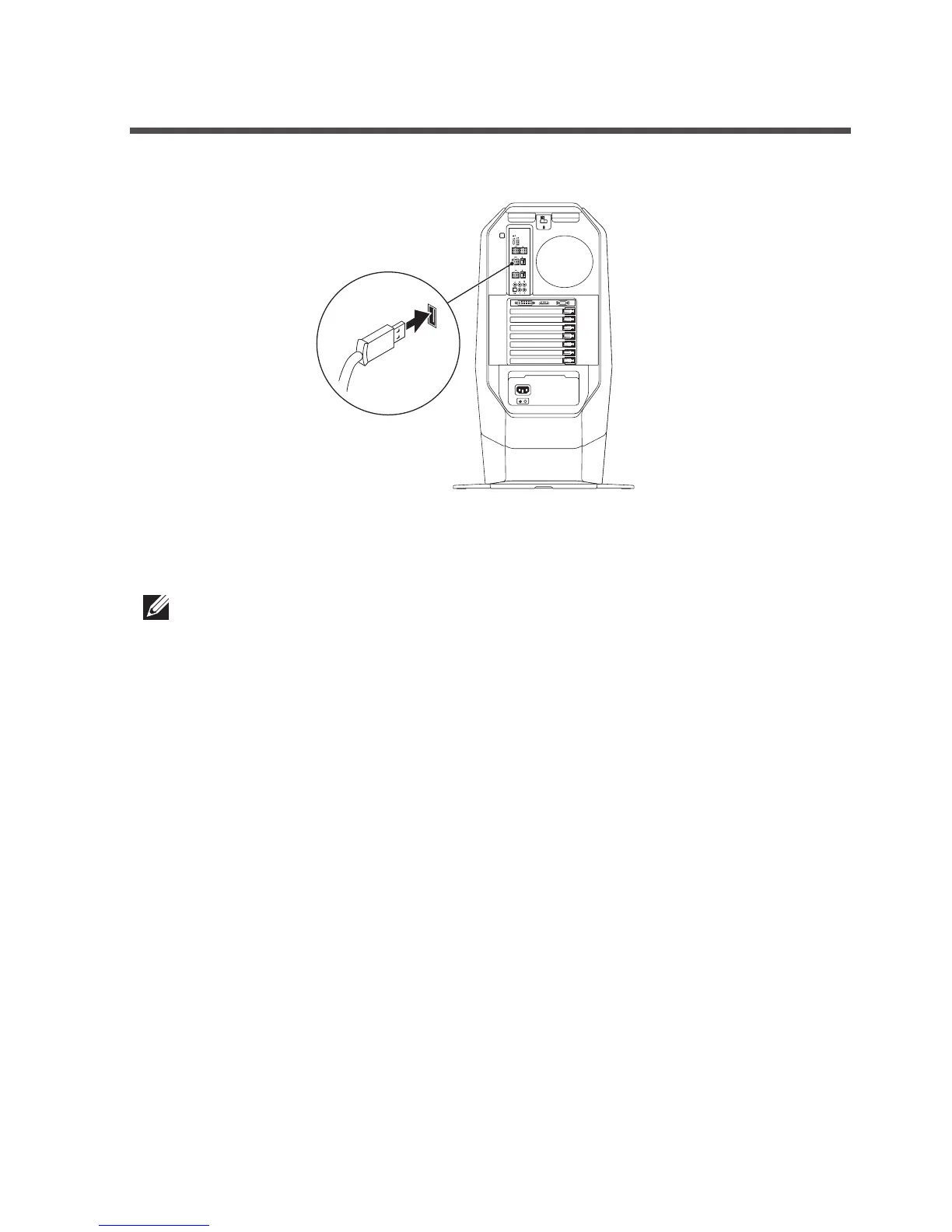
1. Connect your keyboard to the USB port on your computer.
2. Download and install the Alienware Command Center.
NOTE: You can use your gaming keyboard as a desktop keyboard
without installing the Alienware Command Center.



 To Next Page