9 │ Using your gaming keyboard
Using your gaming keyboard
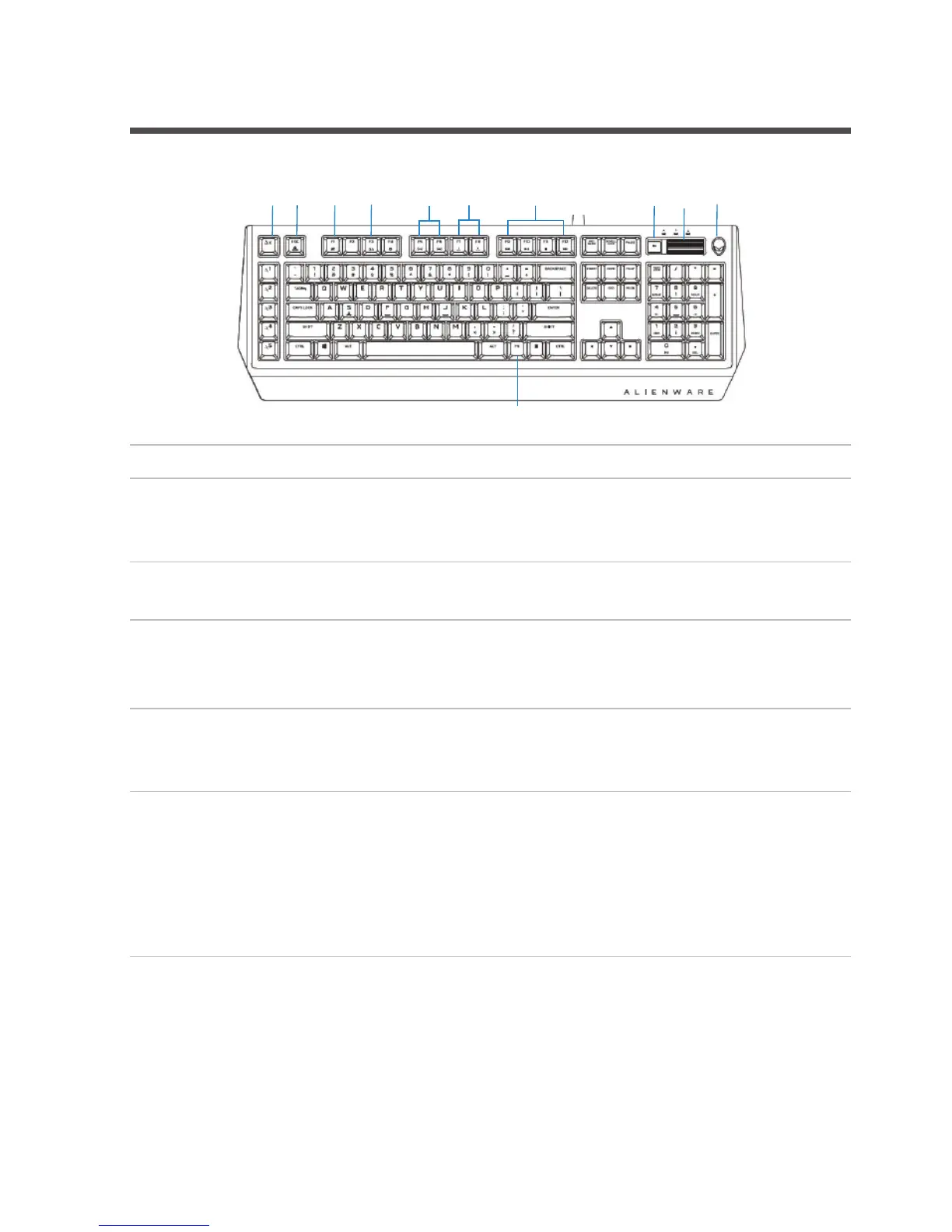
Keys User action Keyboard behavior
1 Macro toggle Press this key once to
toggle between the
macro sets.
2 Fn Lock Press FN + Fn Lock Locks the F1 to F12 media
control functions
3 Game Mode
(disable
Windows key)
Press FN + F1 Disables the Windows key
function
4 Profiles stored
on-board
Press FN + F3 once to
cycle
Allows you to store three
sets of profiles or lighting
configurations.
1 2 3 106 7
8
11
4
5
9
5 Keyboard-
backlight
adjustment
Press FN + F5
Press FN + F6
FN + F5 decreases the
keyboard-backlight
intensity.
FN + F6 increases the
keyboard-backlight
intensity.



 To Next Page