CHAPTER 2: GETTING TO KNOW YOUR LAPTOP
37
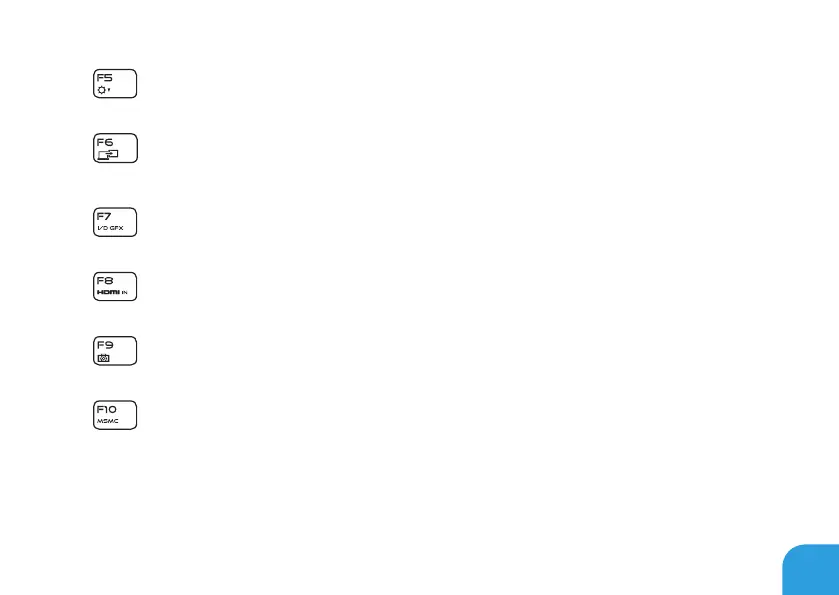
F5 – Decrease Display Brightness
Press <Fn><F5> to decrease the brightness of the display.
F6 – Display Mode
Press <Fn><F6> to switch between clone mode and extended desktop mode,
when an external display is connected.
F7 – Switchable Graphics Toggle
Press <Fn><F7> to switch between integrated and discrete graphics option.
F8 – External HDMI Input Toggle
Press <Fn><F8> to switch between external HDMI input source.
F9 – Camera on/off
Press <Fn><F9> to switch off or switch on the camera.
F10 – Microsoft Mobility Center on/off
Press <Fn><F10> to launch or close the Microsoft Mobility Center application.















 To Next Page