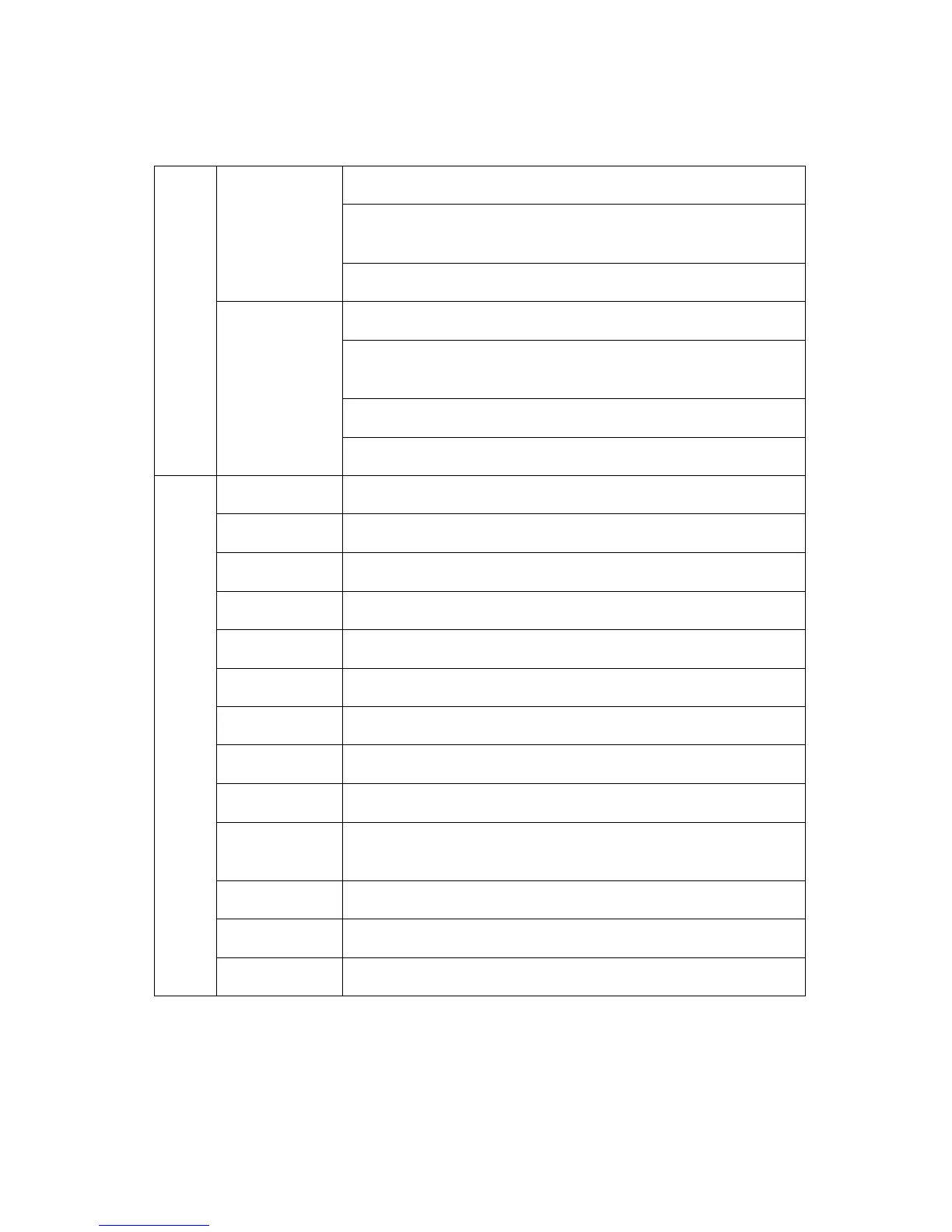
Should edit the analog quick call first, then choose analog in
the hot key set. Press the key to transmit
2Tone/5Tone/DTMF
to start the analog quick call.
It allows to select a contact from the digital contact list, press
the key to switch the channel to the contact temporary. It
will
switch back to the original contact after the group/personal
Quick access to Messages in the menu
Quick access to New Msg in the Menu - Messages
Quick access to Quick Text in the Menu - Messages
Quick access to Inbox in the Menu - Messages
Quick access to Out box in the Menu - Messages
Quick access to Contact list in the Menu - Contacts
Quick access to Manual Dial in the Menu - Contacts
Quick access to Call Log in the Menu
Quick access to Dialed Calls in the Menu - Call Log
Quick access to Answered Calls in the Menu - Call Log
Quick access to Missed Calls in the Menu - Call Log
Quick access to Zone in the Menu
Quick access to Radio Set in the Menu - Settings


 To Next Page