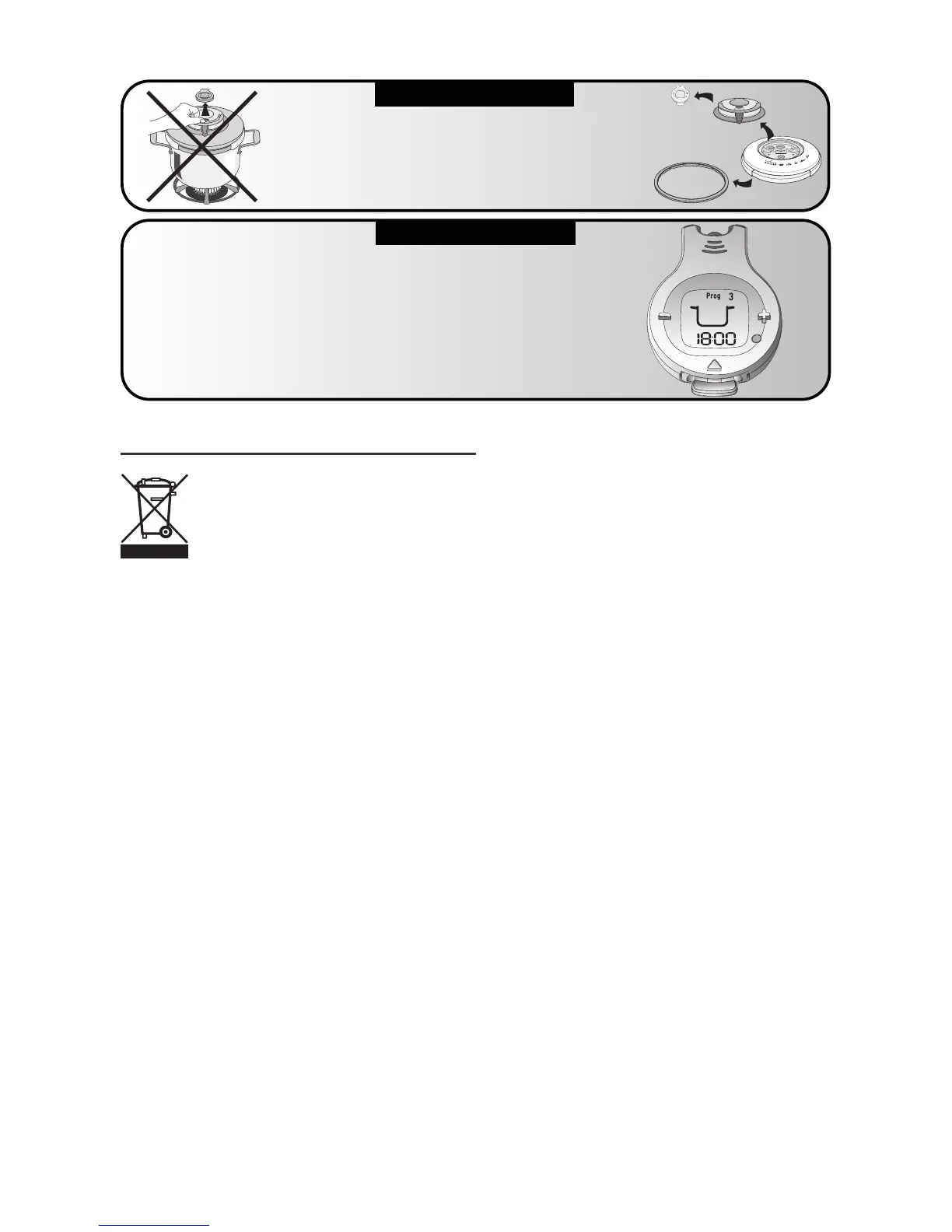
Replacing the batteries
• The battery life depends on how often the timer is used.
However, when the display is completely or partially lost make
sure to replace the battery.
• In an effort to be friendly to the environment, do not throw
the battery away with general household waste but rather at a
collection center. The timer battery is a lithium manganese
button battery.
• You can replace battery (reference CR2032) or have it
replaced by a retailer authorized for this type of service.
• To remove the battery from the timer, open the battery
compartment. Fig. 11
• Always gently close the battery cover, never forcing past its
stop. Fig. 11
Recommendations for use
• Never force down the battery cover when closing it.
• If you lose the cover, you can obtain a replacement from all
All-Clad approved service centers.
8
If the Smart Timer
®
flashes continuously
with rapid beeps
Make sure that:
- The Smart Timer
®
is in place
on the PC8-PRECISION
- A cooking program has been selected
- When storing the lid upside down, the lid
does not press on the + and - buttons.
ERROR MESSAGE
IMPORTANT


 To Next Page