EasyManua.ls Logo

Allen + Roth LP8074LAZ - User Manual

Allen + Roth LP8074LAZ
39 pages
Print Icon
To Next Page IconTo Next Page
Loading...
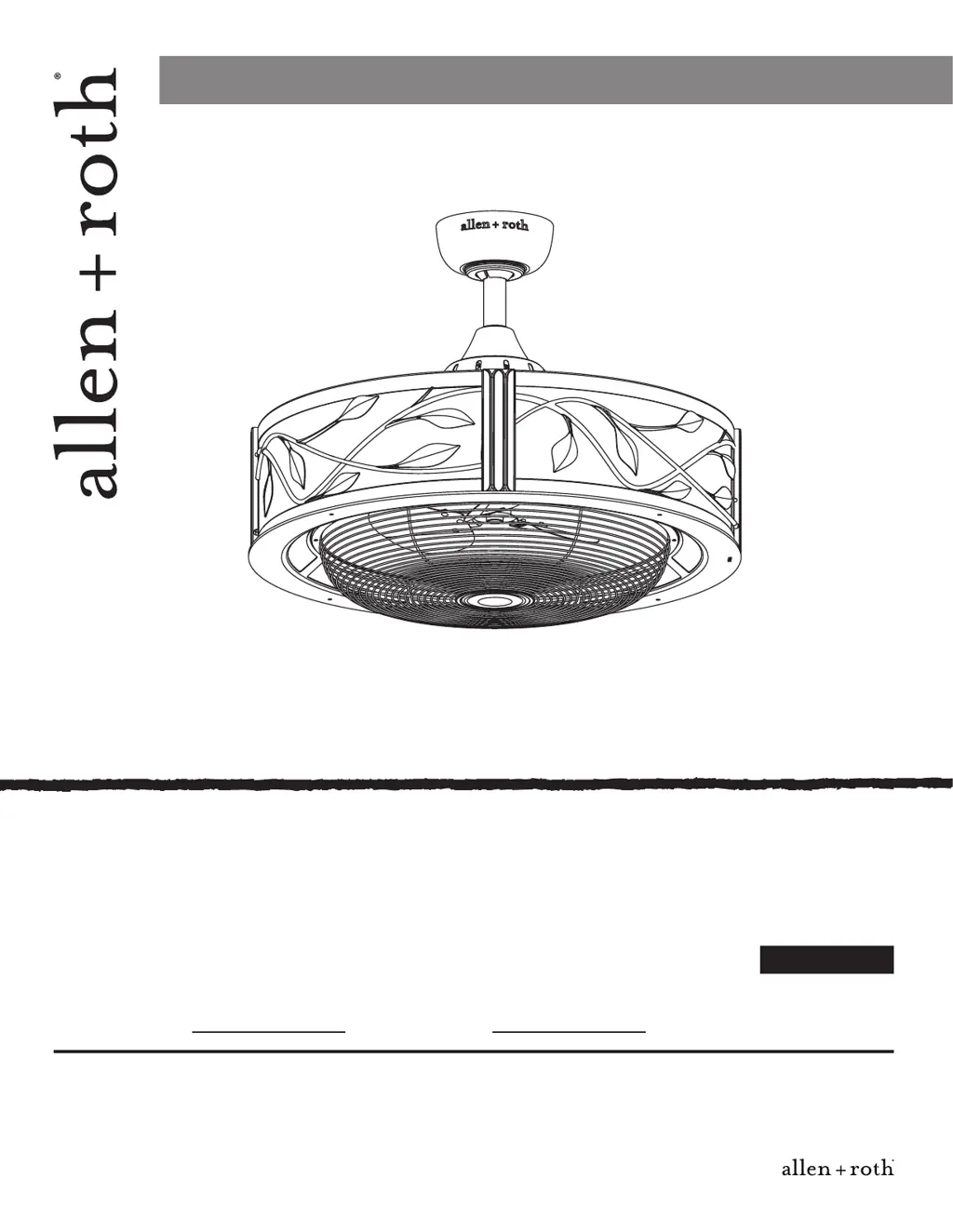
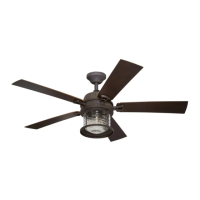
EASTVIEW CEILING FAN
ITEM #0331091
MODEL #LP8074LAZ
Questions, problems, missing parts? Before returning to your retailer, call our customer service
department at 1-888-567-2055, 8 a.m. - 5 p.m., EST, Monday - Friday.
Friday.
Español p. 20
Serial Number
Purchase Date
ATTACH YOUR RECEIPT HERE
welcoming • sophisticated • inspiring
allen + roth
®
is a registered trademark
of LF, LLC. All Rights Reserved.
EB13240
Lowes.com/allenandroth
1

Other manuals for Allen + Roth LP8074LAZ

Questions and Answers

  • R
    Richard ScottAug 1, 2025
    Why does my Allen + Roth LP8074LAZ Fan wobble excessively?
    • S
      Steven MooreAug 1, 2025
      If your Allen + Roth Fan wobbles excessively, several factors could be the cause. Start by checking and tightening any loose set screws in the downrod support and downrod/hanger ball assembly. Also, make sure the screws securing the fan blade holders to the motor hub are tightened. Ensure blade holders are seated firmly and uniformly to the motor housing; if not, loosen and retighten them. Confirm the hanger bracket and ceiling outlet box are securely fastened. Finally, try interchanging the position of fan blades to redistribute weight and improve balance.
  • E
    Elizabeth FloresAug 12, 2025
    How to fix a noisy Allen + Roth LP8074LAZ?
    • G
      George FloresAug 12, 2025
      If your Allen + Roth Fan is making noise, it could be due to motor noise caused by a solid-state variable speed control. These controls are not recommended, so consider an alternative control method. Also, check if the screws holding the blades to the blade holders are loose and tighten them securely.
  • A
    Alexandra ChangAug 21, 2025
    What to do if my Allen + Roth LP8074LAZ Fan will not start?
    • D
      douglaspaulAug 21, 2025
      If your Allen + Roth fan won't start, there are several potential causes: 1. A blown fuse or circuit breaker. Check both the main and branch circuit fuses or circuit breakers. 2. Loose power line connections to the fan, or loose switch wire connections in the switch housing. Inspect the line wire connections to the fan and the switch wire connections in the switch housings. Warning: Ensure the main power is turned off before checking any connections! 3. The reversing switch is in a neutral position. Make sure the reversing switch is fully to one side.

Summary

Package Contents

Hardware Contents

Safety Information

Preparation

Assembly Instructions

Wiring Instructions

Final Assembly Instructions

Operating Instructions

Care and Maintenance

Troubleshooting

Warranty

Replacement Parts List

Allen + Roth LP8074LAZ Specifications

General IconGeneral
Fan Diameter (Inches)52
Number of Blades5
Light Kit IncludedYes
Remote Control IncludedYes
Motor TypeAC
Mounting OptionsDownrod
Fixture Color FamilyBronze
Number of Speeds3

Related product manuals