© Copyright, Alliance Laundry Systems LLC – DO NOT COPY or TRANSMIT
22
9-05-72
Upgrading the Washer Extractor’s Firmware (cont.)
7. Connect the programming cable between the computer and the washer-extractor.
8. Press and hold the Start button on the washer-extractor’s control.
9. While continuing to hold the Start button, re-connect power to the washer-extractor. The washer-
extractor’s control displays vX.XX, where “X.XX” is the version number of the control’s
firmware.
NOTE: The firmware must be sent from the computer to the washer-extractor within 15
seconds from when the firmware version number is displayed.
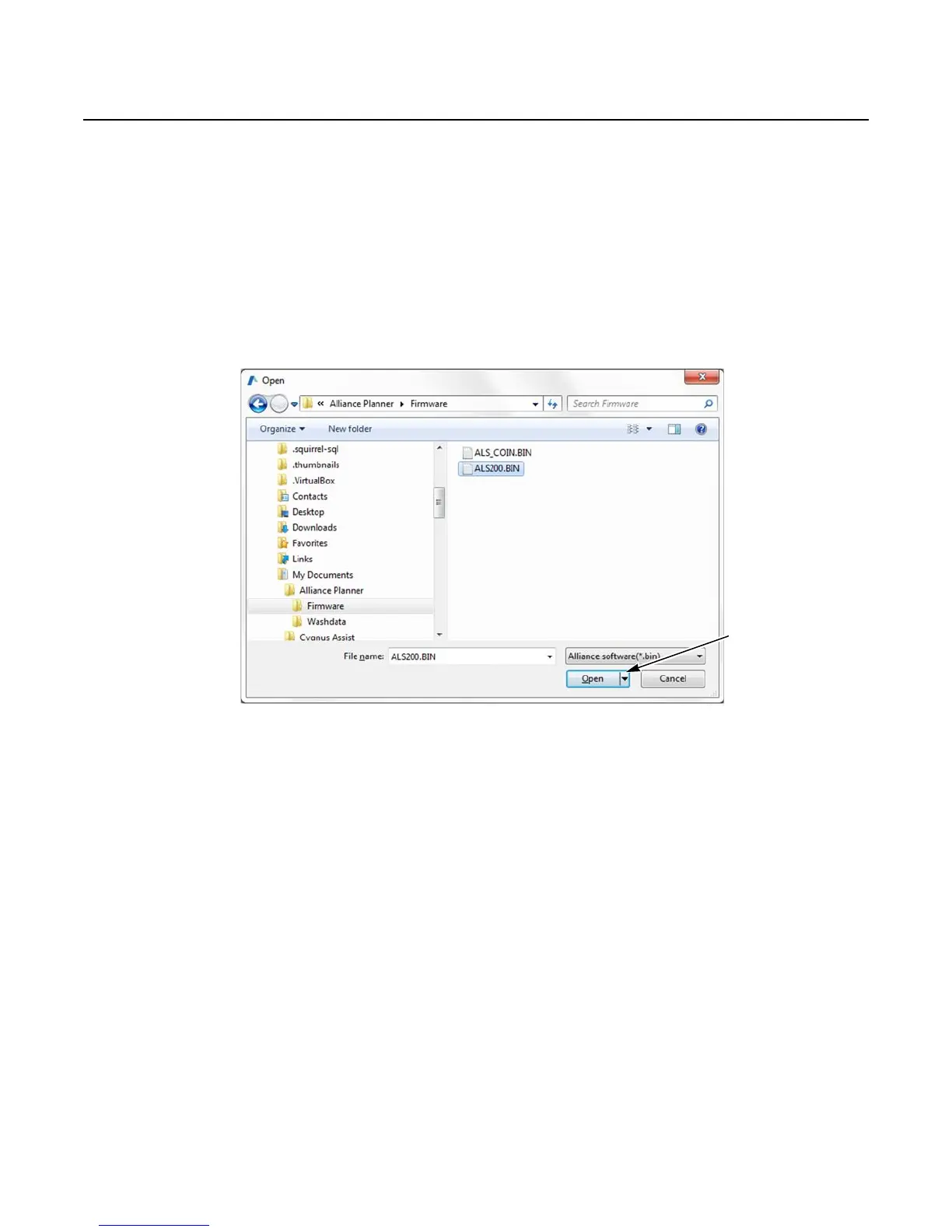
10. In the Alliance Planner software, click Open. Refer to Figure 4. The firmware file is sent from the
computer to the washer-extractor.
11. Turn the washer-extractor’s Run/Program switch to the Run position.
Figure 4



 To Next Page