ITA ENG FRA ESP DEU POR
5 / 12
6-1622245 rev.3 23/12/2016
Compatible from firmware version BIOS1BRT01
6
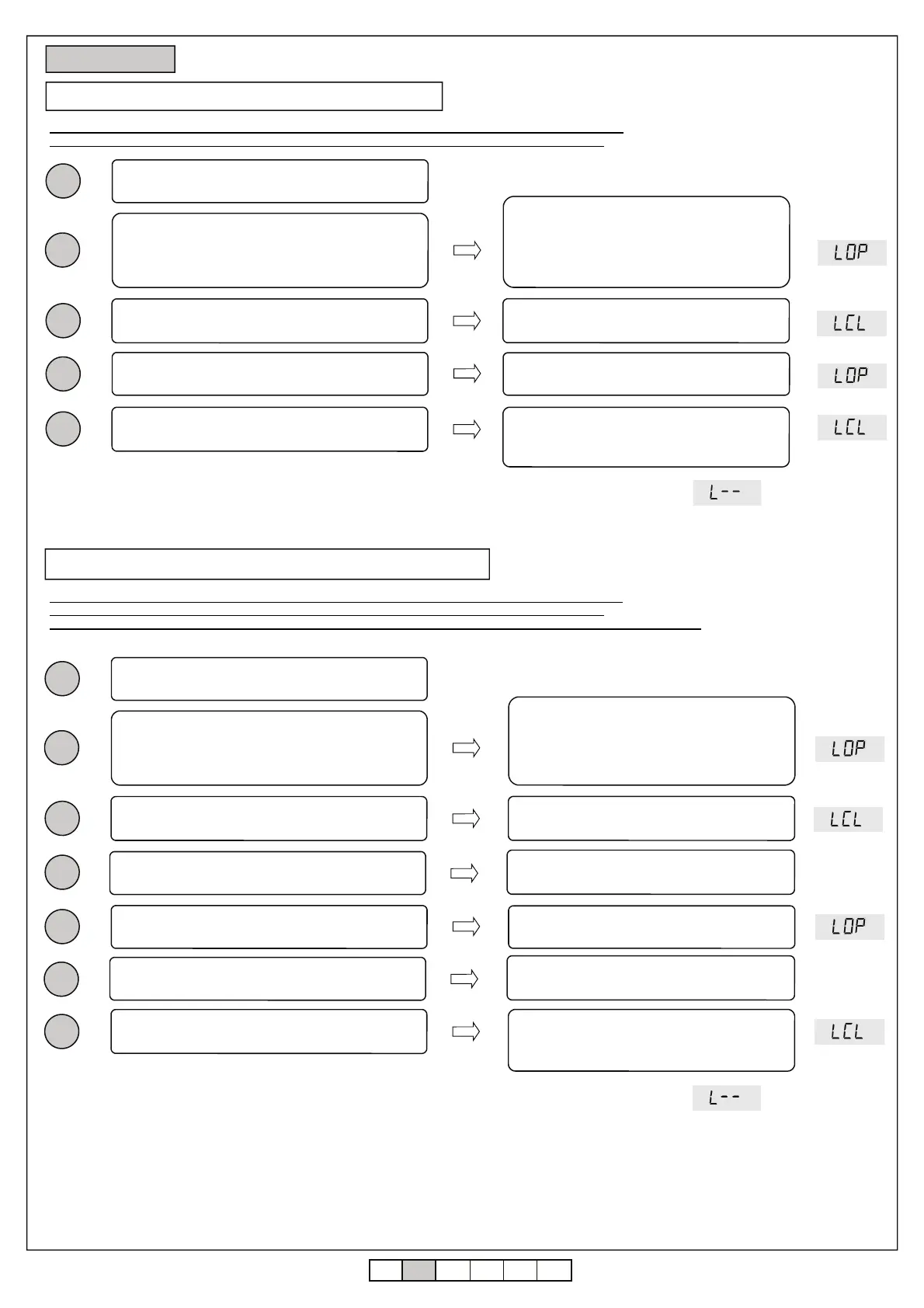
6.1 Easy settings of the stroke (parameter ≠ )
Press and keep pressed the buttons UP[+] e MENU
for at least 5 seconds.
The barrier moves in opening.
If the barrier moves in closing press the button
DOWN to stop and reverse the direction of
movement and give a step by step command
(SS) to resume the procedure
Unlock the barrier and move it to the middle of the
stroke
Be sure that the limit switches are connected and correctly adjusted (see mechanical instruction)
Be sure that the barrier is positioned in the middle of the stroke. Limit switches must not be activated.
When the barrier reaches the opening limit switch it
stops by itself
The barrier moves in closing
When the barrier reaches the closing limit switch it
stops by itself
The barrier moves in opening
6.2 Advanced settings of the stroke (parameter = )
Be sure that the limit switches are connected and correctly adjusted (see mechanical instruction)
Be sure that the barrier is positioned in the middle of the stroke. Limit switches must not be activated.
In this procedure is necessary to provide the positions of beginning of slowing down with a step by step command (SS).
1
2
3
4
5
6 Setting stroke
7
When the barrier reaches the opening limit switch it
stops by itself
The barrier closes with the settings of slowing
down set in the menu. When the barrier is closed
the learning phase is ended.
Press and keep pressed the buttons UP[+] e MENU
for at least 5 seconds.
The barrier moves in opening.
If the barrier moves in closing press the button
DOWN to stop and reverse the direction of
movement and give a step by step command
(SS) to resume the procedure
Unlock the barrier and move it to the middle of the
stroke
When the barrier reaches the opening limit switch it
stops by itself
The barrier moves in closing
When the barrier reaches the closing limit switch it
stops by itself
The barrier moves in opening
1
2
3
4
5
When the barrier reaches the opening limit switch it
stops by itself
The barrier closes with the settings of slowing
down set in the menu. When the barrier is closed
the learning phase is ended.
When the gate reaches the position of beginning of
slowing down give a step by step command (SS)
The barrier begins the slowing down
When the gate reaches the position of beginning of
slowing down give a step by step command (SS)
The barrier begins the slowing down
Warning: in case of intervention of a safety device, the learning is stopped and will appear on the display the written
Press Step by Step key to start again the learning from the 2
nd
point.
Warning: in case of intervention of a safety device, the learning is stopped and will appear on the display the written
Press Step by Step key to start again the learning from the 2
nd
point.


 To Next Page
 Loading...