Page 17
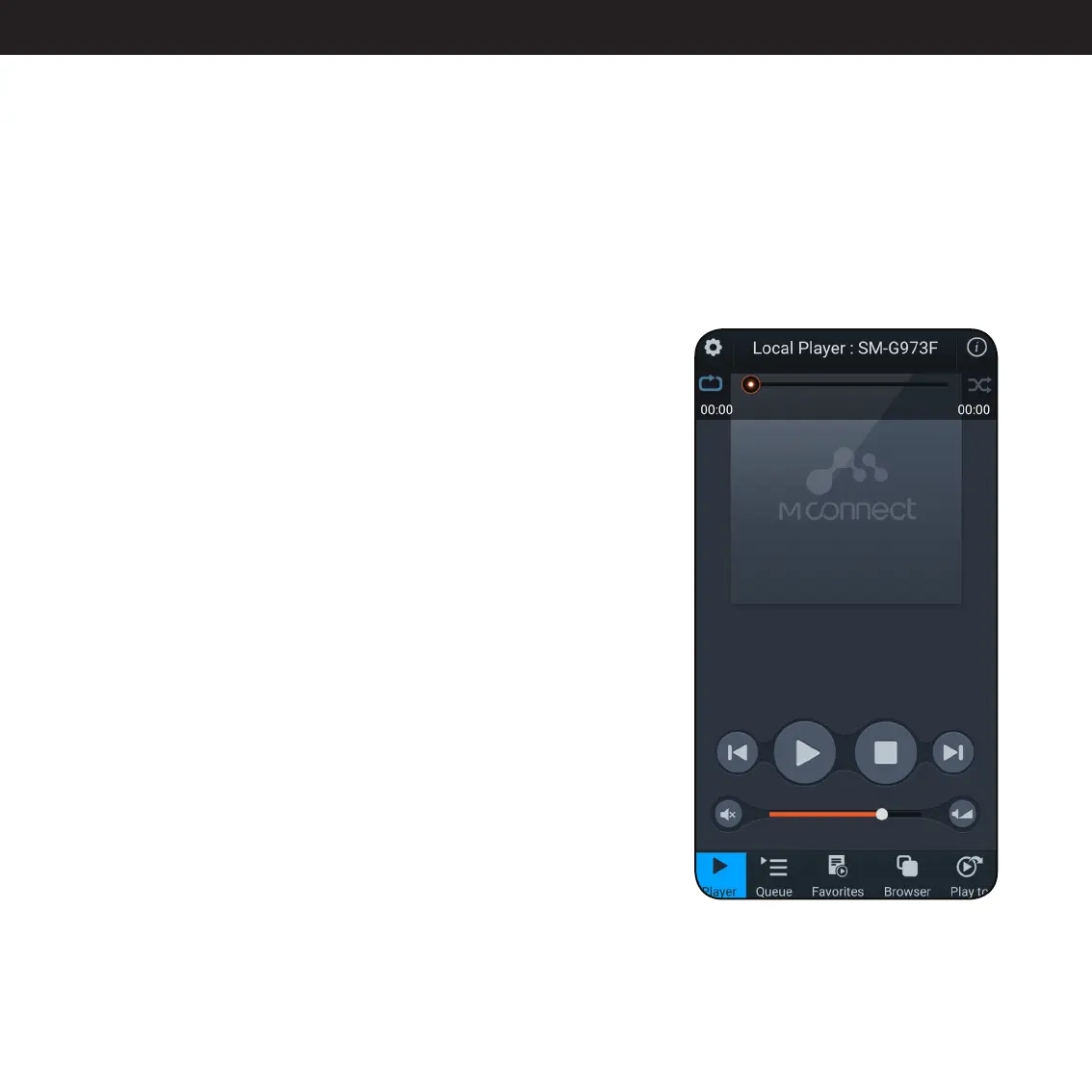
Player: Play, pause, previous or next track. Loop and shuffle in the
top next to the progress bar.
Queue: Shows the current playlist.
Favorites: Mainly used for NAS Playback to access your playlists and
favorite folders. You can mark a folder as a favorite while browsing.
Browse: Here you access Qobuz, Tidal and your files on a local NAS
drive. Pressing Tidal or Qobuz in the MCONNECT app will give you
their respective interface where you can log in and browse.
Play to: Here you choose which device to play to.
MCONNECT interface
The interface is very simple. It shows the current playing track unless you’re playing through Spotify or Ap-
ple Airplay. In the bottom you have the buttons for the different interfaces within the app.
For additional information, please visit:
http://www.conversdigital.com/eng/product/product03.php#id_17



 To Next Page