Page 9
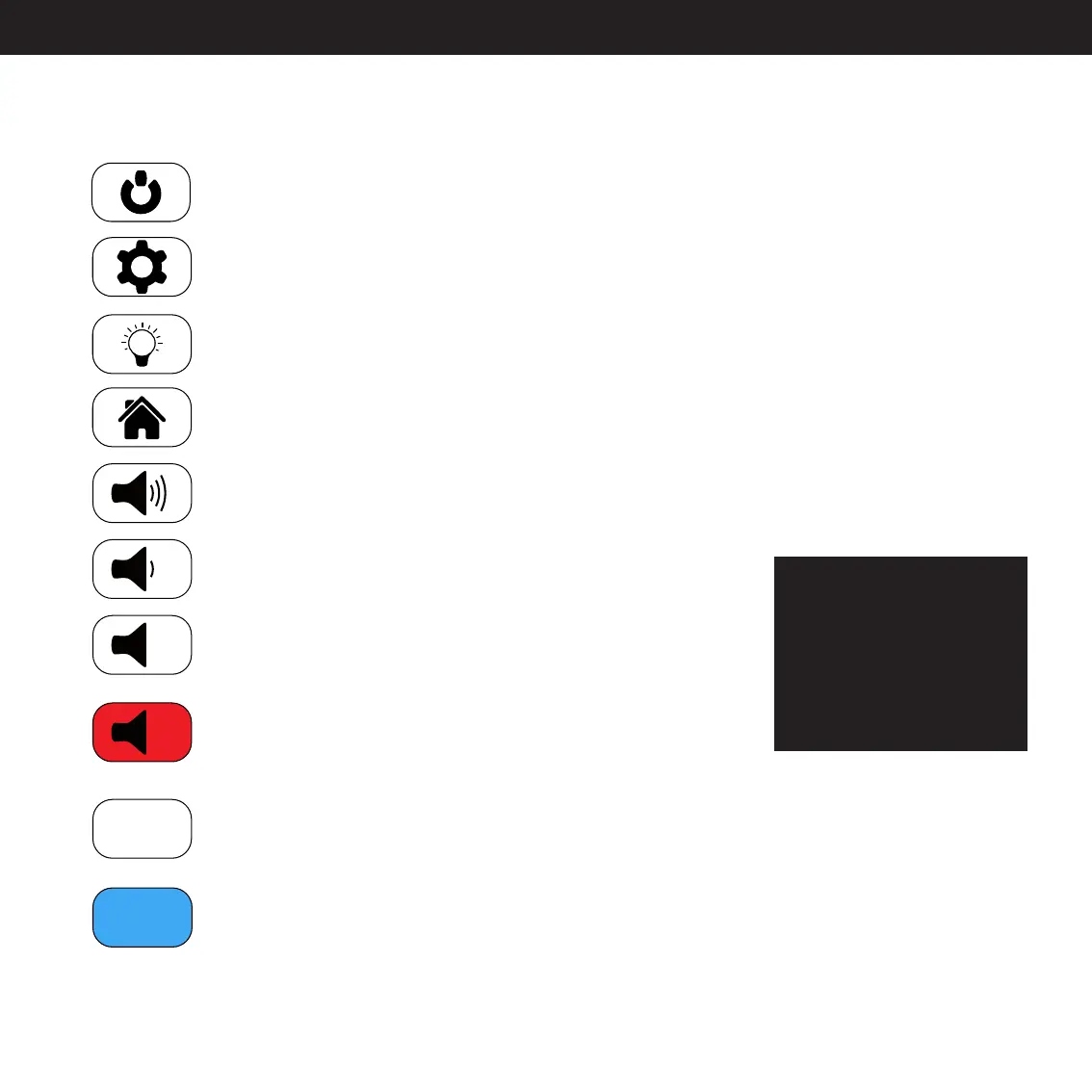
Icon Explanation
Standby button.
This puts the amplifier into and out of Standby mode.
Setup button.
Pressing this button will give you access to the Setup Interface.
Brightness button.
Adjusts the brightness level on the display.
Home button.
This button is used to go from the Setup Interface to the Main Interface.
Volume Up button.
Pressing this will increase the volume.
Volume Down button.
Pressing this will decrease the volume.
Mute button.
Pressing this will mute the amplifier.
Unmute button.
Pressing this will unmute the amplifier.
This icon is only showed when the amplifier is muted.
XLR-inactivated button.*
Pressing this will activate either the XLR output or the XLR Input 1-3,
depending on the location of the button.
XLR-activated button.
This icon is showing which of your channels is active.
*The XLR button is
used in this User Guide
because it’s the default
Output channel, when
you turn on your
amplifier for the first
time.
XLR
XLR



 To Next Page