Allworx
®
Connect™ Server Family Installation Guide
866.ALLWORX * +1 585 421 3850 Page 23
www.allworx.com
Version: F Revised: June 21, 2018
Chapter 5 Accessories (Optional)
The Connect server supports optional accessories. This chapter explains:
• connecting an audio cable for Music On Hold or Overhead Paging systems.
• connecting a rear terminal block for remote door releases and paging amplifiers.
• connecting a serial port.
5.1 Line In/Out
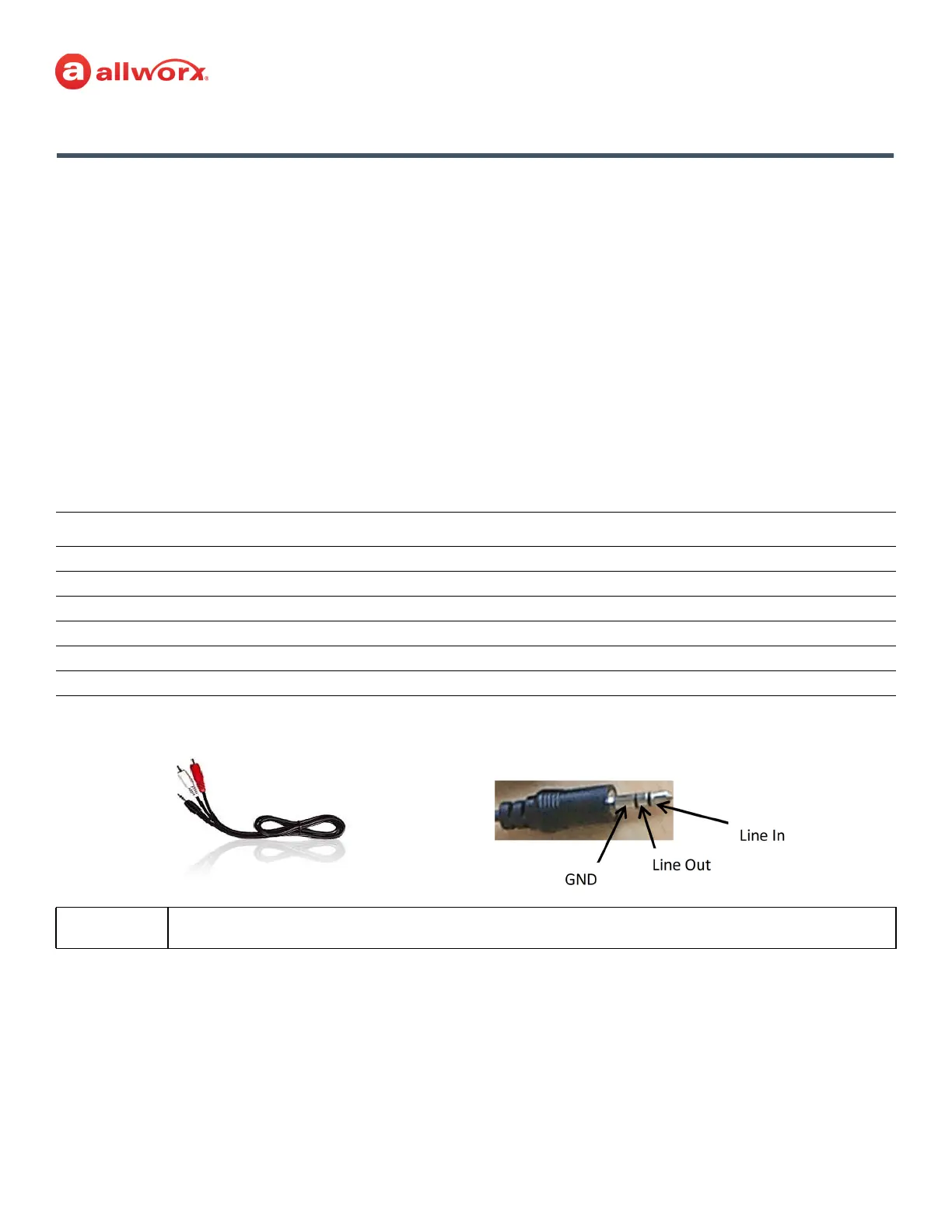
Connect the output from the system music and paging system to the server using a Y-Adapter Audio
Cable. Insert the 3.5mm stereo plug into the audio connector labeled Line In/Out on the front panel.
This requires a stereo splitter (not included) to use both Music-On-Hold and Overhead Paging.
The Line In/Out specifications for the Connect series servers are as follows:
Specification Description
Line In
Nominal Line In Level -10dBV
Input Impedance 20K ohms
Line Out
Nominal Line Out Level -10dBV
Output Impedance Approximately 5 to 10 ohms
Note:
Use the white audio channel for music input and the red audio channel paging output.



 To Next Page