3
Optional
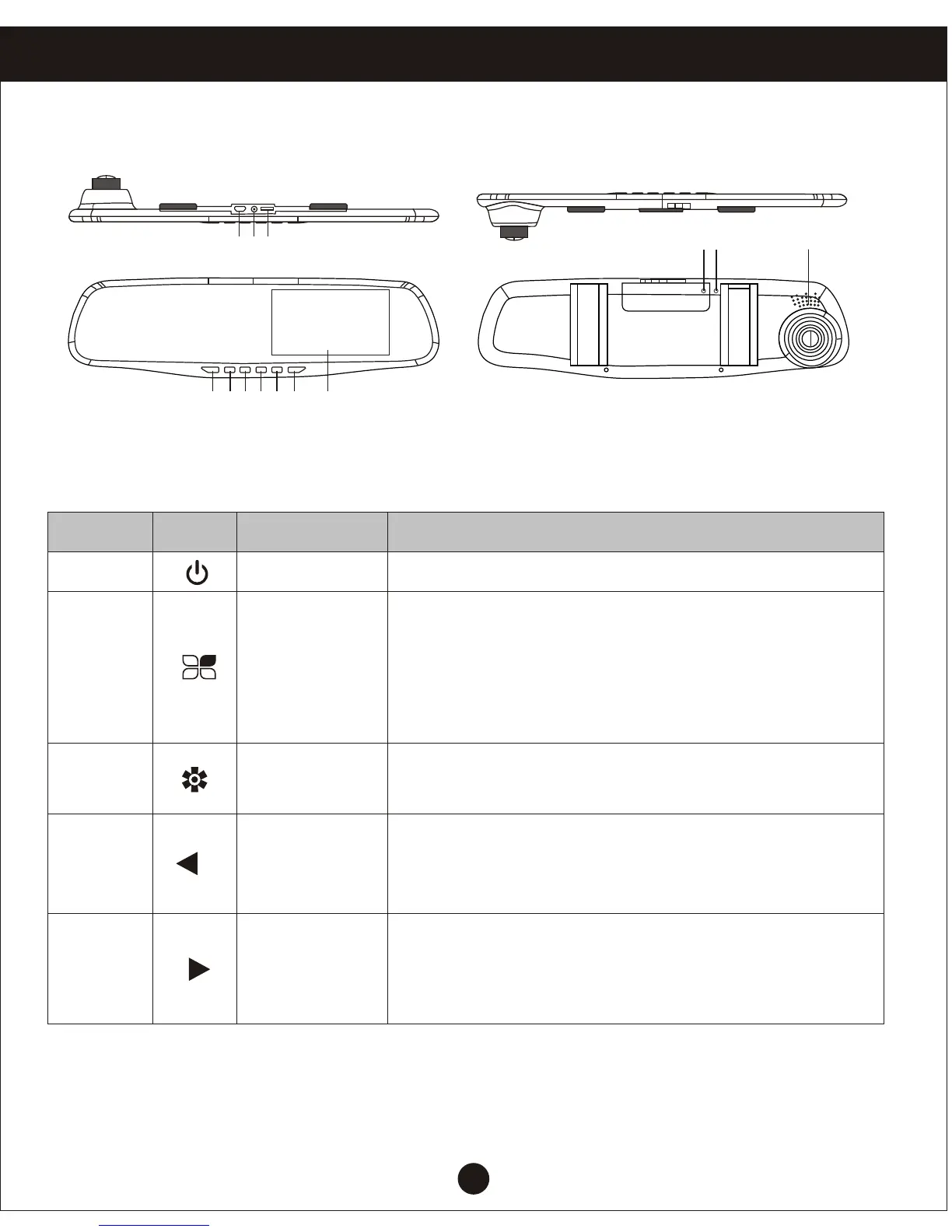
The structure of FIG
1 2 3 4 5 6 7
8 9 10
11 12 13
Product Overview
Host keys and interface description
Number Icon
Name
Operating instructions
Switch button Turn on or turn off the system
Menu Key/
Emergency
button
Under the standby mode, press the menu key
to bring up the feature set;
Quickly press the camera button on the unit
showing current state of the video file locking,
covering not be recycled;
1
2
3
Mode
For inter camera mode key / camera /playback
switch
4
Down keys
In the menu options, select the function key
down; standby or video, night vision lights turn
on or off
5
On the turn
key
Menu options, select the function keys up;
standby or recording status, open or closed
recordings



 To Next Page