56
English
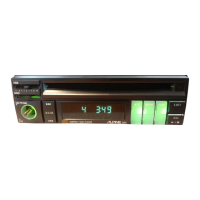
CD Operation
1
1
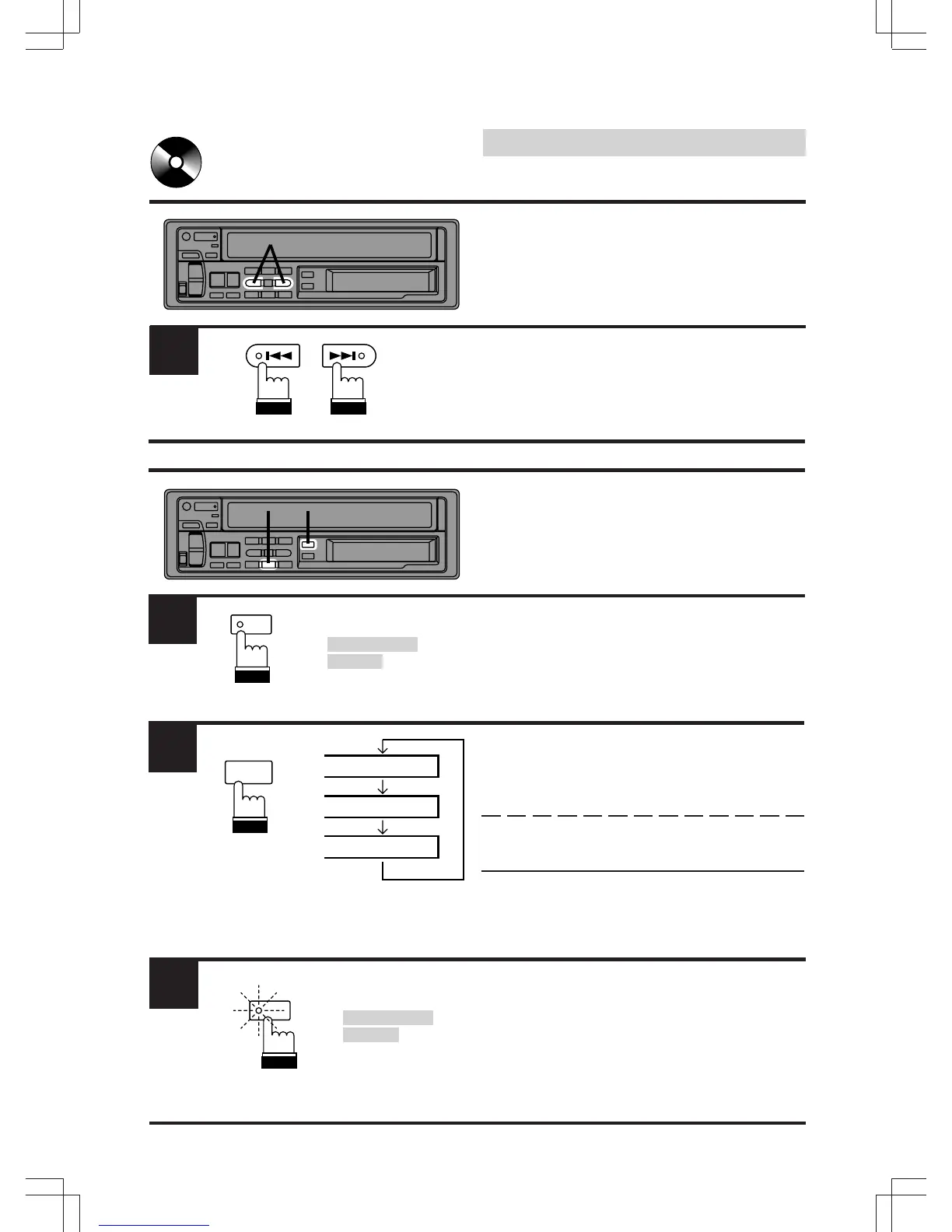
DN UP
Fast Forward and Back-
ward
Press and hold the DN (c ) or UP (f ) button to
quickly move backward or forward until you
reach the desired section of the track.
Repeat Play
Press the F (Function) button. The function
indicator will turn off.
Note: Press the "F" button only when a CD
Shuttle is connected.
Press the RPT button to play back repeatedly
the track being played. The RPT indicator
appears and the track will be played repeatedly.
Press the RPT button again to deactivate the
repeat play.
Note: If a CD Shuttle is connected and the RPT
ALL mode is selected, the unit repeatedly
plays back all tracks on the disc selected.
Press the "F" button to return to the normal
mode. The function indicator will illuminate.
Note: Press the "F" button only when a CD
Shuttle is connected.
The function mode turns off after 5 seconds,
without pressing any button.
1
In the CD
Shuttle mode.
En mode CD
Shuttle.
En modo de
Shuttle de CD.
F
2
H
RPT
5
RPT
RPT ALL
1.#2
3
F
In the CD
Shuttle mode.
En mode CD
Shuttle.
En modo de
Shuttle de CD.



 To Next Page